Screen Recording 2026 01 19 at 13 53 57
Автор: Mitko Georgiev
Загружено: 2026-01-19
Просмотров: 7
Key steps shown in the video:
Scope Configuration: I start by showing the Google Cloud Console, specifically the Data Access page, confirming that only the https://www.googleapis.com/auth/spreadshee... scope is requested.
Client ID Verification: I display the OAuth 2.0 Client ID in the Credentials tab to provide a clear link between the console and the application.
OAuth Consent Flow:
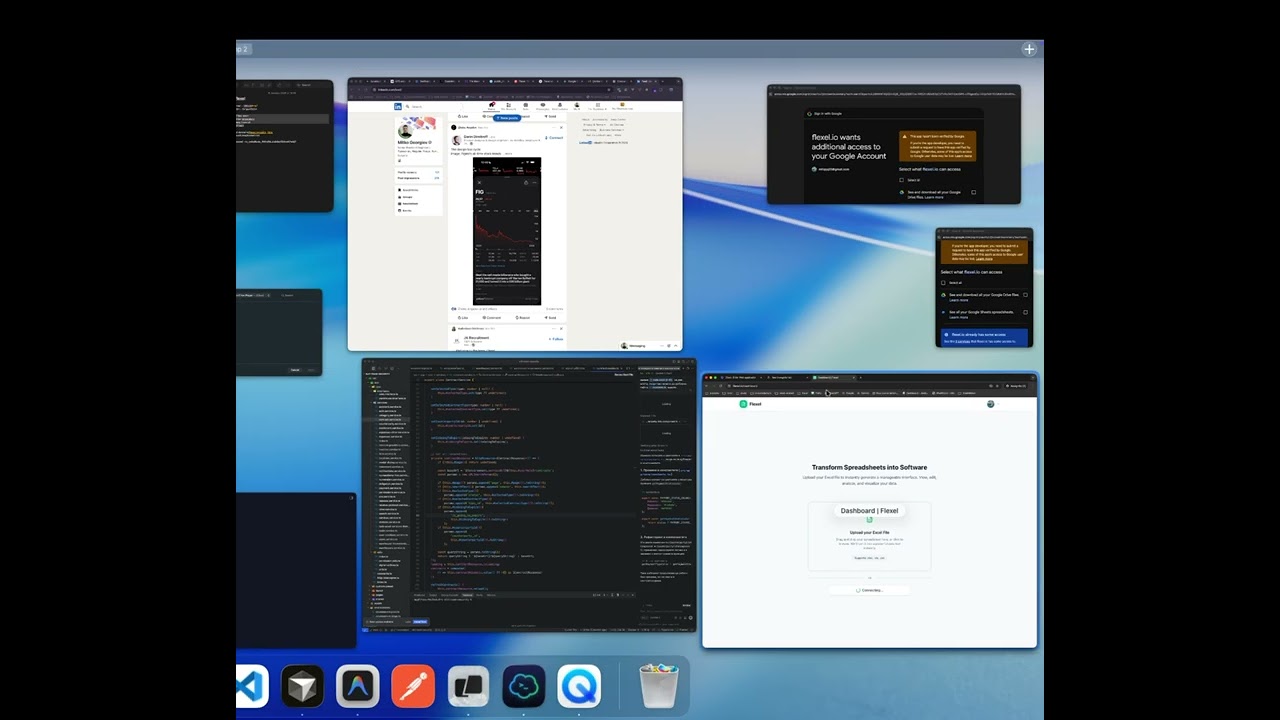
I open the application in an incognito window.
I initiate the "Sign in with Google" process.
I highlight the URL bar to show the client_id parameter, matching the one in the console.
I navigate through the unverified app warning to reach the consent screen.
Granting Permissions: I explicitly check the box to grant permission for Google Sheets access.
Core Functionality (Justification): I demonstrate how Flexel uses the readonly access to fetch data from a user-selected spreadsheet via Google Picker and visualize it within the app's dashboard.
Scope used: spreadsheets.readonly Purpose: To allow users to import and visualize their own data from Google Sheets without granting write access or full Drive access.
Доступные форматы для скачивания:
Скачать видео mp4
-
Информация по загрузке: