How to Create a Stunning Pop Out Effect in Photoshop!
Автор: Asm Arif
Загружено: 2025-08-01
Просмотров: 281
🎨 How to Make a Pop Out Effect in Photoshop – Step-by-Step Tutorial!
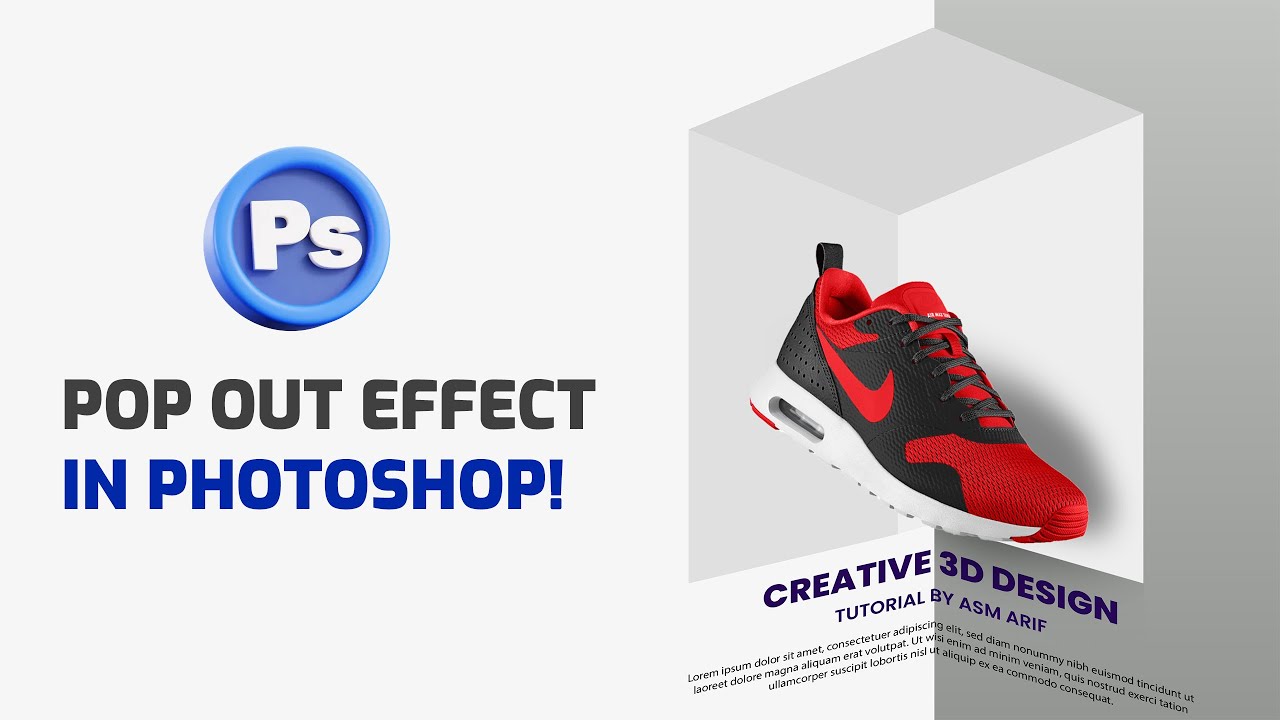
In this Photoshop tutorial, I’ll show you how to create an eye-catching Pop Out Effect that makes your subject look like it's jumping out of the frame! Perfect for posters, social media, or just leveling up your Photoshop skills.
📸 Whether you're a beginner or an experienced designer, this step-by-step guide will walk you through everything you need—from setting up your layers to masking and adding the perfect shadows.
📌 What You’ll Learn:
How to cut out your subject cleanly
Creating a realistic frame
Adding shadows and depth
Making your final image POP!
✅ Software Used: Adobe Photoshop (any recent version)
⏱️ Estimated Time: Under 10 minutes
how to create a 3d pop out effect in adobe photoshop, how to create 3d pop out effect in photoshop, how to create 3d pop out effect in photoshop cc, how to create unique 3d pop out effect in photoshop, how to make a 3d pop out effect in photoshop, how to create a 3d pop-out effect in photoshop, how to create 3d pop out effect in photoshopcs6, photoshop tutorial how to create 3d pop out effect, how to create 3d pop out effect manipulation in photoshop, how to make 3d instagram pop out effect in photoshop
#PhotoshopTutorial
#PopOutEffect
#PhotoshopEffect
#PhotoEditing
#GraphicDesign
#3DEffect
#PhotoshopTips
#CreativeEditing
#PhotoshopTricks
#AdobePhotoshop
#PhotoshopForBeginners
#LearnPhotoshop
#PhotoshopArt
#PhotoManipulation
#PhotoshopSkills
Доступные форматы для скачивания:
Скачать видео mp4
-
Информация по загрузке:


