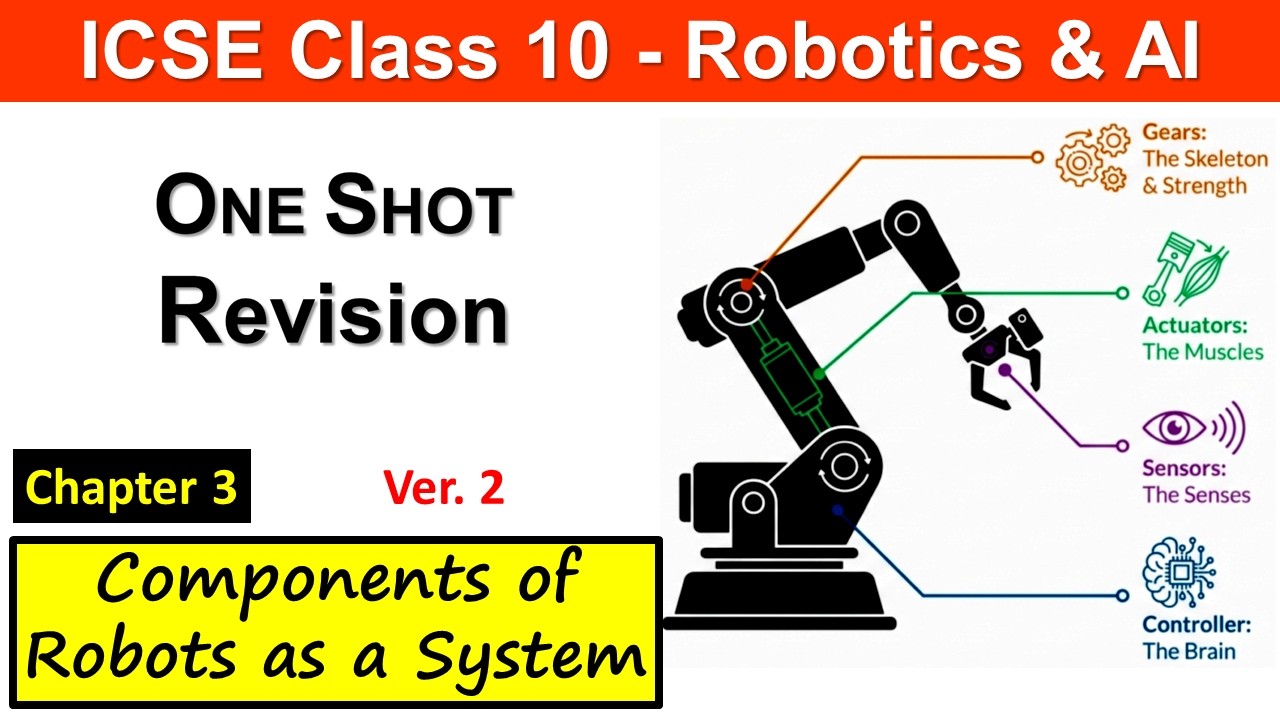
Ch4 Visualization & Creation of Robotic Components | TinkerCAD | ICSE Class 10 Robotics & AI
Автор: Prof.Analysis
Загружено: 2026-01-15
Просмотров: 25
Master Chapter 4: Visualization, Design, and Creation of Components for the ICSE Class 10 Robotics and Artificial Intelligence (Code 66) course! In this lesson, we explore the "Architecture of Motion" and learn how to bring robotic ideas to life through digital simulation.
In this session, we cover:
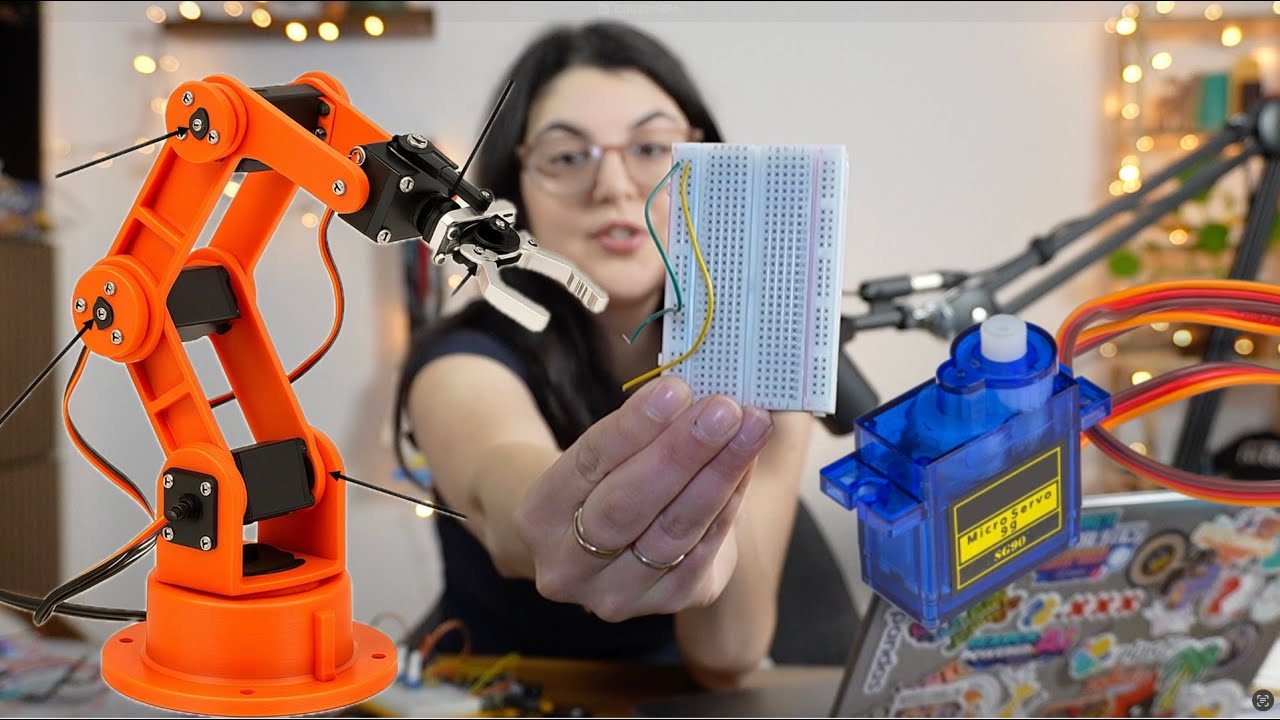
✅ The Building Blocks of Robotics: Understanding links, joints, actuators (muscles), and end-effectors (the hand).
✅ The Grammar of Movement:
Revolute Joints: Exploring rotation around a single axis (like a door hinge or your elbow).
Prismatic Joints: Understanding linear motion (like a sliding drawer or an elevator).
✅ The RR Mechanism: A deep dive into the Revolute-Revolute system and how it mimics human arm flexibility.
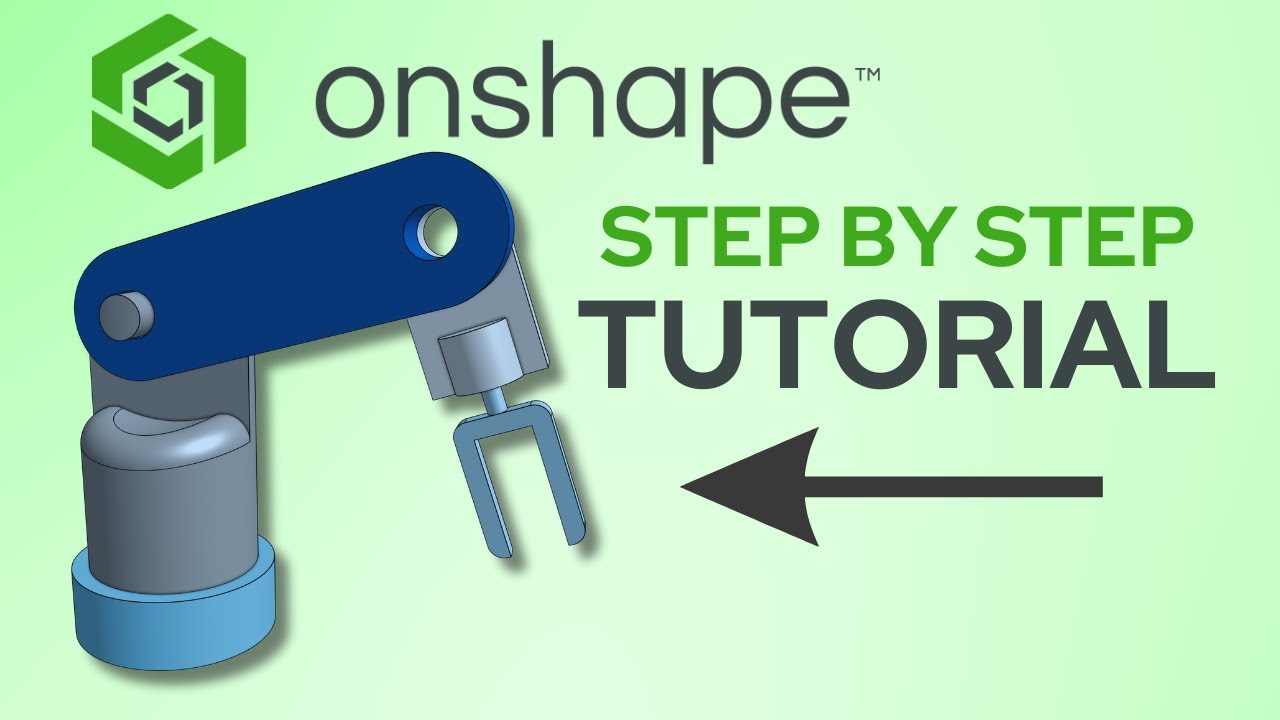
✅ Digital Prototyping with Tinkercad: Learn why engineers use 3D modeling and simulation to test designs before physical manufacturing.
✅ The Designer's Workflow: A 5-step process from Visualization to Final Testing.
✅ Key Exam Terms: Definitions for Components, Axis, Simulation, and 3D Models.
Why watch this?
Strictly follows the ICSE Grade 10 Syllabus.
Practical Learning: Includes design challenges and motion testing activities.
Pro-Tips: Learn the "Designer's Lexicon" to score high in your theory exams.
Subscribe to Prof. Analysis for the full ICSE Robotics & AI playlist, covering the entire Code 66 curriculum!
🕒 Timestamps
[00:00] Introduction to ICSE Class 10 Robotics Chapter 4
[01:10] The Architecture of Motion: Designing & Visualizing Robots
[01:34] Mechanical Blocks: The Building Pieces (Lego Analogy)
[02:50] 4 Key Components: Links, Joints, Motors, and End-Effectors
[04:16] Revolute Joints: Understanding Rotational Movement
[05:35] Prismatic Joints: Understanding Linear/Sliding Motion
[06:54] Composing Motion: The RR (Revolute-Revolute) Mechanism
[08:16] Tinkercad: Your Digital Sandbox for 3D Design
[10:26] The Designer's Workflow: A 5-Step Process
[11:44] Why Visualize? Simulating Motion and Catching Errors
[13:33] Designer's Lexicon: Key Definitions for Exams
[14:43] Activity 1: Identifying Joints in Real Life
[15:00] Activity 2 & 3: Tinkercad Design Challenges
[16:15] Final Tips for Success in Robotics Journey
#ICSEClass10 #RoboticsAndAI #Tinkercad #ICSECode66 #RobotDesign #MechanicalJoints #STEMEducation #RevoluteJoint #PrismaticJoint #ProfAnalysis #RoboticsSyllabus

Доступные форматы для скачивания:
Скачать видео mp4
-
Информация по загрузке: