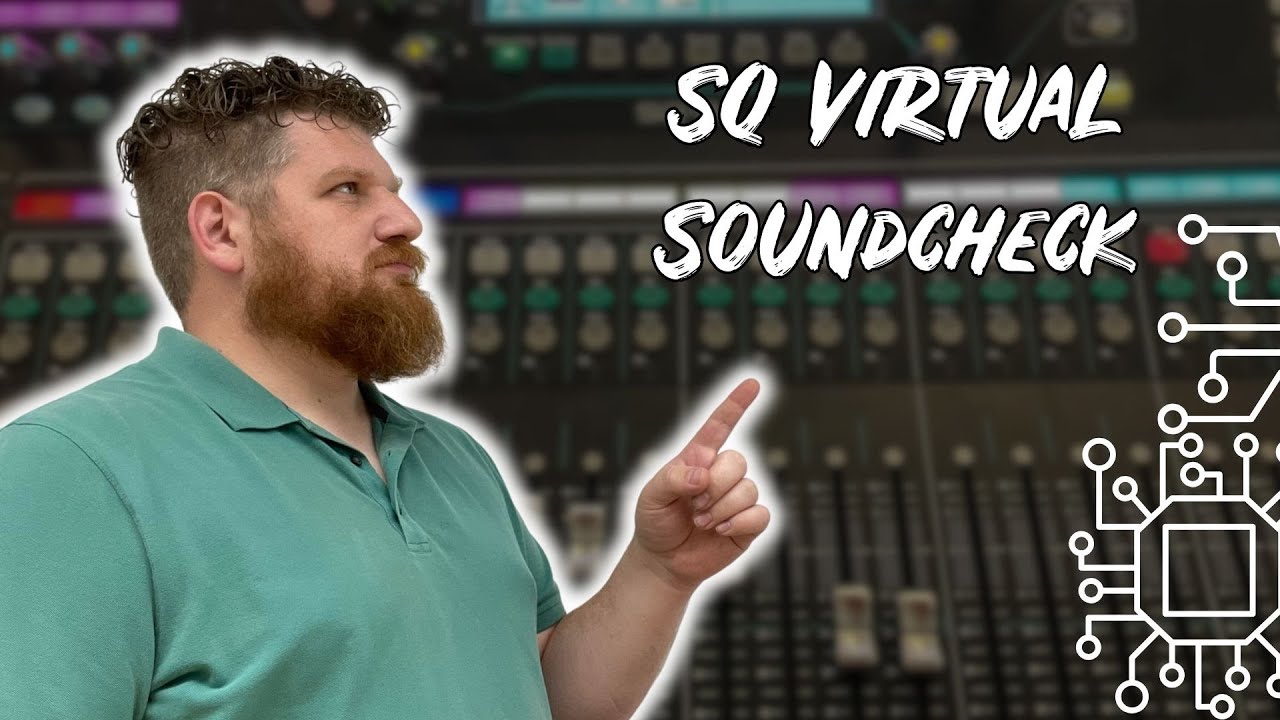
Intro to mixing an SQ-7 virtual soundcheck with Reaper
Автор: Dave Nice
Загружено: 2025-01-18
Просмотров: 342
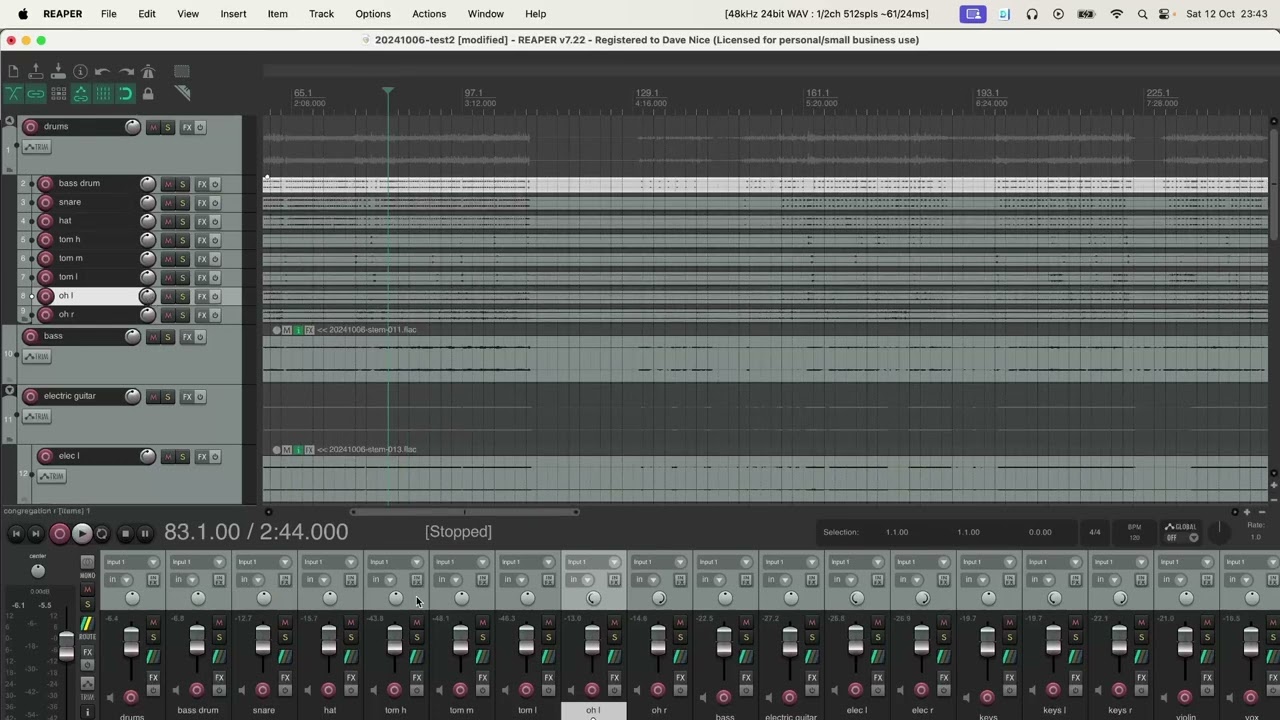
This video goes through the basics of pulling in stems into Reaper (https://www.reaper.fm/), applying some processing like EQ, compression, gate, reverb, then mixing and rendering.
I wrote this tutorial for our church - if you want to try it without having access to the stems I used, you can google "virtual soundcheck download" or similar - often people have shared their virtual soundchecks. There's a free multitrack library you could use too - https://www.cambridge-mt.com/ms/mtk/ ... The stems in my case were created from an Allen and Heath SQ-7, but you could also create them from a Behringer XR18 or similar if you want to create your own.
00:00 Using a DAW like Reaper can make us better live sound engineers
00:55 Importing stems into Reaper
02:18 Indentifying and labelling tracks
04:23 Saving your project
04:48 Grouping tracks
06:00 Panning
06:43 Focussing on a part of a track using the kick as an example
07:04 Adding a plugin like a compressor
08:17 Adding a gate
08:58 Adding an EQ
10:24 Processing the snare
12:20 Considering the rest of the drum mics
13:48 Looking at the bass
14:41 The violin mic is tricky - too much ambience
14:57 Looking at a vocal
16:53 Listening to the mix in context
17:36 Ambient (congregation mics)
18:53 Adding reverb
21:44 Listening more to the overall mix
22:10 Rendering your final track to an mp3
22:31 Summary of what we did
Доступные форматы для скачивания:
Скачать видео mp4
-
Информация по загрузке: