24 pin to 6 pin ATX Power Supply Adapter Cable for DELL OptiPlex 30 series, on Dell Optiplex 3080MT
Автор: ITG Gear
Загружено: 2024-03-30
Просмотров: 22965
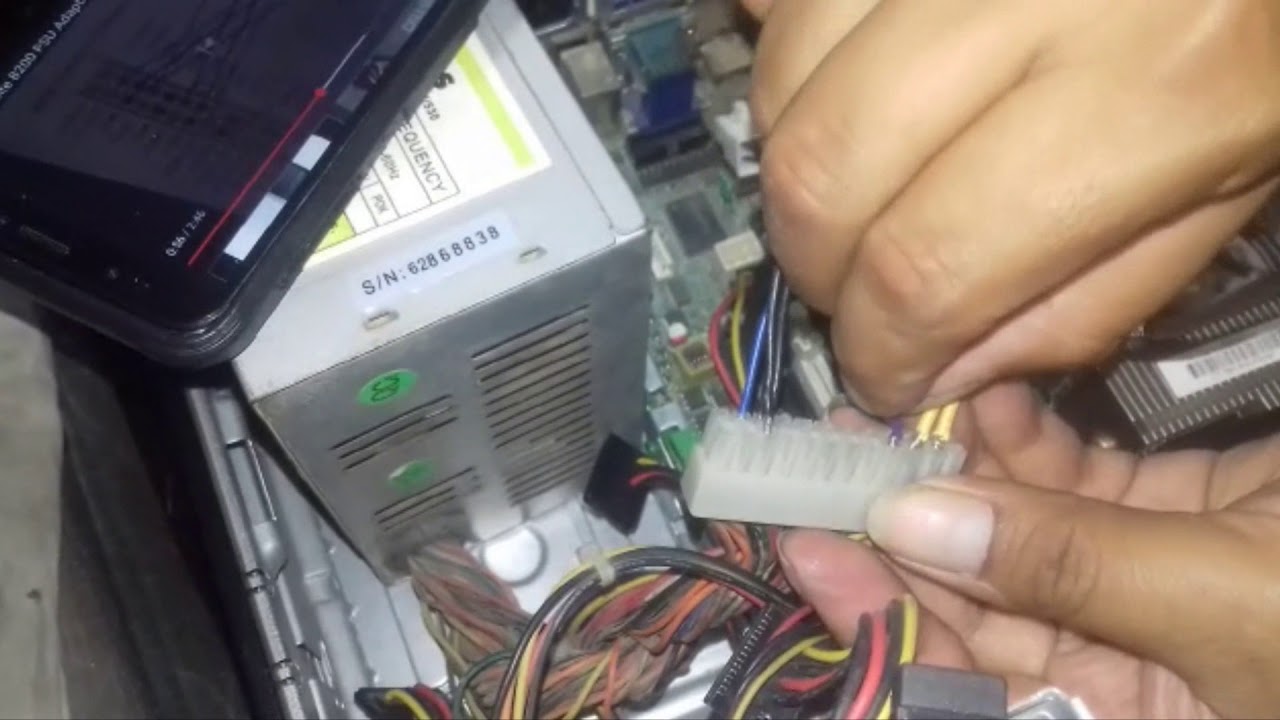
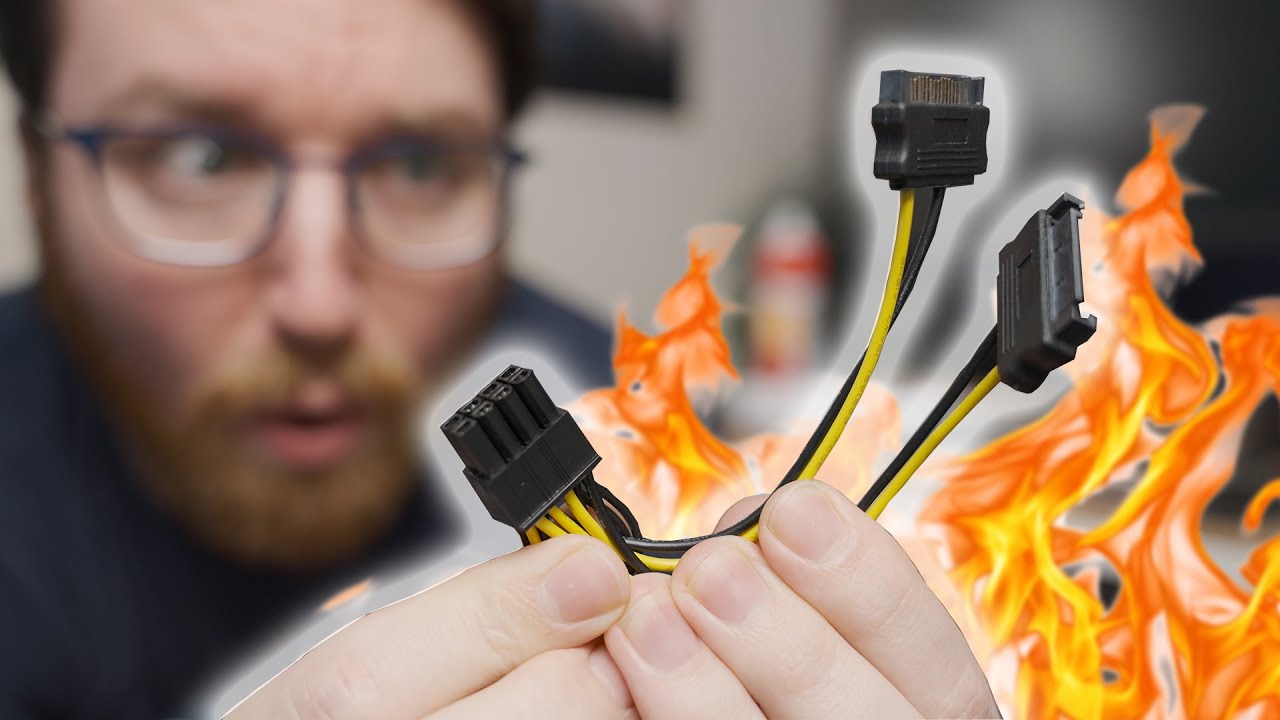
In this video, I will test the 24-pin to 6-pin ATX Power Supply Adapter Cable for DELL OptiPlex 30 series, 3040, 3050, 3060, 3070, 3080, 3090. This video is suitable for information about the 24-pin to 6-pin ATX Power Supply Adapter Cable for DELL Optiplex 30 series with a 6-pin ATX motherboard.
Item used in this video:
24pin to 6pin ATX motherboard power adapter cable: https://amzn.to/43R7JpA
Corsair SF750 750W 80plus Platinum power supply: https://amzn.to/3vK8G6B
Dell OptiPlex 3080MT: https://amzn.to/3PQpDTS
Disclosure: I am a participant in the Amazon Services LLC Associates Program, an affiliate advertising program designed to provide a means for me to earn fees by linking to Amazon.com and affiliated sites. As an Amazon Associate, I earn from qualifying purchases. This means that if you make a purchase through my affiliate links, I may receive a small commission at no extra cost to you. Your support helps me continue to create content that you enjoy.
If you are looking for the original Dell 500W power supply that is compatible with the Dell OptiPlex system and does not require the 24pin to 6pin cable adapter, you may also check it out on Amazon here:
Dell D500EPM-00 500W Power Supply: https://amzn.to/3PTbW6x
00:00 Introduction
00:15 Overview the cable adaptor
01:30 Removing the Dell OptiPlex 3080MT's side panel
01:55 Removing the power supply
03:15 Installing Corsair SF750 power supply
04:50 Installing 24-pin to 6-pin ATX Power Supply Adapter Cable
05:19 Turning on the system
Thank you for watching.

Доступные форматы для скачивания:
Скачать видео mp4
-
Информация по загрузке: