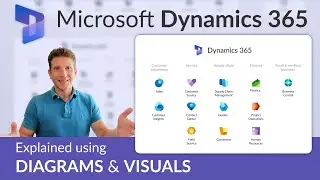
How to Navigate Through the Dynamics 365 F&O Interface
Автор: Encore Business Solutions - Microsoft Partner
Загружено: 2023-06-06
Просмотров: 7275
Learn to easily find what you need in Dynamics 365 Finance & Operations: workspaces, modules, menus, user options & preferences, customer information, personalized views, and more.
This is a training video we made for one of our clients. Please feel free to contact us with any questions you have about Dynamics 365: https://www.encorebusiness.com/contact/
Note: Even though most customers, commentators, and consultants still call it Dynamics 365 Finance & Operations or D365FO, Microsoft now technically licenses it as Dynamics 365 Finance and Supply Chain Management.
Topics discussed during this session include:
Navigating the F&O homepage 00:42
User options menu 02:02
Search bar navigation 04:22
Hamburger menu (navigation menu) 05:01
How to navigate to customer records 07:55
Standard grid view of customers 11:10
Navigating records in the standard grid view- adding columns 13:32
Opening data in Excel 16:55
Saving changes in grid view 17:55
Navigating customer records 18:45
Adding fields in customer records 21:50
Personalizing views in customer records 22:38
Filtering customer data 23:58
Useful tips 25:15

Доступные форматы для скачивания:
Скачать видео mp4
-
Информация по загрузке: