How to CLONE yourself in a MOVING FRAME in Final Cut Pro X
Автор: Spencer Harris
Загружено: 2020-05-15
Просмотров: 3272
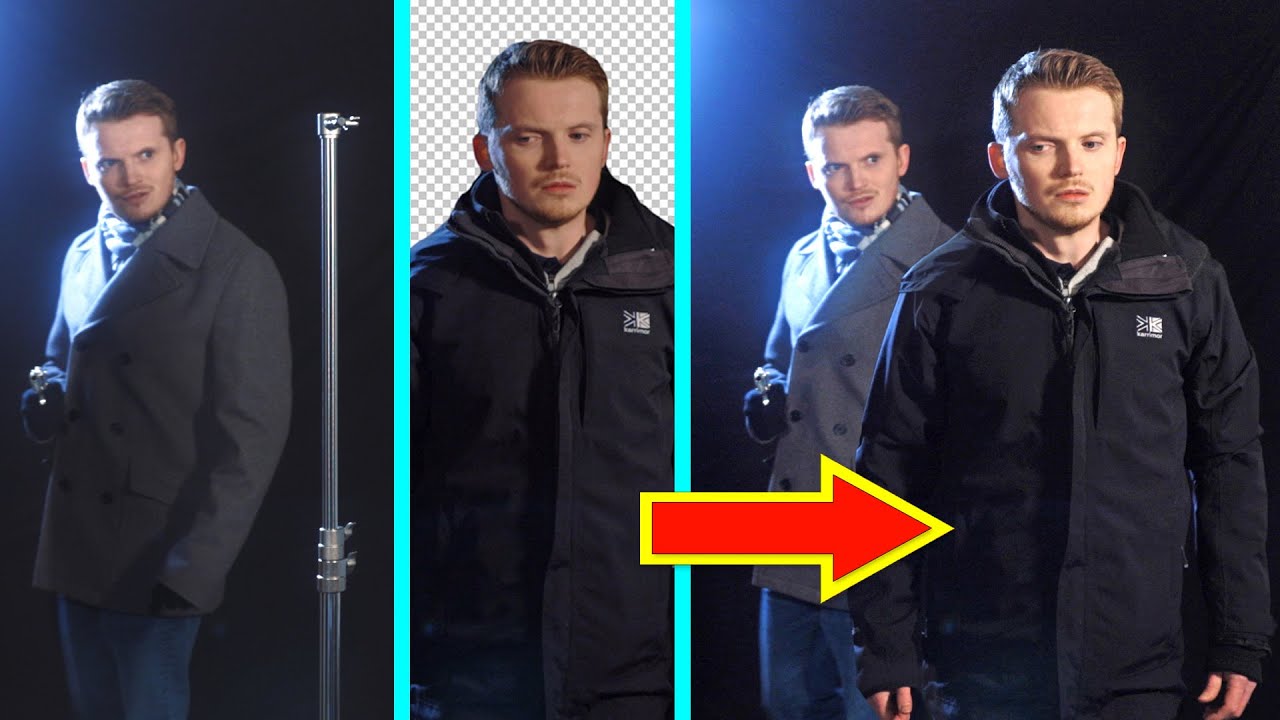
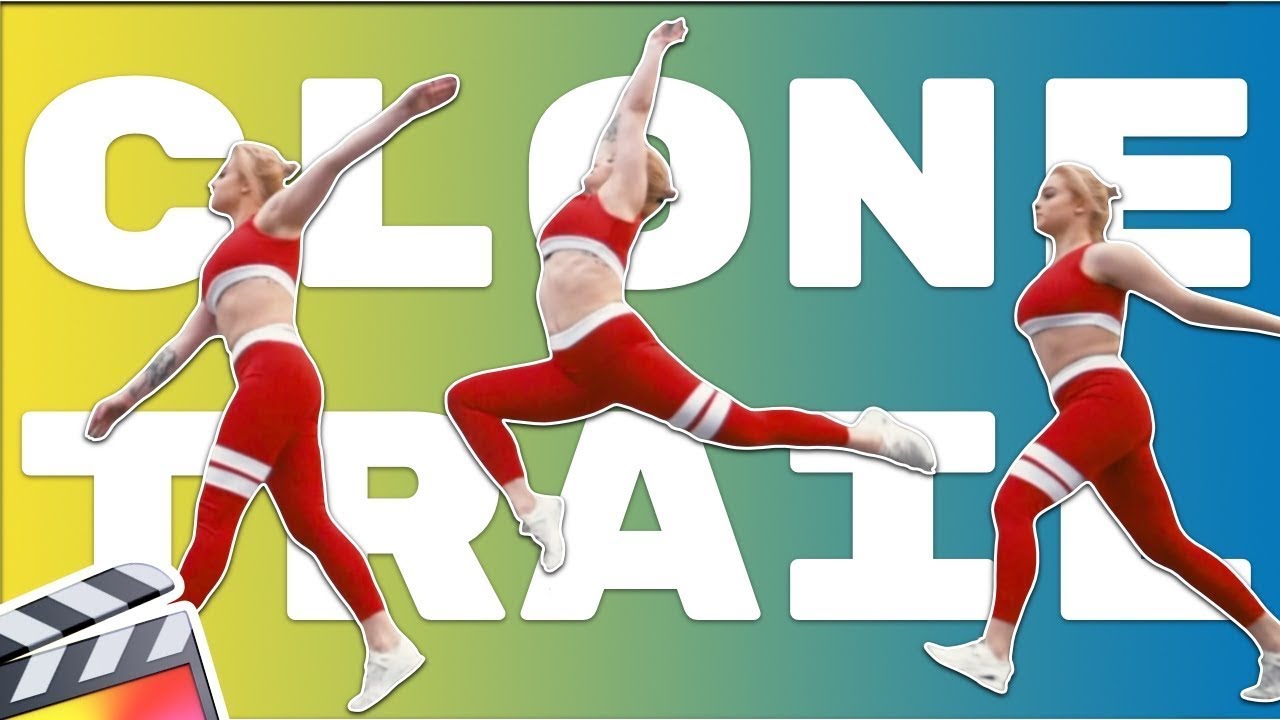
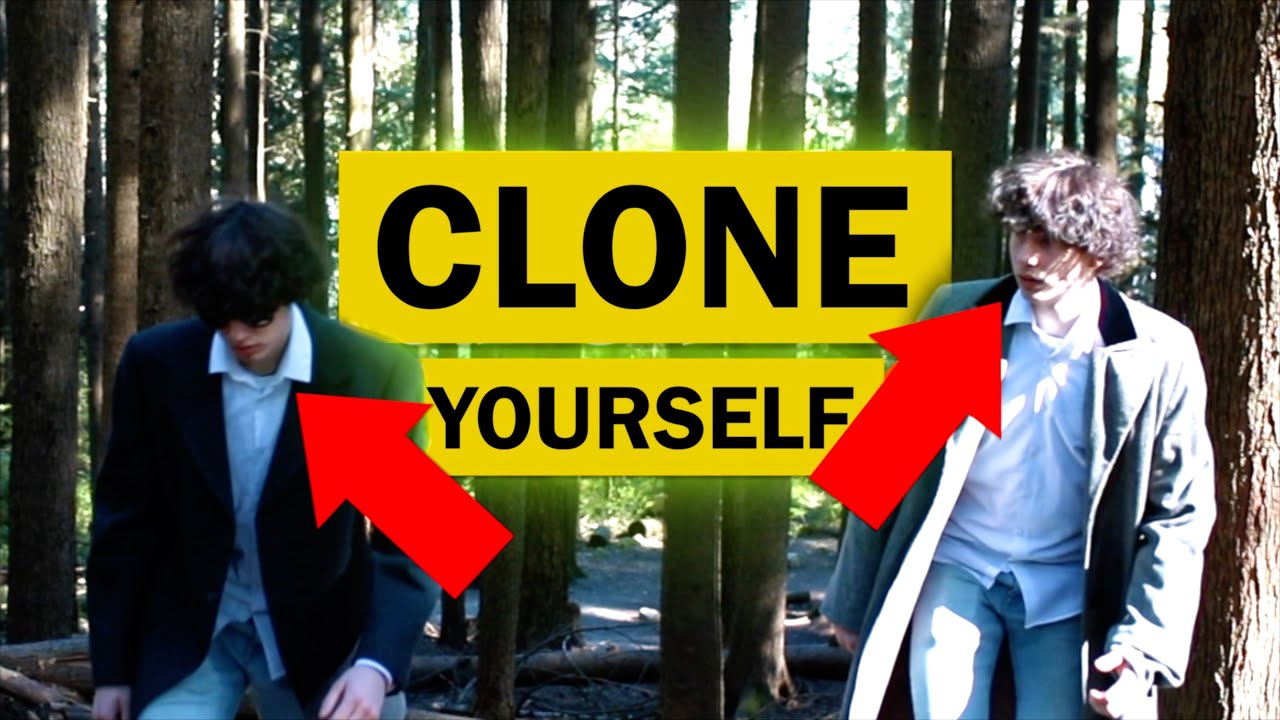
Clone yourself in a moving frame in Final Cut Pro X! Dope effect to use whenever you want and it's not hard to do, just takes a little time! Make sure to watch my last video to see how to set up the production aspect of the effect, then come back and watch how to create moving clone effect!
Thanks so much for stopping by! If you haven’t already subscribe for new videos every week. Hit that 🔔if you want to get notified when I post new videos, and I’ll see ya on the next one!
This channel is all about filmmaking and photography. If you’d like to see a video about something specific, feel free to comment below or DM me on my other accounts (listed below).
Affiliate links:
Free Musicbed for a month: https://www.musicbed.com/invite/ZNzXO
Epidemic Sound: https://www.epidemicsound.com/referra...
Gear List:
Camera: Black Magic Pocket Cinema Camera 4K
Other Camera: Canon 1DX2
Gimbal: Zhiyun Crane 2
Lenses: Canon L Series 24-105
Canon 50mm
Rokinon Cine Lens 24mm
Mic: RODE NTG4+
Audio Recorder: ZOOM H4N
Lights: Neewer Panel Lights
Rad AF RGB Lights: Apurtur MC's
Cheap RGB Lights (Background): Ikeas RGB Strips
Where I post other stuff:
IG: Spinsirj
Twitter: SpinsirJ
Website: spencerjordanharris.com
#FinalCutProX #Clone #Filmmaking
how to clone yourself in final cut, how to clone yourself in final cut pro, how to clone yourself with a gimbal, how to clone yourself in final cut pro x, how to clone yourself in fcpx, how to clone yourself in a moving frame in final cut pro x, how to edit a panning clone, moving camera clone effect, motion control clone, clone effect music video, how to create moving clone effect, final cut pro tutorial 2020, final cut pro x tutorial, how to clone yourself like limitless
Доступные форматы для скачивания:
Скачать видео mp4
-
Информация по загрузке: