Data Recovery from a damaged Macbook with T2 Firmware Problem
Автор: Payam Data Recovery
Загружено: 2025-06-18
Просмотров: 309
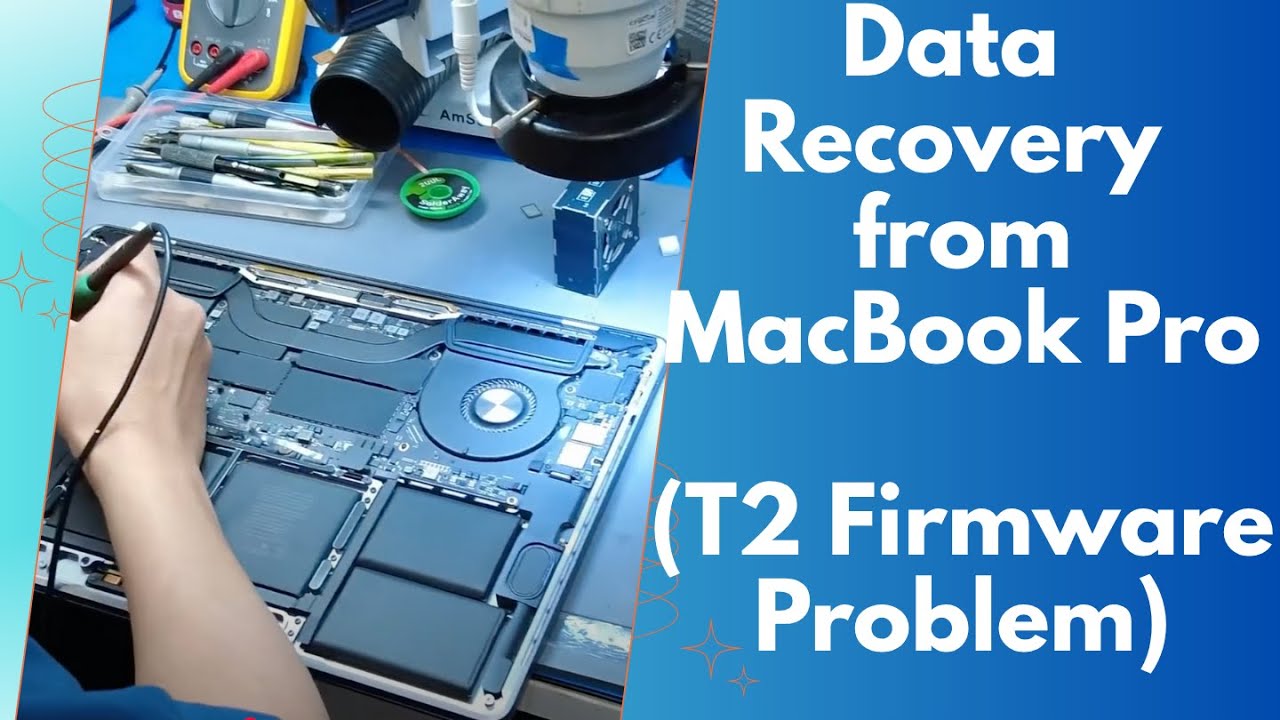
Watch our expert engineer Wei perform what seems impossible - reviving a completely "dead" 2019 MacBook Pro through advanced T2 security chip firmware restoration. This MacBook showed zero signs of life, but we brought it back with 100% data intact! 🔥
THE CHALLENGE:
💀 MacBook Pro 2019 (A2141) completely dead - no fan, no display, no sound
💔 Customer thought years of work files and personal data were lost forever
⚡ Power adapter working fine (20V), but MacBook wouldn't respond
🔒 Apple T2 security chip firmware corruption - the kiss of death for most repair shops
🚫 Standard repair techniques completely useless
⚡ THE SOLUTION:
✅ Professional T2 chip diagnosis using specialized voltage testing
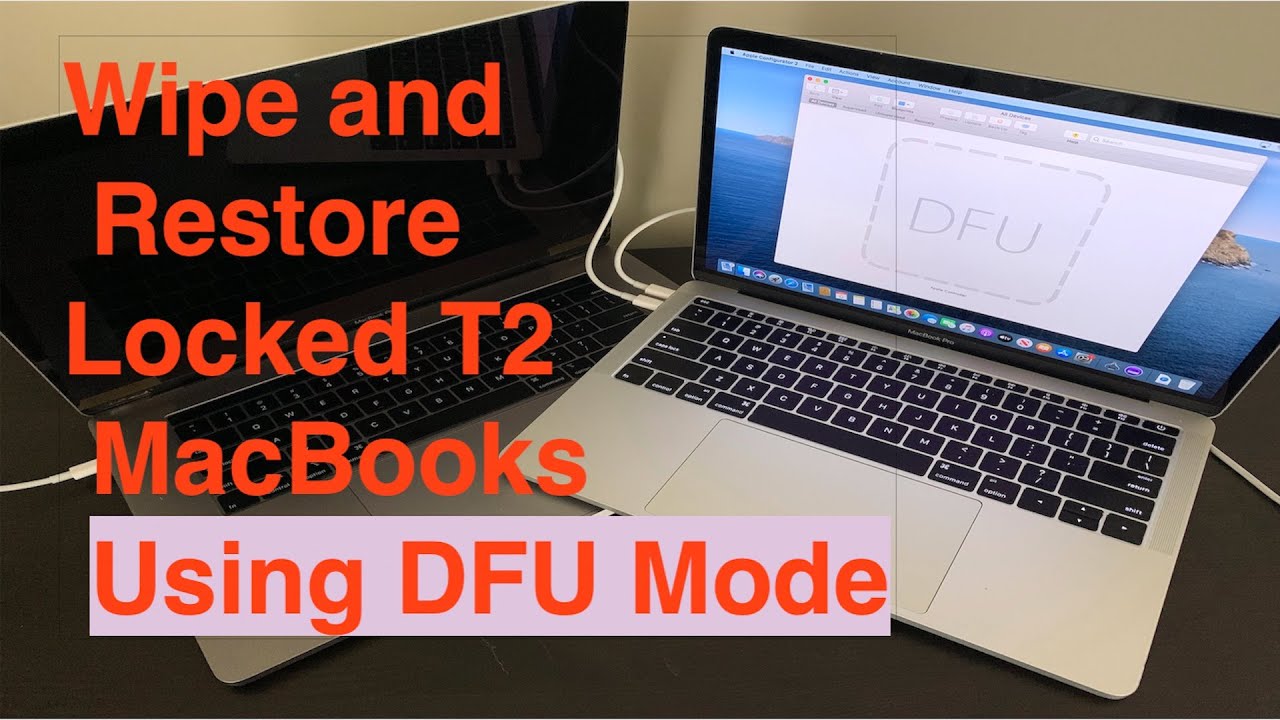
✅ Apple Configurator software - the "secret weapon" most shops don't have
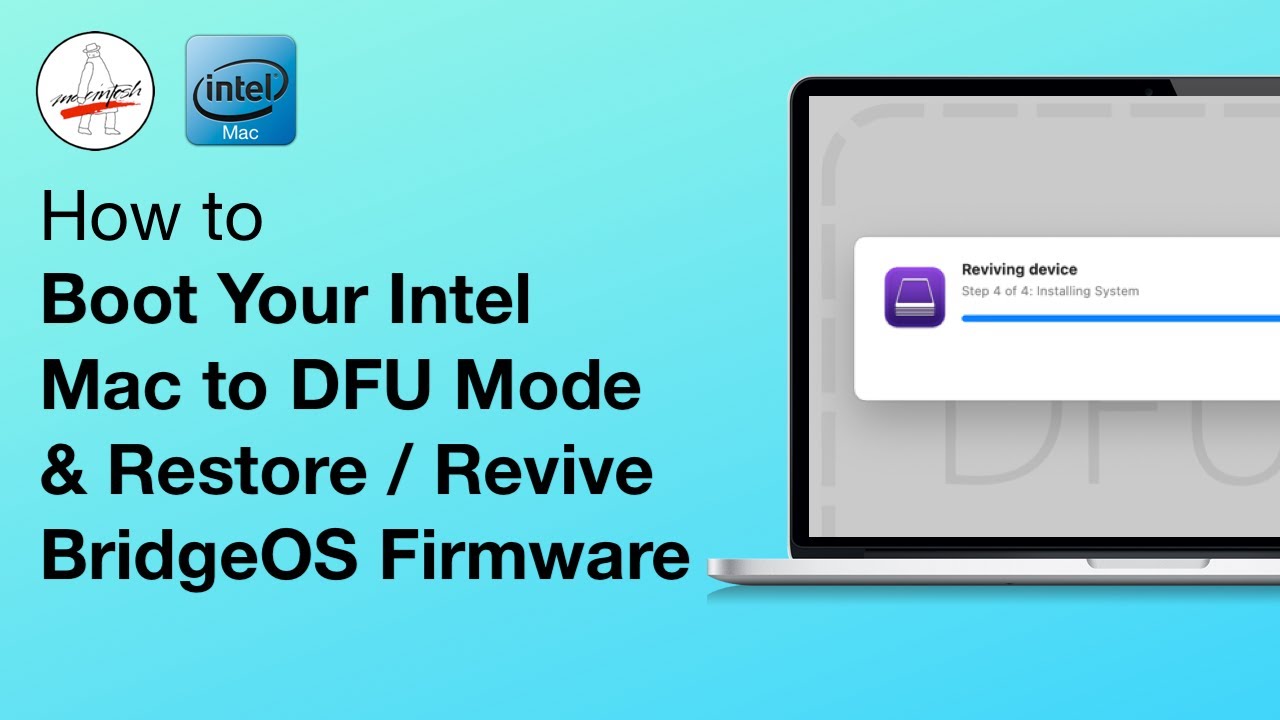
✅ DFU (Device Firmware Update) mode activation
✅ Precision firmware revive procedure - like brain surgery for computers
✅ Complete data recovery achieved - customer got everything back!
🛠️ WHAT YOU'LL LEARN:
🔍 How to diagnose T2 security chip failures vs other logic board issues
🧠 The critical role of the T2 chip in MacBook startup and encryption
⚙️ Professional firmware revive techniques using Apple Configurator
🎯 The exact moment a "dead" MacBook springs back to life
⚠️ Why DIY firmware attempts brick MacBooks permanently
💻 MACBOOKS THIS AFFECTS:
Any MacBook with T2 security chip experiencing complete power failure:
MacBook Pro Models:
13" MacBook Pro (2018-2020) - MR9Q2, MV962, MXK62
15" MacBook Pro (2018-2019) - MR932, MR942, MV902, MV912
16" MacBook Pro (2019-2020) - MVVL2, MVVM2, MWP72
MacBook Air Models:
13" MacBook Air (2018-2020) - MRE82, MVFH2, MWTJ2, MVH22
Plus 50+ other T2-equipped Mac models we regularly recover!
🏆 WHY CHOOSE PAYAM DATA RECOVERY:
✅ 99% success rate on T2 chip failures when others give up
✅ Official Apple Configurator access and training
✅ 25+ years MacBook recovery experience
✅ 6 locations across Australia
✅ 24/7 emergency recovery available
✅ Over 150,000 successful Apple device recoveries
✅ Professional acilities for logic board repair
🚨 CRITICAL WARNING:
Never attempt T2 firmware recovery yourself! Incorrect procedures permanently destroy the encryption keys, making your data unrecoverable forever. One wrong move = total data loss.
📞 NEED HELP WITH YOUR "DEAD" MACBOOK?
🔗 Free Quote: https://www.payam.com.au/free-data-re...
🔗 MacBook Recovery: https://www.payam.com.au/apple-macboo...
📧 Email: help@payam.com.au
💬 SHARE YOUR STORY:
Have a dead MacBook that won't turn on? Tell us the model and what happened in the comments - our team reads every message and provides free advice!
🔔 SUBSCRIBE for more incredible MacBook recovery cases and behind-the-scenes footage from Australia's #1 Apple data recovery specialists!
#MacBookRecovery #T2ChipRepair #MacBookPro #AppleDataRecovery #T2SecurityChip #DeadMacBook #LogicBoardRepair #FirmwareRevive #AppleConfigurator #MacBookRepair #DataRecoveryAustralia #PayamDataRecovery #MacBookPro2019 #T2ChipFailure #AppleRepair #MacRecovery #TechRepair #DataRescue #Australia #Sydney #Melbourne #Brisbane #Perth #Adelaide #Canberra #MacBookAir #TouchBar #AppleSilicon
Доступные форматы для скачивания:
Скачать видео mp4
-
Информация по загрузке: