Colorlight How to Use iSet Software for LED Display Configuration | Complete Tutorial for Beginners
Автор: LEDSCREENPARTS
Загружено: 2025-07-22
Просмотров: 413
Master LED Display Configuration with iSet Software – A Step-by-Step Guide
Looking for a professional and intuitive solution to configure your LED display? This video provides a complete tutorial on using iSet software, guiding you through every step of the setup process. Whether you're an integrator, LED technician, or project engineer, this training helps you maximize the performance and compatibility of your LED systems with iSet’s versatile tools.
🔧 What You'll Learn in This Tutorial
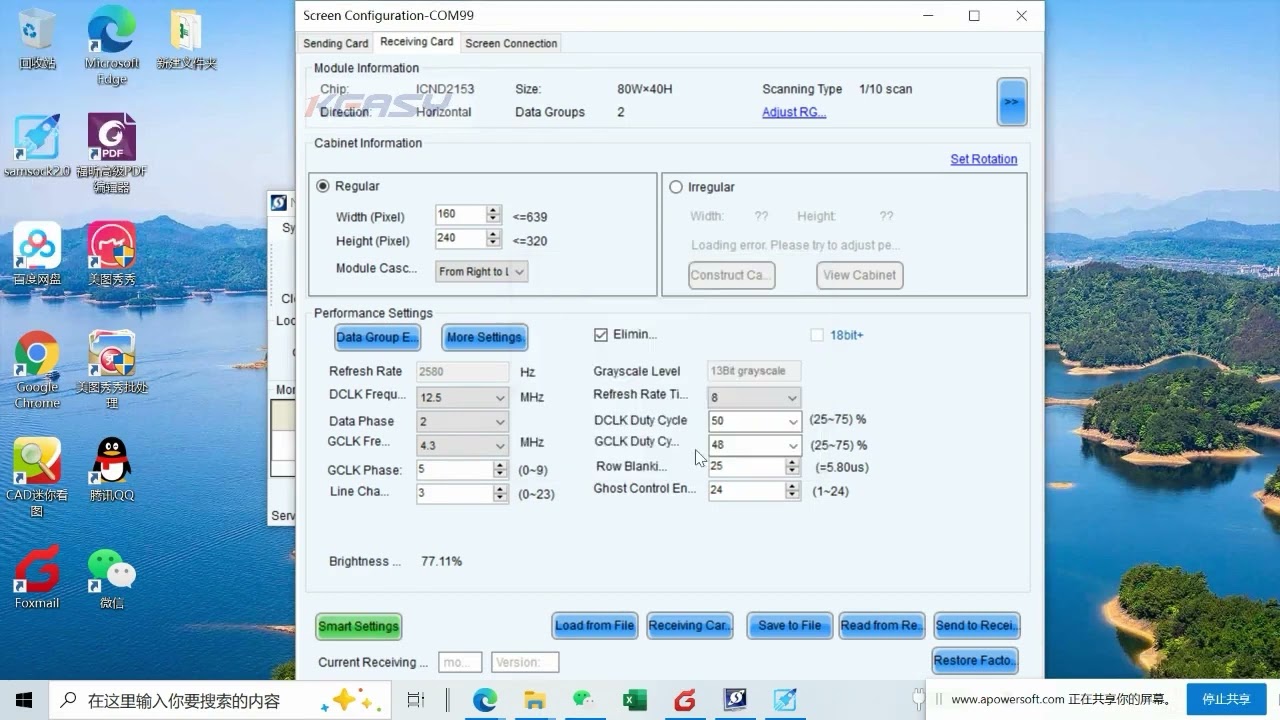
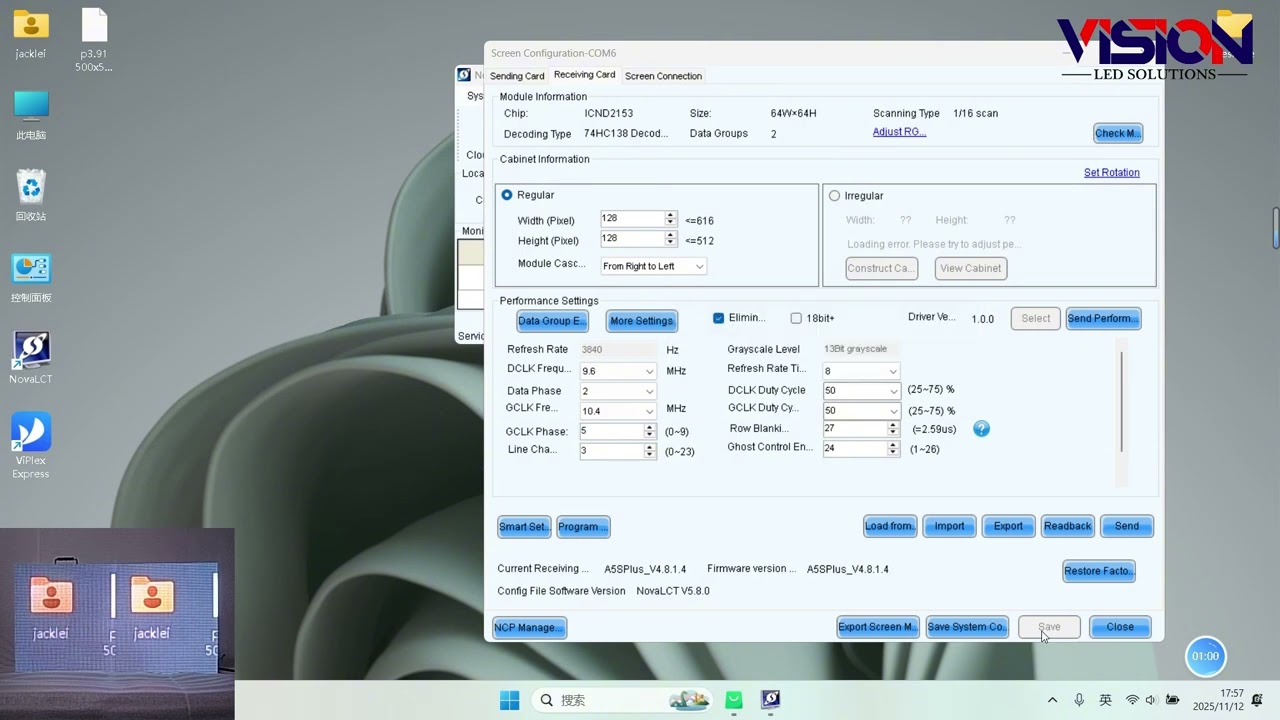
In this video, we walk you through the iSet software's foundational operations. From how to open the program and establish a connection, to essential functions like display configuration, color adjustment, brightness settings, and sending configuration data — this is your essential starting point.
The trainer begins by introducing how to open the software and identify the correct serial port for communication. Once the connection is established successfully, the video explains each key function tab within iSet, including:
Device Connection & Communication
Display Brightness & Grayscale Control
Pixel-by-Pixel Color Adjustment
Cabinet Mapping and Image Positioning
Sending Configuration Files
Auto-Save & Backup Mechanism
Batch Mode Support
iSet supports multiple LED control systems and is ideal for both static installations and dynamic environments where precision calibration is critical.
🔍 Key Features of iSet Software
User-Friendly Interface: Clean tabbed navigation and logical command structure
Powerful Configuration Tools: Supports brightness correction, gamma tuning, and grayscale optimization
Real-Time Feedback: Live response from connected hardware for immediate confirmation
Batch Control Mode: Configure multiple cabinets or receivers in parallel, reducing setup time
Advanced Diagnostic Tools: Monitor communication status and parameter synchronization
Supports Cloud Configuration Files: Great for remote team collaboration and scalable LED projects
🌐 Application Scenarios
This software is widely used in LED applications including:
Outdoor and indoor advertising displays
Sports stadium screens
Concert rental setups
Command and control centers
LED signage in transportation hubs
💡 Why Watch This Video?
Whether you're setting up a basic LED panel or managing a large-scale display wall, understanding iSet’s configuration workflow ensures reliable performance and optimal image quality. This video empowers technicians and engineers with practical skills they can apply immediately.
iSet software, LED configuration, brightness setting, grayscale control, communication port setup, cabinet mapping, pixel alignment, LED controller, sending config file, LED display calibration
Want to streamline your LED screen setup with iSet? Watch this full tutorial to master the software and avoid common setup mistakes. If you need professional support or high-quality components for your LED projects:
📧 Contact us today for a quote or expert consultation:
🌐 Website: www.ledscreenparts.com
✉️ Email: sales@ledscreenparts.com
📲 WhatsApp: +86 13316541431
Learn how to configure your LED display with iSet software in this step-by-step tutorial! Perfect for beginners and tech professionals managing LED screen projects. Fast, clear, and professional LED setup guidance.
iSet Software Advanced Features | LED Screen Calibration & Batch Mode Explained
Complete Guide to LED Screen Mapping Using iSet Software
Common LED Display Setup Mistakes and How iSet Solves Them
iSet software, LED display configuration, LED screen setup, LED controller tutorial, brightness control, grayscale setting, cabinet mapping, LED pixel adjustment, display configuration software, LED display software guide

Доступные форматы для скачивания:
Скачать видео mp4
-
Информация по загрузке:

![Best of Vocal House [2025] English Deep House, Vocal House, Nu Disco, Chillout, hot mix](https://imager.clipsaver.ru/fideCsumVVo/max.jpg)