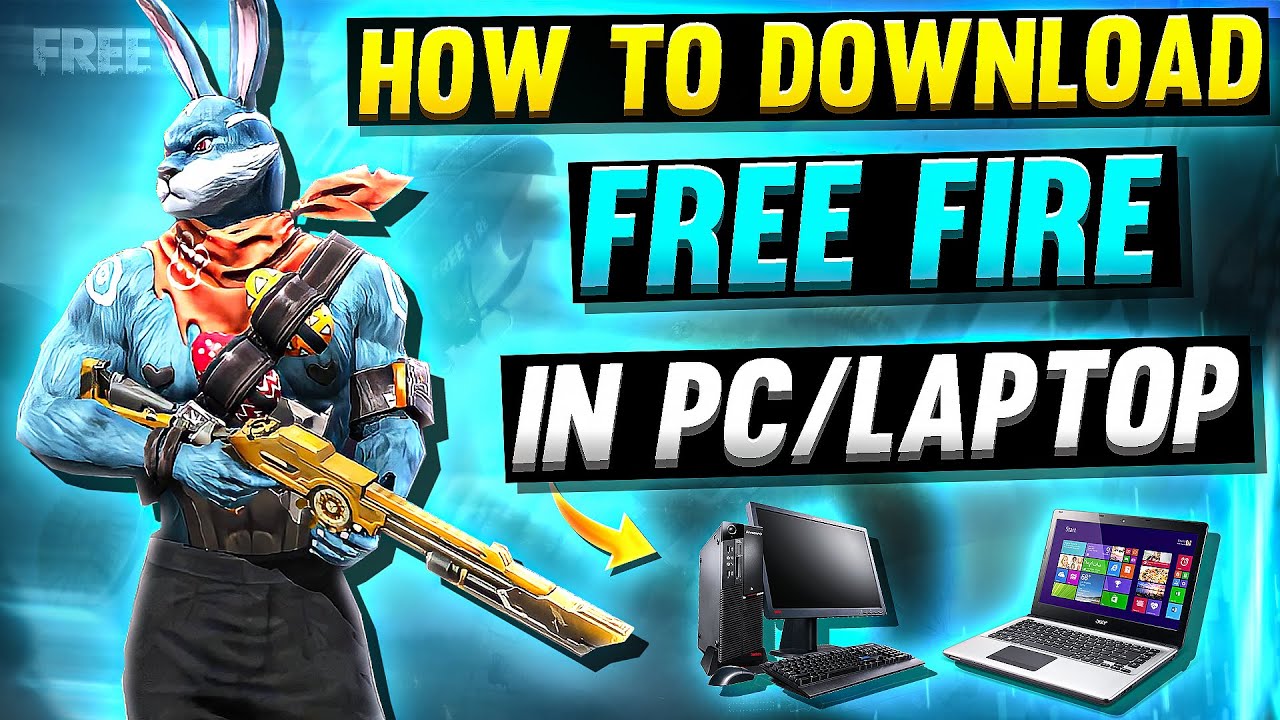
How to Download & play Free Fire on PC without Bluestacks 2025
Автор: Digit Wise
Загружено: 2023-04-14
Просмотров: 744
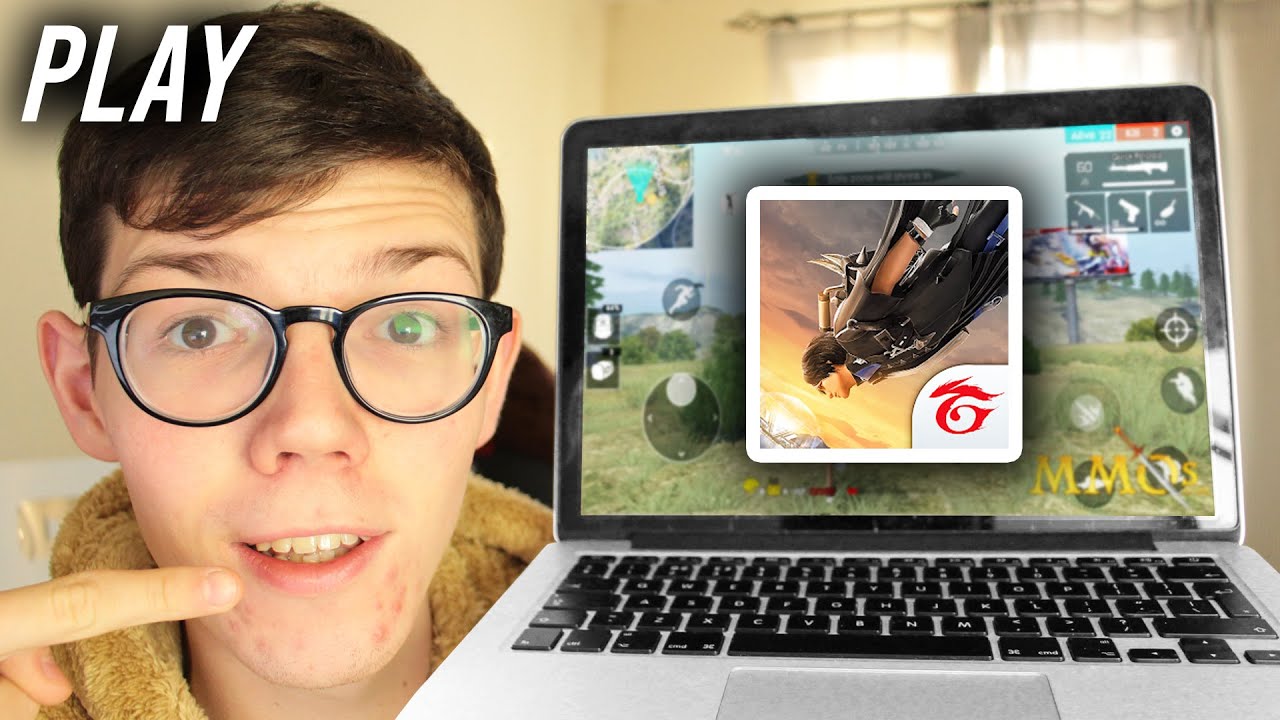
If you're looking to play Free Fire on your PC without using Bluestacks, you're in the right place! In this video, we'll show you how to download and play Free Fire on your PC using LDPlayer.
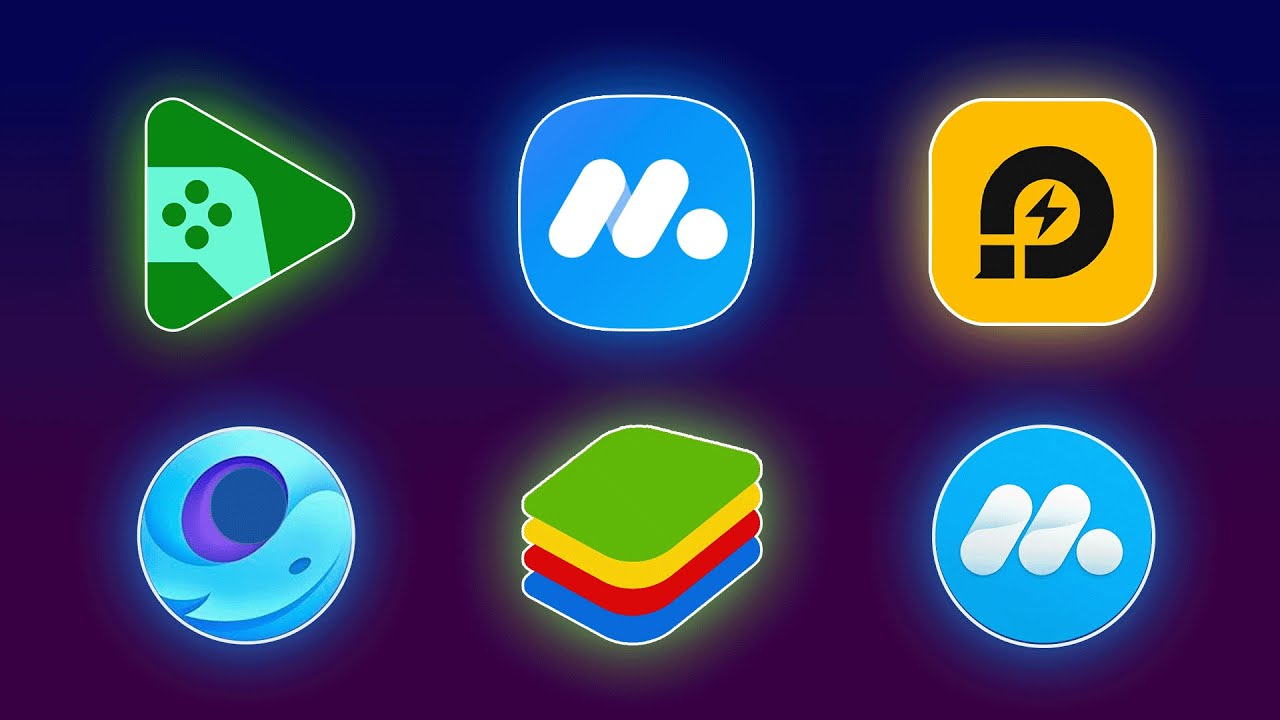
LDPlayer is an Android emulator that allows you to play Android games on your PC. It's a great alternative to Bluestacks, and it's completely free to use.
To get started, download and install LDPlayer from their website. Once the installation is complete, open LDPlayer and sign in with your Google account.
Next, open the Google Play Store within LDPlayer and search for Free Fire. Click on the install button, and Free Fire will begin downloading and installing on your PC.
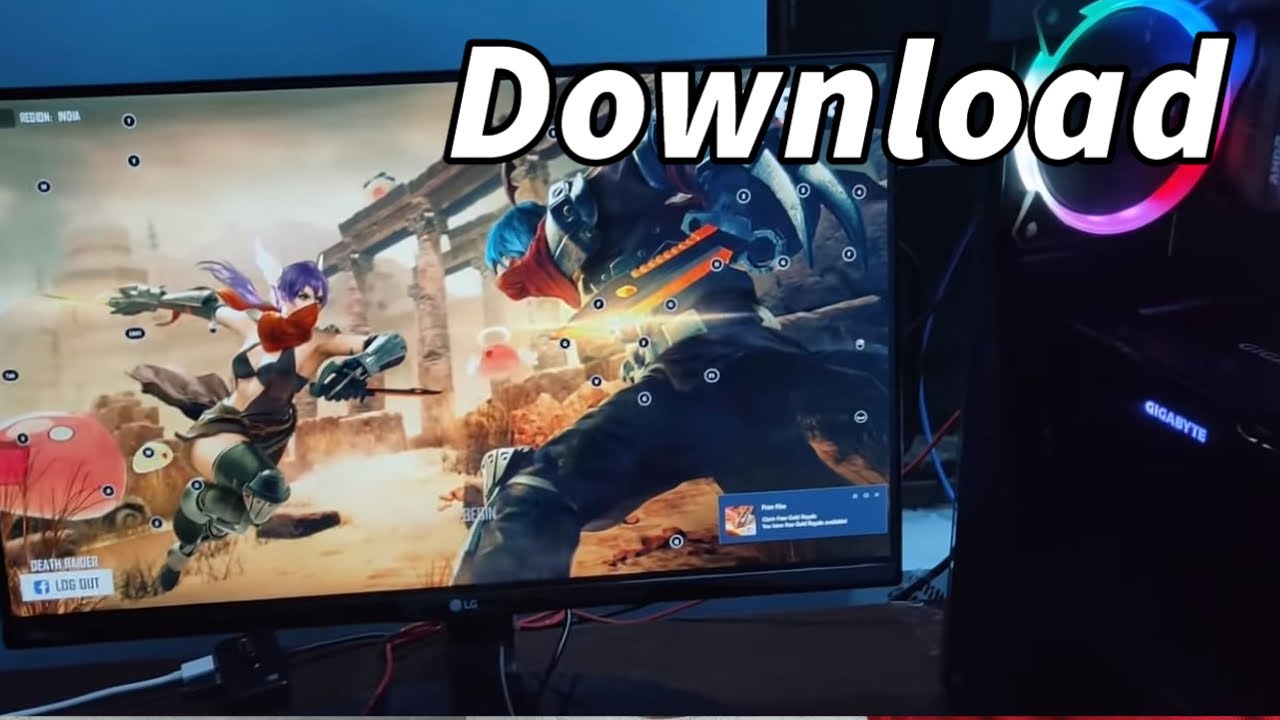
Once Free Fire is installed, you can launch the game from within LDPlayer. You'll need to sign in with your Free Fire account or create a new one. Once you're signed in, you can start playing Free Fire on your PC!
That's it! You're now ready to enjoy Free Fire on your computer without using Bluestacks. Whether you prefer playing with a keyboard and mouse or just want to enjoy the game on a bigger screen, playing Free Fire on your PC using LDPlayer is a great way to experience this popular battle royale game.
Доступные форматы для скачивания:
Скачать видео mp4
-
Информация по загрузке: