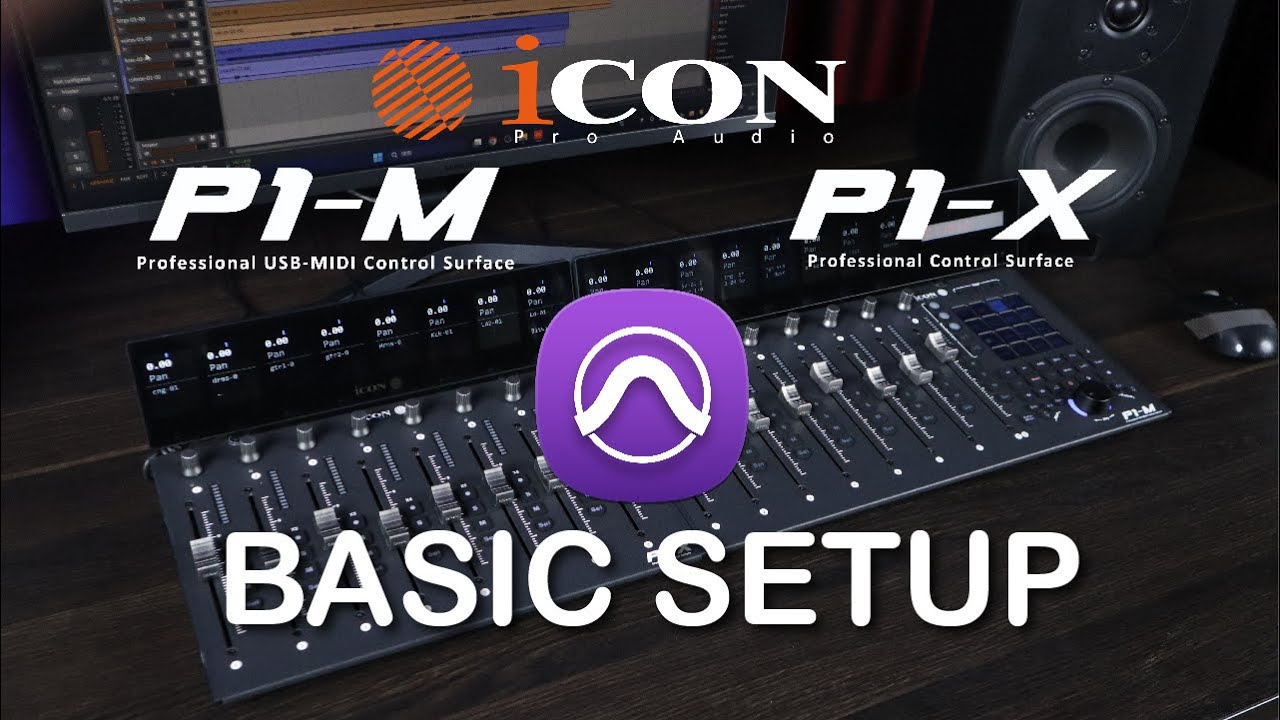
P1-M DAW Controller & P1-X DAW Control Expander Basic Setup with Pro Tools
Автор: Icon Pro Audio
Загружено: 2023-11-13
Просмотров: 5275
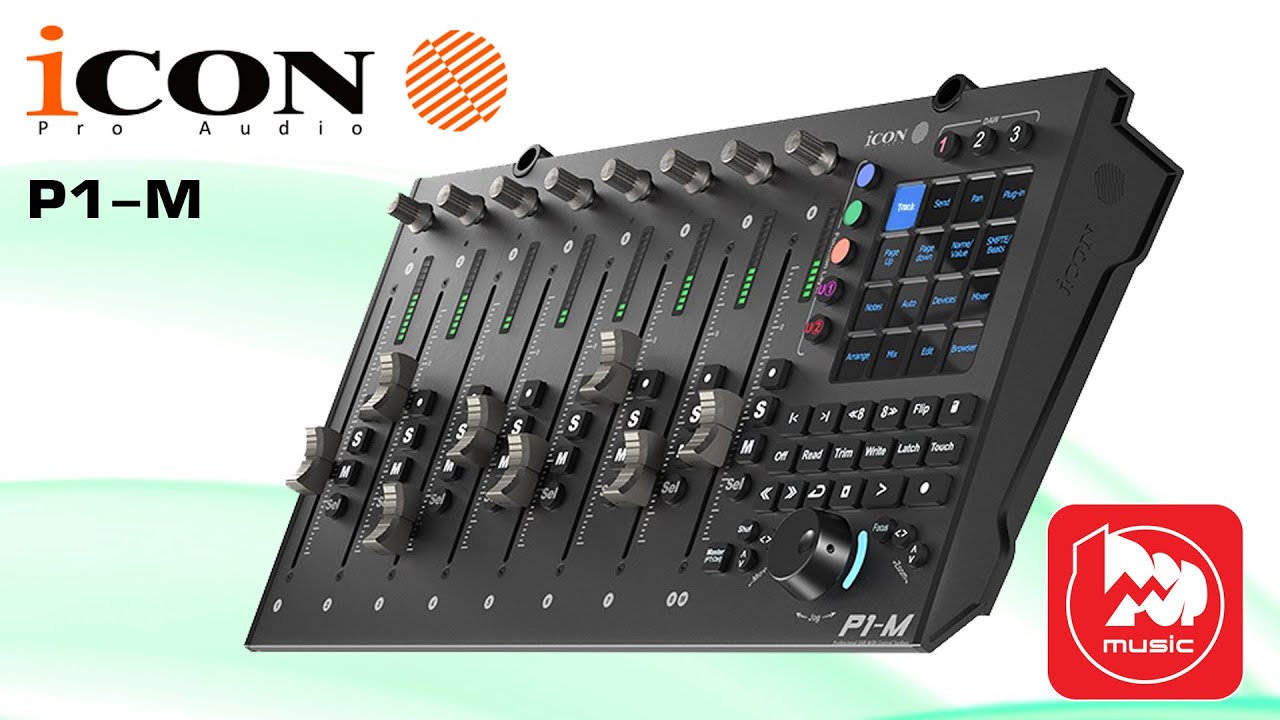
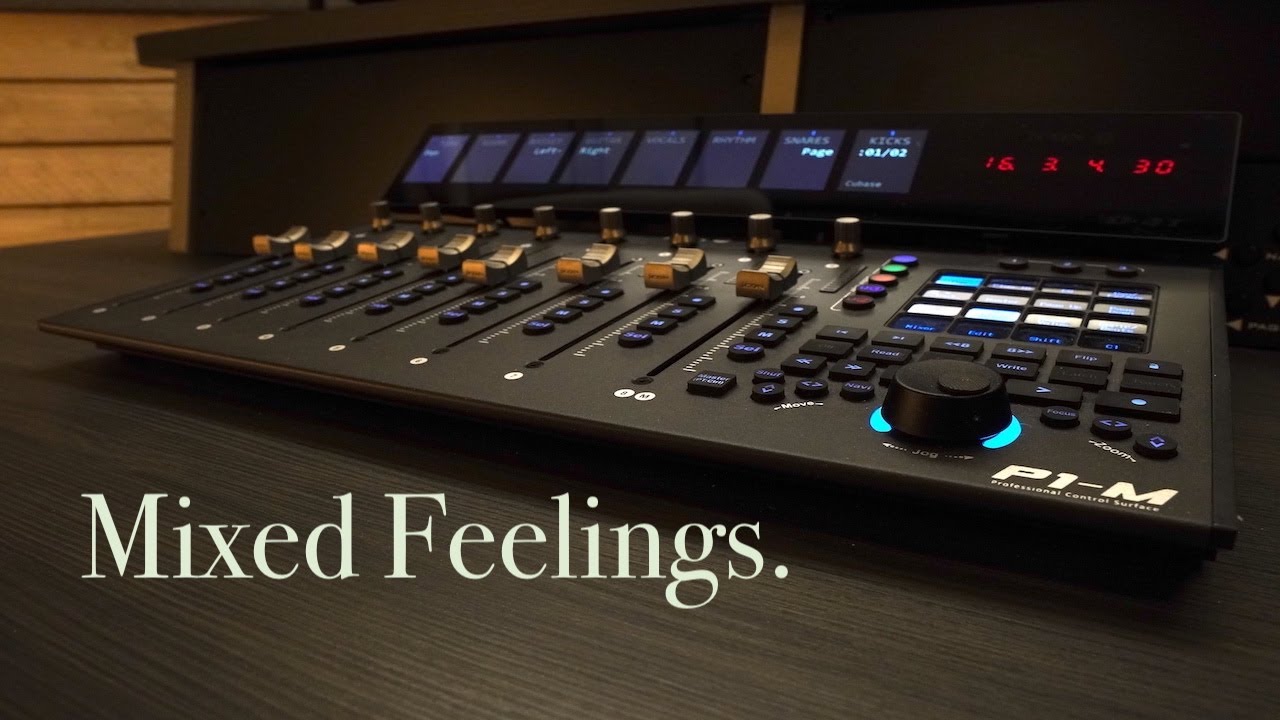
The P1-M DAW controller is your portal to a new era of dynamic DAW control, meticulously crafted to transform your music production workflow and expedite project completion. In this video, we're your expert guides, taking you through the vital setup process using Pro Tools. Explore the impressive features that make the P1-M DAW Controller and the P1-X DAW Control Expander the ultimate companions for your music production journey:
🎚️ Hands-On Control:
Armed with 8 channels of motorized faders and expandable to an astounding 64 channels (contingent on your DAW) through the addition of optional P1-X DAW Control Expanders, the P1-M empowers you with complete control over your mix. Whether you're tackling complex projects or simpler ones, the control you need is always at your fingertips.
🎛️ Customizable Touchscreen:
Embark on an immersive journey with the expansive and customizable touchscreen display of the P1-M, featuring 5 color-coded layers of commands tailored to your unique workflow. This enables swift access to essential controls without diverting your focus from the mix, enhancing both efficiency and creativity.
🖥️ Detailed TFT Display and Meter Bridge:
Stay effortlessly informed about your mix with the optional TFT display and meter bridge, the D4T. Monitor real-time levels, pan positions, and other critical information, even if you're not continuously gazing at your computer screen.
🌐 Integration with Popular DAWs:
The P1-M is your versatile partner, seamlessly compatible with a wide array of popular DAWs, including Bitwig, Cubase/Nuendo, Logic Pro X, Ableton Live, Pro Tools, and many other major platforms. Furthermore, you can effortlessly switch between up to 3 DAWs simultaneously, ensuring a seamless and uninterrupted creative process.
Unleash the full potential of your music production setup! Join us in this tutorial as we guide you through the basic setup with Pro Tools using the P1-M DAW controller. Streamline your workflow, seize creative control, and expedite your project completion. Don't forget to like, share, and subscribe for more tutorials and tech insights!
#P1M #ProTools #DAWController #MusicProduction #Tutorial #P1X #SetupTutorial #DawControl
Доступные форматы для скачивания:
Скачать видео mp4
-
Информация по загрузке: