Популярное

Музыка Кино и Анимация Автомобили Животные Спорт Путешествия Игры Юмор

Интересные видео

2025 Сериалы Трейлеры Новости Как сделать Видеоуроки Diy своими руками

Топ запросов

смотреть а4 schoolboy runaway турецкий сериал смотреть мультфильмы эдисон
dTub
Скачать

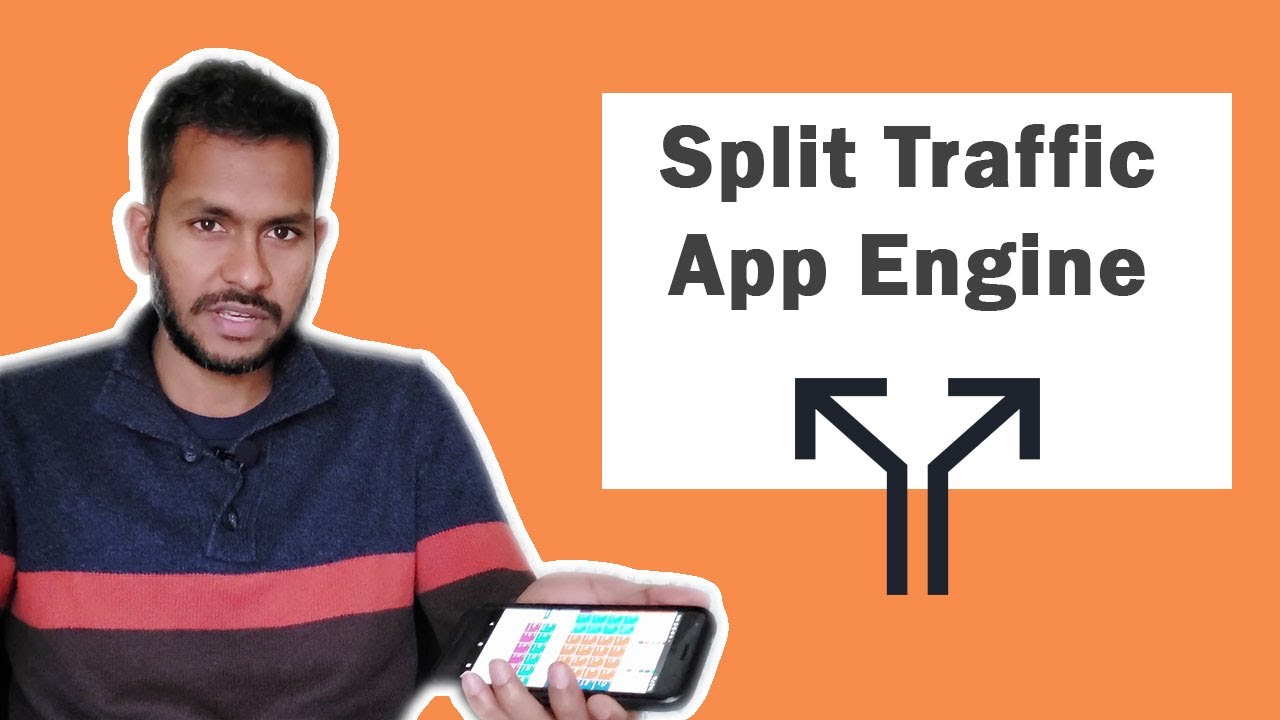
GCP App Engine - Deploy and Split traffic (Part 2)

Автор: Cloud Advocate

Загружено: 2019-10-14

Просмотров: 10796

Описание:

This is part 2 of GCP App Engine video. By end of this video you will know how to deploy a sample application. Split the traffic between multiple versions of the application. Different scaling options and migration of traffic from one version to another. Google Cloud App Engine is very important from exam's perspective. I will help you to answer any question in exam on app engine.

Important commands:

Install python libraries
gcloud components install app-engine-python

GIT URL to download sample app
git clone https://github.com/GoogleCloudPlatfor...

Deploy Application
gcloud app deploy app.yml --version v1

To stop serving versions named v1 and v2, use the
following:
gcloud app versions stop v1 v2

To specify automatic scaling, add a section to app.yaml that includes the term
automatic_scaling followed by key-value pairs of configuration options. These include
the following:
■■ target_cpu_utilization
■■ target_throughput_utilization
■■ max_concurrent_requests
■■ max_instances
■■ min_instances
■■ max_pending_latency
■■ min_pending_latency
Target CPU Utilization Specifies the maximum CPU utilization that occurs before additional
instances are started.
Target Throughput Utilization Specifies the maximum number of concurrent requests
before additional instances are started. This is specified as a number between 0.5 and 0.95.
Maximum Concurrent Requests Specifies the max concurrent requests an instance can
accept before starting a new instance. The default is 10; the max is 80.
Maximum and Minimum Instances Indicates the range of number of instances that can
run for this application.
Maximum and Minimum Latency Indicates the maximum and minimum time a request
will wait in the queue to be processed.
-----------------
To split the traffic:
#gcloud app services set-traffic default --splits v1=.4,v2=.6

QUESTION;

You have deployed a Django 1.5 Python application to App Engine. This version of Django
requires Python 3. For some reason, App Engine is trying to run the application using
Python 2. What file would you check and possibly modify to ensure that Python 3 is used
with this application?

A. app.config
B. app.yaml
C. services.yaml
D. deploy.yaml
GCP App Engine - Deploy and Split traffic (Part 2)

Поделиться в:

Доступные форматы для скачивания:

Скачать видео mp4

  • Информация по загрузке:
Скачать аудио mp3

Похожие видео

Securing Google Cloud App Engine application using Identity-Aware Proxy

Securing Google Cloud App Engine application using Identity-Aware Proxy

Google Cloud Platform (GCP) - Cloud Run

Google Cloud Platform (GCP) - Cloud Run

GCP Interview Questions | Top 50 Google Cloud Interview Questions & Answers | GCP Training | Edureka

GCP Interview Questions | Top 50 Google Cloud Interview Questions & Answers | GCP Training | Edureka

Google Cloud Functions - Serverless in GCP

Google Cloud Functions - Serverless in GCP

Перетест Ai MAX+ 395 в жирном мини-ПК и тест AMD 8060s vs Intel B390

Перетест Ai MAX+ 395 в жирном мини-ПК и тест AMD 8060s vs Intel B390

Kubernetes — Простым Языком на Понятном Примере

Kubernetes — Простым Языком на Понятном Примере

Ansible on Google Cloud

Ansible on Google Cloud

Microsoft Intune: от нуля до героя

Microsoft Intune: от нуля до героя

Deploying Cloud Function using Google Cloud Build

Deploying Cloud Function using Google Cloud Build

Connect App Engine to Cloud SQL via Private IP - Google Cloud Serverless VPC Access

Connect App Engine to Cloud SQL via Private IP - Google Cloud Serverless VPC Access

Google Cloud — Учебное пособие по App Engine для начинающих

Google Cloud — Учебное пособие по App Engine для начинающих

Как создать собственный VPN сервер Vless XHTTP с графической панелью 3x-ui и доменом.

Как создать собственный VPN сервер Vless XHTTP с графической панелью 3x-ui и доменом.

Securing Cloud Function using Google Cloud API Gateway

Securing Cloud Function using Google Cloud API Gateway

Deploy application on Google Cloud using Managed Instance Group (MIG) with Load Balancer

Deploy application on Google Cloud using Managed Instance Group (MIG) with Load Balancer

Learn Google Cloud

Learn Google Cloud

GCP Architect Certification Exam Practice Questions Set 1

GCP Architect Certification Exam Practice Questions Set 1

VPC Peering in Google Cloud | Networking in GCP

VPC Peering in Google Cloud | Networking in GCP

Изучите Microsoft Active Directory (ADDS) за 30 минут

Изучите Microsoft Active Directory (ADDS) за 30 минут

Лучший Гайд по Kafka для Начинающих За 1 Час

Лучший Гайд по Kafka для Начинающих За 1 Час

How to design a serverless app

How to design a serverless app

© 2025 dtub. Все права защищены.


  • Контакты
  • О нас
  • Политика конфиденциальности


Контакты для правообладателей: infodtube@gmail.com