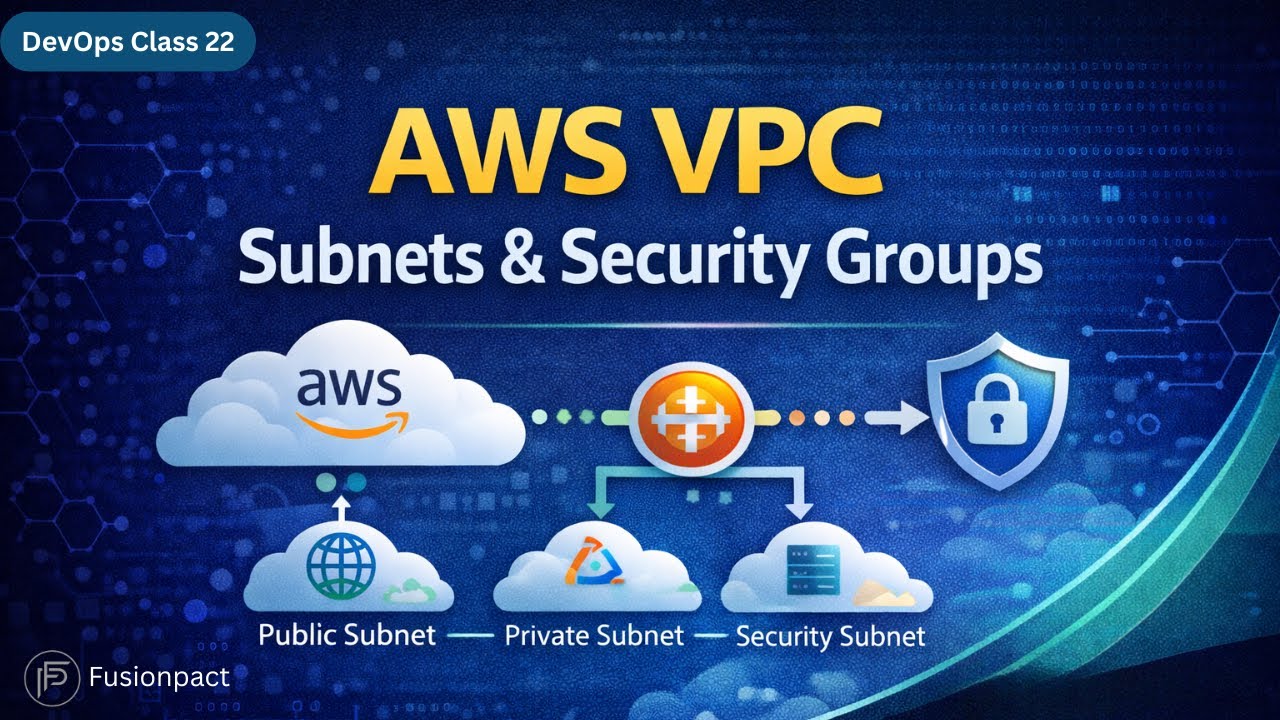
AWS VPC Explained | Subnets, Security Groups & Networking Basics | DevOps Class 22
Автор: Fusionpact
Загружено: 2026-01-10
Просмотров: 8
Welcome to FusionPact DevOps Daily Classes – Class 22 🚀
In this session, we explain AWS VPC (Virtual Private Cloud), the foundation of networking in AWS. You will learn how VPCs work, how subnets divide a VPC, and how security groups act as virtual firewalls to protect your cloud infrastructure.
This class is especially useful for DevOps engineers, cloud engineers, and teams working on ISO-compliant AWS environments, where security, isolation, and controlled access are critical.
📌 What You’ll Learn in DevOps Class 22
What is AWS VPC and why it is important
How VPC provides network isolation inside AWS
CIDR blocks and IP address calculation
Difference between public and private subnets
Role of availability zones in subnet design
Load balancers and traffic routing basics
Bastion host usage in AWS
Security groups as virtual firewalls
Stateful behavior of security groups
Real-world AWS networking request flow
🌐 What is AWS VPC?
VPC (Virtual Private Cloud) is a logically isolated virtual network inside your AWS account.
It allows EC2 instances and other resources to communicate privately, without exposing them directly to the internet.
With VPC, you can:
Define your own IP range using CIDR blocks
Create multiple isolated networks
Control traffic flow securely
Connect VPCs using VPC Peering or Transit Gateway
🔢 CIDR Blocks Explained
CIDR (Classless Inter-Domain Routing) defines the IP range for your VPC, for example:
10.0.0.0/16
Network bits define the VPC range
Host bits determine how many IP addresses are available
AWS reserves some IPs internally, so the formula becomes:
2ⁿ − 5 usable IPs
🧩 What Are Subnets?
Subnets divide a large VPC into smaller, manageable networks.
Key points:
Each subnet belongs to one Availability Zone
Used to separate workloads
Helps manage IP ranges efficiently
🔓 Public Subnet
Internet-facing resources
Web servers and load balancers
Connected to an Internet Gateway
Uses public IP addresses
🔒 Private Subnet
Backend services and databases
No direct internet access
Higher security
Often accessed via Bastion Host or NAT
⚖️ Load Balancer Basics
Load balancers:
Distribute traffic across instances
Use algorithms like:
Round Robin
Weighted Round Robin
Least Connections
IP Hash
They sit in public subnets and route traffic to backend services securely.
🔐 What Are Security Groups?
Security Groups act as virtual firewalls at the instance level.
They:
Control inbound and outbound traffic
Work based on ports and IP ranges
Are stateful (return traffic is automatically allowed)
Example:
Allow inbound SSH on port 22
Outbound traffic is automatically permitted
🔄 How AWS Networking Works (Request Flow)
Client request hits AWS VPC
Load balancer receives traffic
Traffic routed to public subnet
Requests forwarded to private backend servers
Security groups validate access
EC2 processes request securely
🎯 Key Security Principle
❗ Not everything should be exposed to the internet
Public subnets are only for necessary services.
Private subnets protect sensitive logic and databases.
🧠 Key Takeaways
VPC is the backbone of AWS networking
Subnets organize resources securely
Public vs private subnet separation is critical
Security groups provide controlled access
Proper network design improves security and scalability
🔔 Subscribe for Daily DevOps Classes by FusionPact
📘 Learn real-world AWS & DevOps concepts step-by-step
🌐 FusionPact
Skills • Trust • Impact
Доступные форматы для скачивания:
Скачать видео mp4
-
Информация по загрузке: