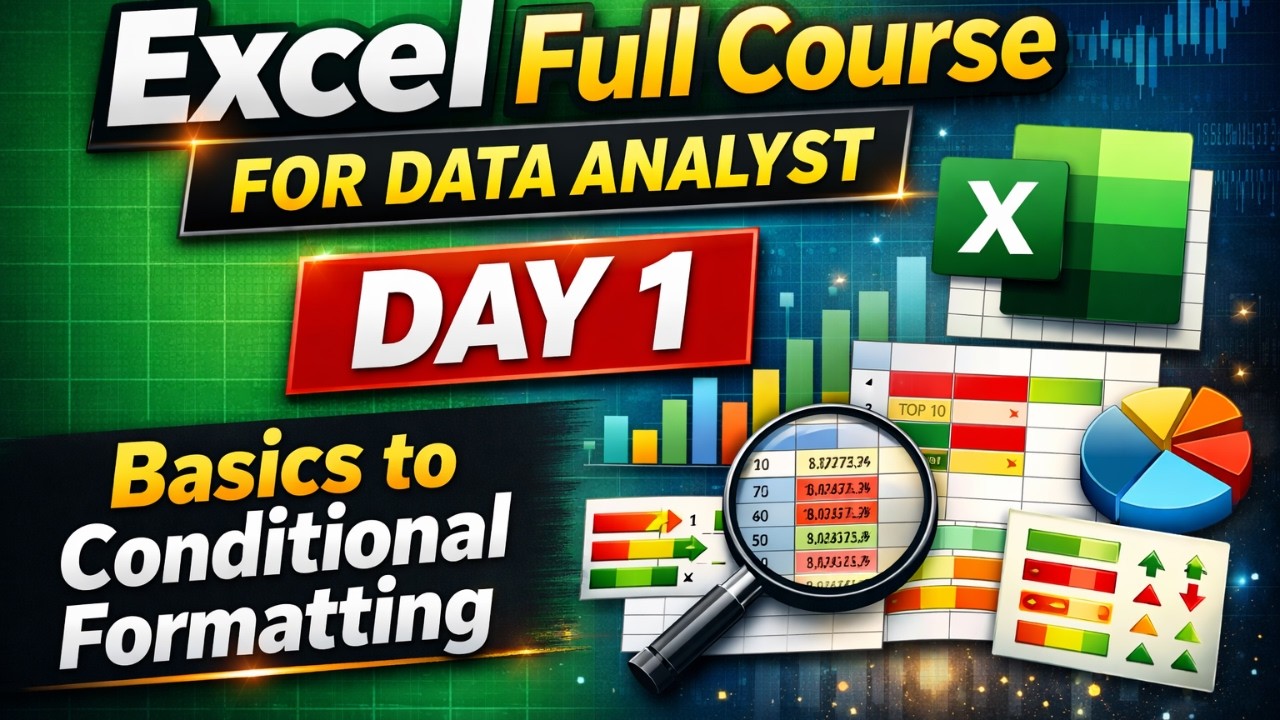
Excel Full Course for Data Analyst | Day 1 | Excel Basics to Advanced Formatting
Автор: Coding Analytics
Загружено: 2026-01-23
Просмотров: 19
📊 Excel Full Course for Data Analyst | Day 1 | Excel Basics to Conditional Formatting
This video provides a complete and practical introduction to Microsoft Excel, covering both basic and essential advanced features required for Data Analysts, Power BI Developers, and aspiring Data Scientists.
In Day 1 of this Excel tutorial series, you will learn how Excel works internally, how data is stored and managed, and how to use formulas, shortcuts, formatting, and conditional formatting for real-world data analysis.
This session is designed for beginners as well as working professionals who want to build strong Excel fundamentals before moving to advanced analytics tools like SQL, Python, and Power BI.
⏱️ Video Timeline (Chapters)
00:00 – 04:25 | Introduction & Excel Interface
Understanding Excel versions, default templates, workbook vs worksheet, ribbon tabs, rows, columns, and cell addressing system.
04:25 – 06:56 | Excel Data Limits & Advanced Tools Overview
Excel row and column limitations explained. When and why tools like SQL, Python, and ETL are required for big data handling. Introduction to Home Tab, Clipboard, and Formula section.
06:56 – 14:10 | Sheet-based Data Entry & Keyboard Shortcuts
How to enter data efficiently, generate random values, convert formulas to fixed values using Paste as Values, and essential shortcuts like Ctrl + A and Shift selection.
14:10 – 21:47 | Cell, Row & Column Formatting
Font styling, column width adjustment, borders, merge and center, font colors, alignment, and professional formatting practices.
21:47 – 30:10 | Data Filling Shortcuts & Compression
Using Ctrl + D and Ctrl + R for fast data and formula copying, fixing values, and efficient range selection techniques.
30:10 – 41:17 | Basic Mathematical & Data Functions
Hands-on usage of SUM, AVERAGE, MIN, MAX, COUNT, and COUNTA. Clear difference between numerical and textual data counting.
41:17 – 50:15 | Advanced Alignment, Remarks & Text Wrapping
Better table alignment, inserting rows and columns using shortcuts, text wrapping, and using Alt + Enter for multi-line cell entries.
50:15 – 01:02:24 | Conditional Formatting Basics
Highlighting data based on number ranges, text conditions, blank cells, and visual data identification techniques.
01:02:24 – 01:21:59 | Advanced Conditional Formatting & Analysis Tools
Duplicate value detection, Top/Bottom analysis, color scales, data bars, icon sets, auto-sum, date-based formatting, and range-based formatting. Preparation for the next session.
🔑 Key Learnings from This Video
Excel interface: workbook, worksheet, ribbon tabs, rows & columns
Excel data limits: 1,048,576 rows and 16,384 columns
When to move from Excel to SQL or Python
Efficient data entry using shortcuts and random values
Paste as Values to make formulas permanent
Professional formatting techniques for reports
Fast data copying using Ctrl + D and Ctrl + R
Core Excel functions for data analysis
Conditional Formatting for visual analytics
Text wrapping, auto-fit, alignment shortcuts
Practical Excel tips used in real business scenarios
❓ Frequently Asked Questions (FAQs)
Q1: Is Excel enough for handling large datasets?
Excel has row and column limitations. For large datasets, tools like SQL, Python, and ETL pipelines are recommended.
Q2: How can I convert formulas into fixed values in Excel?
Copy the cells and use the Paste as Values option to make results permanent.
Q3: Shortcut to select entire row or column?
Column: Ctrl + Space
Row: Shift + Space
Q4: How to highlight duplicate values in Excel?
Use Conditional Formatting → Duplicate Values option.
Q5: How to analyze Top 10 or Bottom 10 values?
Use Conditional Formatting → Top/Bottom Rules to quickly identify extreme values.
🎯 Conclusion
This video builds a strong Excel foundation, starting from basics and moving towards advanced conditional formatting and data analysis techniques. It prepares learners to handle real-world datasets, improves productivity with shortcuts, and helps understand when to transition from Excel to advanced analytics tools.
📌 Action Steps:
Practice shortcuts daily on real datasets
Apply conditional formatting to identify patterns
Start learning SQL or Python for large-scale data
Revise Excel functions regularly for mastery
This session lays the essential groundwork for becoming a professional Data Analyst.
🔔 Watch till the end & Subscribe for the complete Excel series!
#ExcelForDataAnalyst
#ExcelTutorial
#ExcelBasics
#ExcelFullCourse
#DataAnalytics
#ExcelConditionalFormatting
#ExcelShortcuts
#ExcelFunctions
#LearnExcel
#ExcelForBeginners
#PowerBI
#SQL
#PythonForDataAnalysis
#CodingAnalyticsWithAnkit
Доступные форматы для скачивания:
Скачать видео mp4
-
Информация по загрузке: