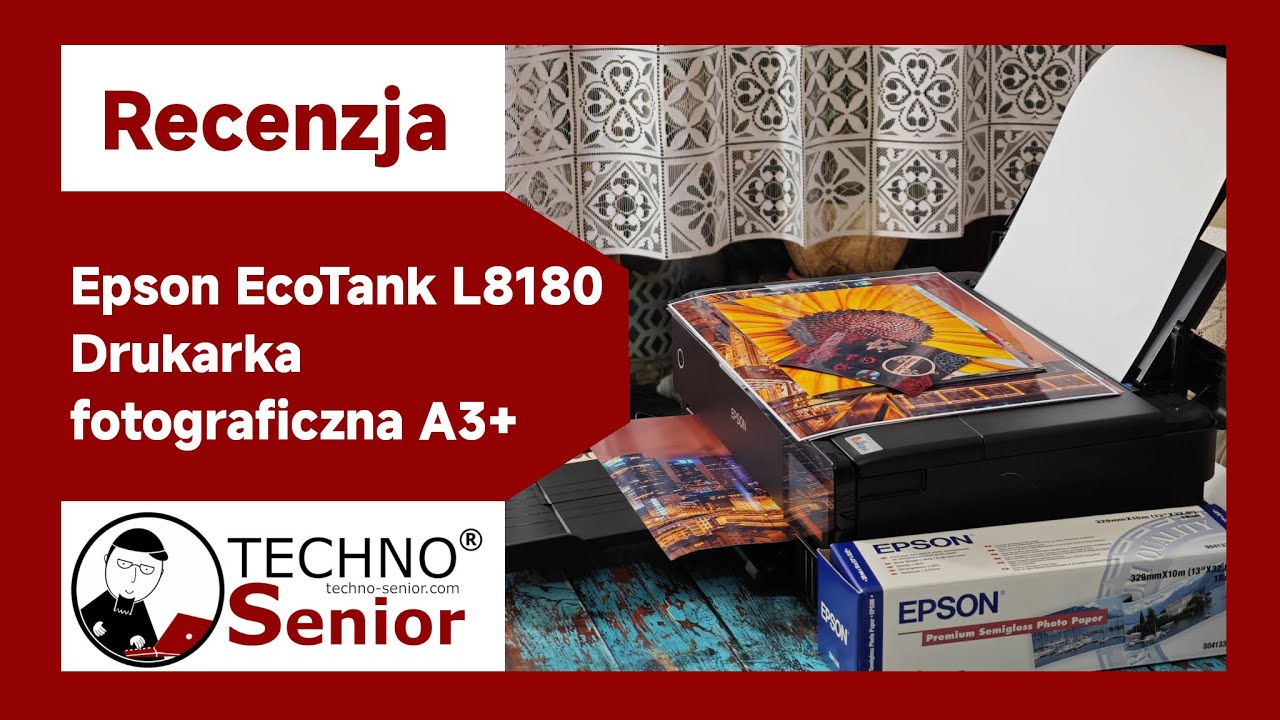
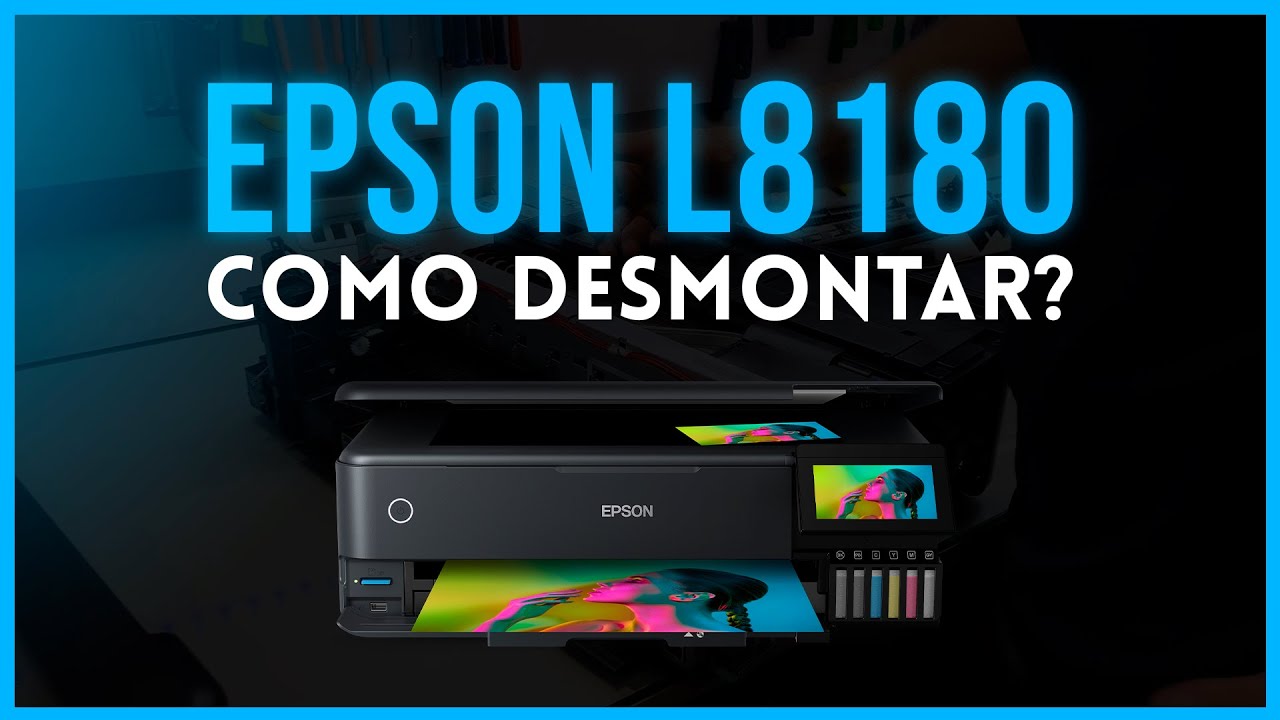
Epson ET 8550, or L8180 printer - Refilling the inks
Автор: Adapting Camera
Загружено: 2024-08-15
Просмотров: 3565
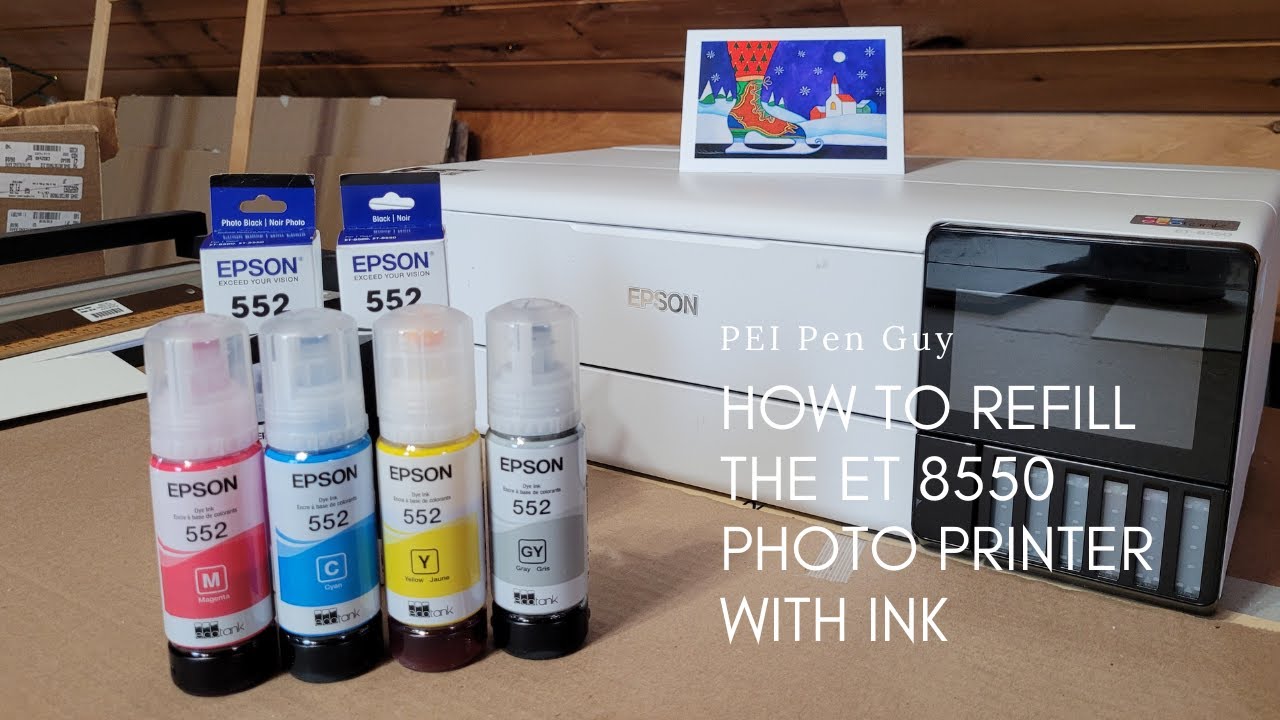
About two years ago I bought an EPSON EcoTank ET-8550 or also called L8180 on some markets. It can print maximum A3+ size (13" x 19" or 330 x 480mm) photographic images from sheet paper, or 13 x 80" (330 x 2000 mm) from roll paper. It can also print directly on a CD or DVD, assuming that the used CD / DVD is a printable type on the label side. The printer is very economical since it has large ink tanks which you can fill from the 114 type number bottles, suitable for this printer. Any colour which needs to be filled can be filled individually, or you can to top up all at the same time, it's your choice.
In this video I show how to fill up the tanks. It's not rocket science and it is done quite fast if you are not making a video at the same time.
Previously I made several other videos regarding this printer, so please have a look at them if you want to know more about the printer.
Opening the box, initial setup and configuration: • Epson ET-8550, or L8180 printer - Opening ...
First use and printing some small images: • EPSON ET-8550, or L8180 printer - First im...
Printing large colour image in real time: • Epson ET-8550, or L8180 printer - Printing...
Printing black and white images with excellent results: • Epson ET 8550, or L8180 printer - Printing...
Printing on CDs and DVDs: • Epson ET 8550 or L8180 printer - Printing ...
Please note that this video is not in any way sponsored by EPSON, I did not even receive a box of photo papers from them and the printer is paid in full by myself.

Доступные форматы для скачивания:
Скачать видео mp4
-
Информация по загрузке: