CPU Lag Is Destroying Your FPS – FIX CPU Lag & Boost FPS
Автор: Vortex
Загружено: 2026-01-24
Просмотров: 1579
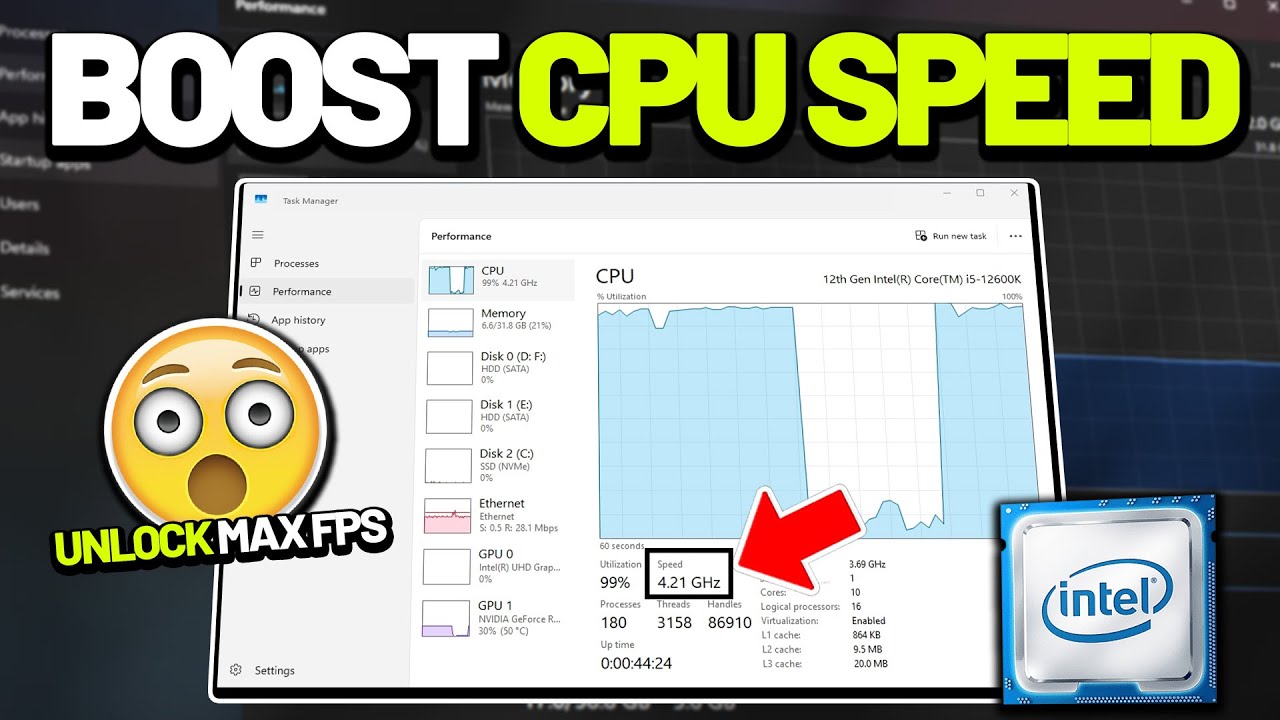
Low FPS, constant stutters, frame drops, or your games not using your GPU properly? Your CPU lag is destroying your FPS and causing unstable performance. In this video, I show you how to fix CPU lag, reduce CPU bottlenecks, and boost FPS for smooth, responsive gameplay.
These optimizations focus on lowering CPU overhead, improving frame-time stability, and eliminating background tasks that silently kill gaming performance.
Title: CPU Lag Is Destroying Your FPS – FIX CPU Lag & Boost FPS
► Experience lower & stable ping with reductions as much as 50 ping and 0 packet loss, try GearUP Booster: https://aff.gearupglobal.com/product/...
► My Discord: / discord
Regedit Path: HKEY_LOCAL_MACHINE\System\CurrentControlSet\Control\PriorityControl
Video Chapters:
0:00 - Introduction
0:23 - Step 1: Identify a CPU Bottleneck
1:52 - Step 2: Prioritize Games via Registry Editor
2:53 - Step 3: Remove CPU Boost Restrictions
4:10 - Step 4: Fix Lag & Ping with Gear Up Booster
5:35 - Step 5: Disable Xbox Background Services
6:53 - Step 6: Assign High-Performance GPU
8:05 - Step 7: Disable Windows Power Throttling
9:24 - Step 8: Stop Background Apps via Group Policy
10:21 - Outro
ignore these tags:
fix cpu lag gaming, cpu lag fps fix, boost fps cpu, high cpu usage gaming, fix fps drops pc, cpu bottleneck fix, gaming cpu optimization, reduce cpu usage windows, pc performance boost
Доступные форматы для скачивания:
Скачать видео mp4
-
Информация по загрузке: