Скачать
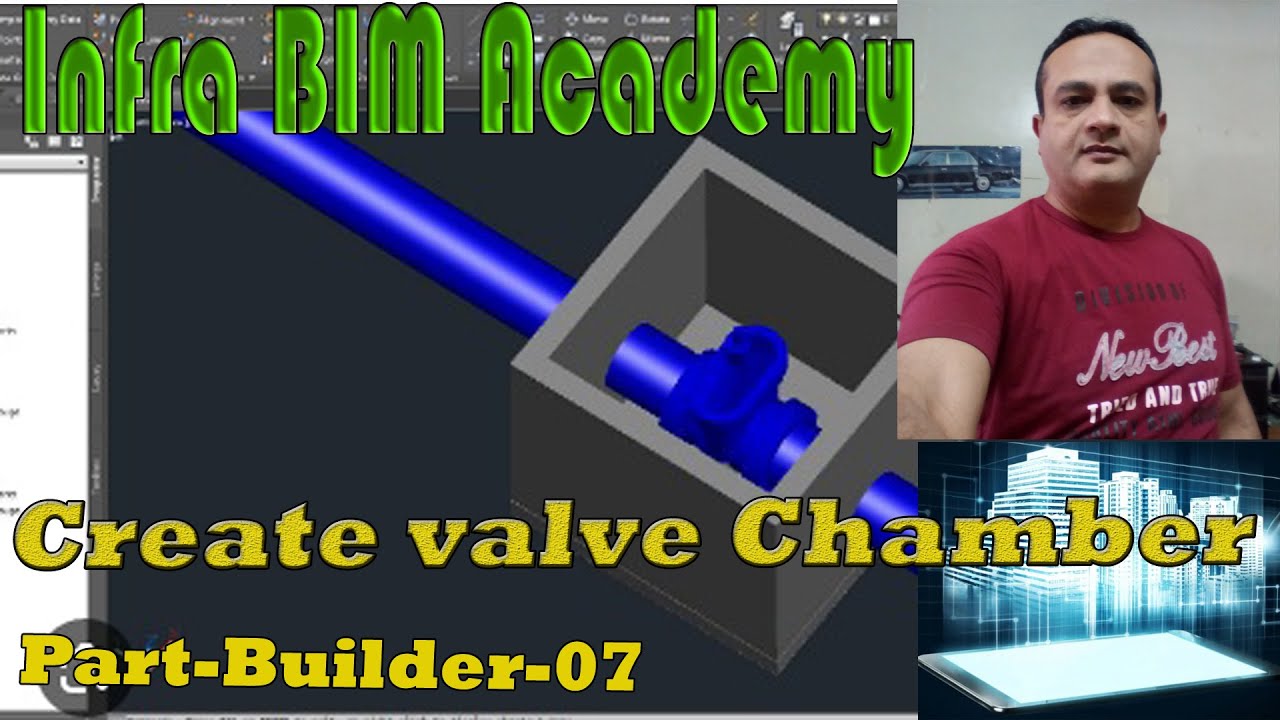
Part Builder-06 how can Add Pipe Object in Catalog Infra Bim Academy
Автор: INFRA BIM ACADEMY
Загружено: 2023-04-19
Просмотров: 1009
Описание:
Part Builder-06 how can Add Pipe Object in Catalog Infra Bim Academy Ashraf Baig
• Part Builder-06 how can Add Pipe Object i...
On the Home ribbon tab expand Create Design panel Launch Infrastructure Parts Editor.
On the left pane, select Open my parts lib.
Select Piping and choose the desired catalog to Open.
In the Navigation Pane, Select the Pipes Category, then select the Part Family (pressure class).
On the Part Family properties, adjust the part size range accordingly.
On the Part Editing tab, Export the parameter Excel for edit then Reimport.
Publish the modified Catalog.

Доступные форматы для скачивания:
Скачать видео mp4
-
Информация по загрузке: