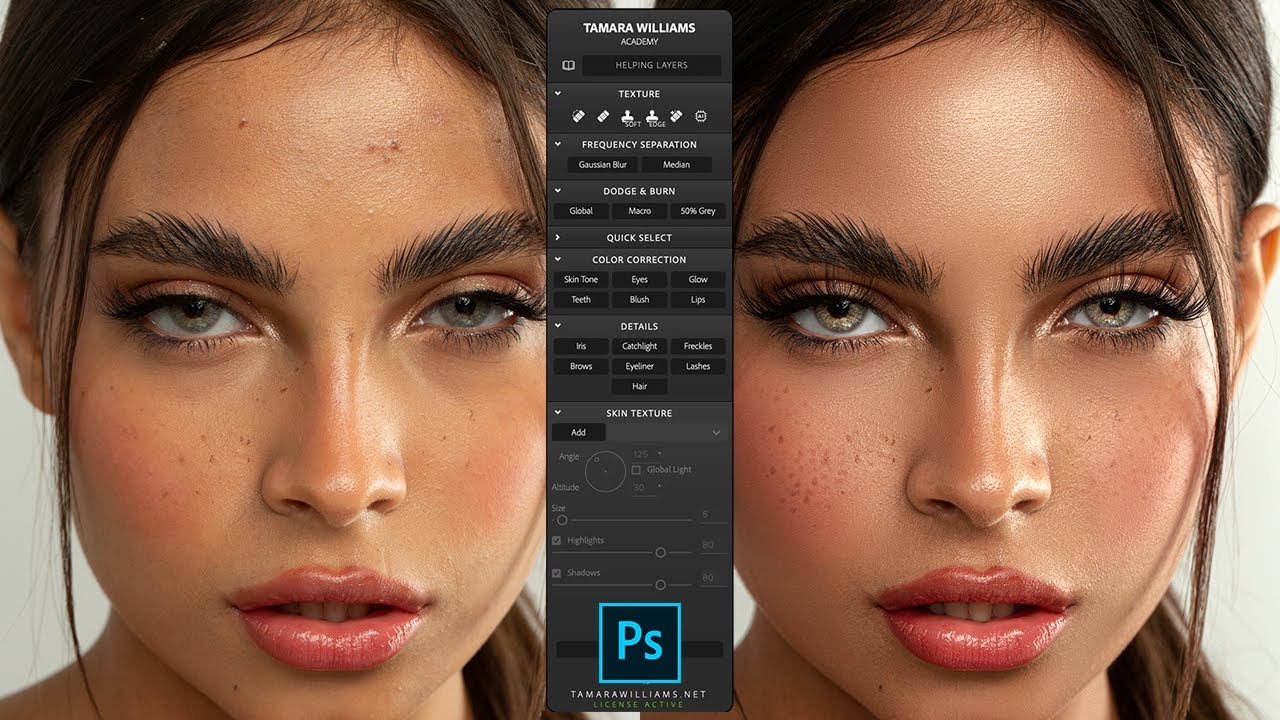
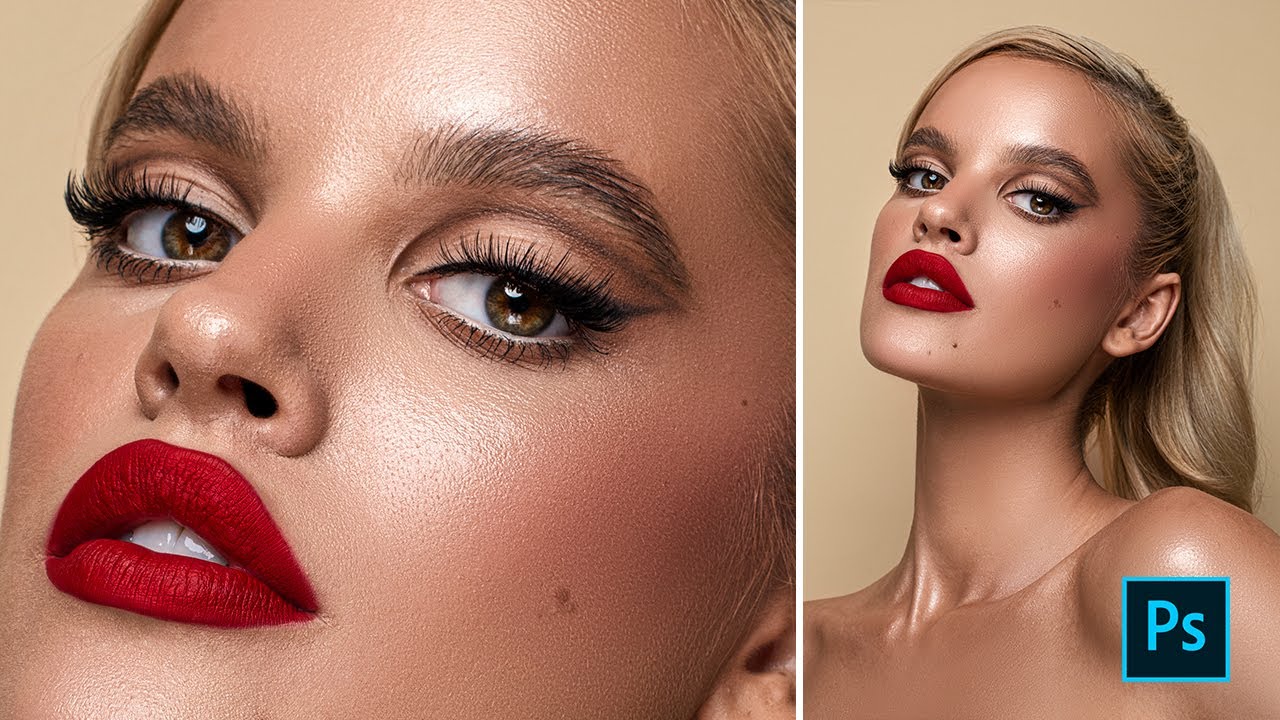
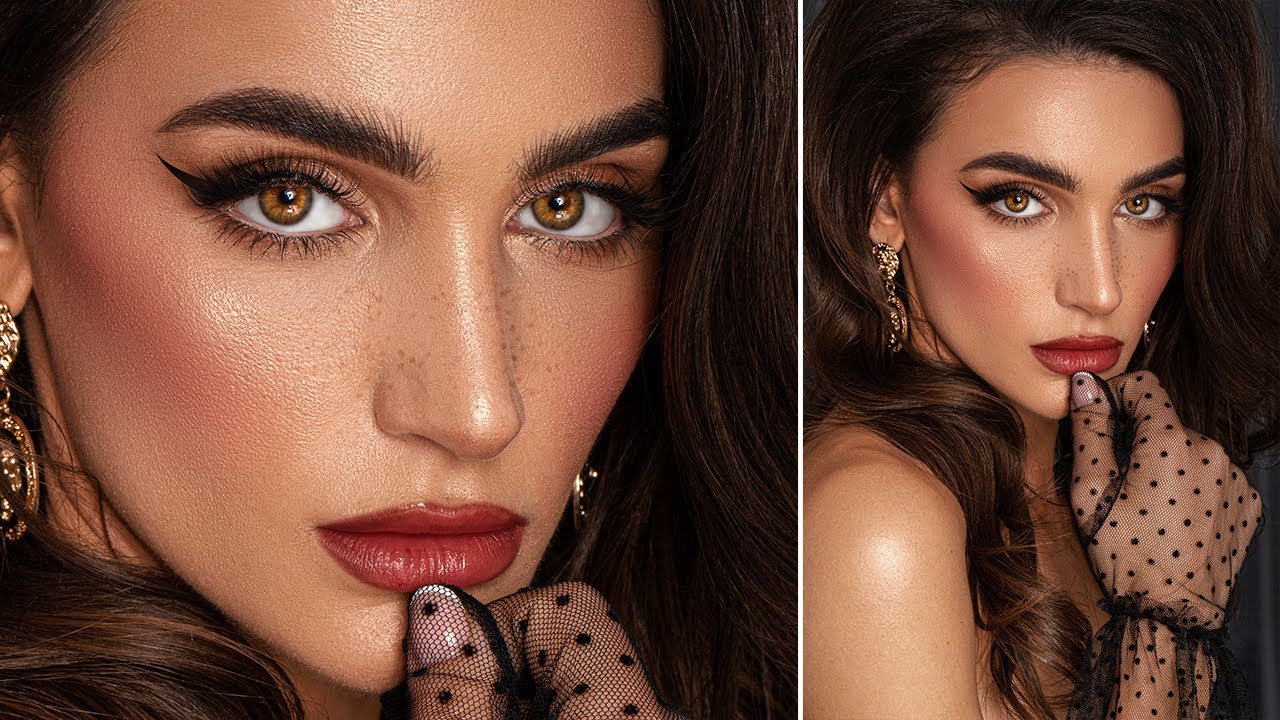
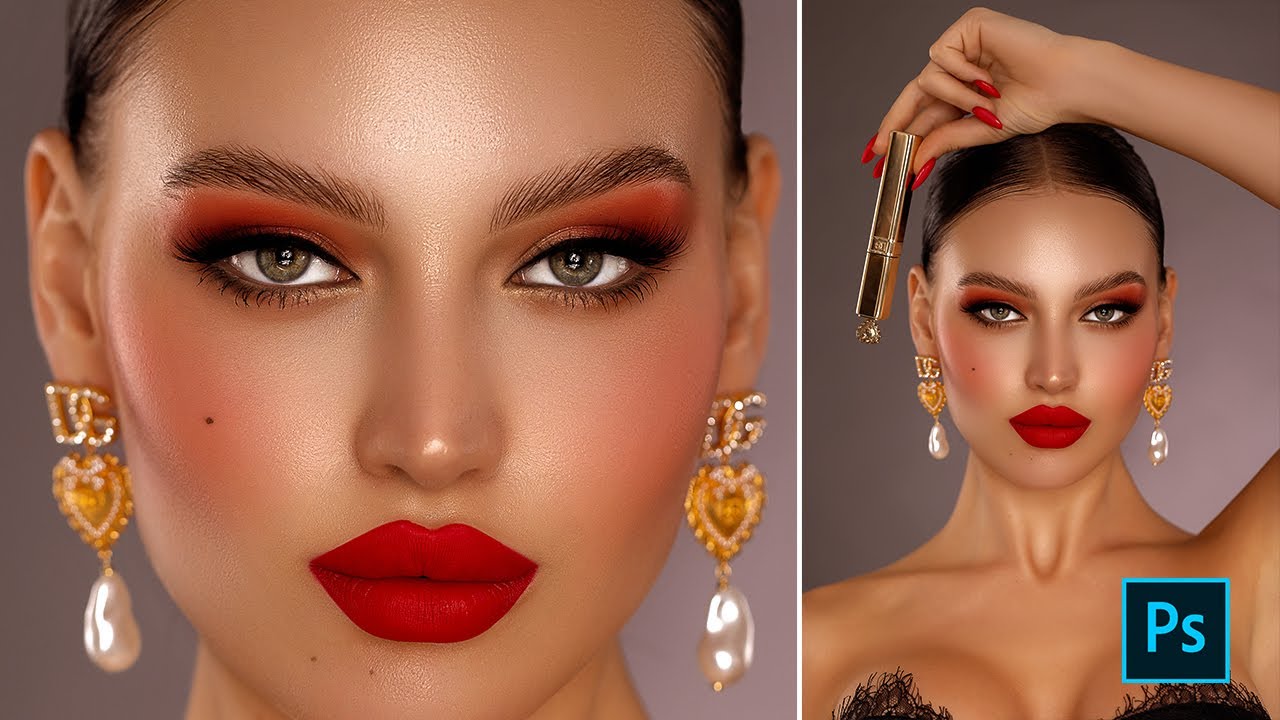
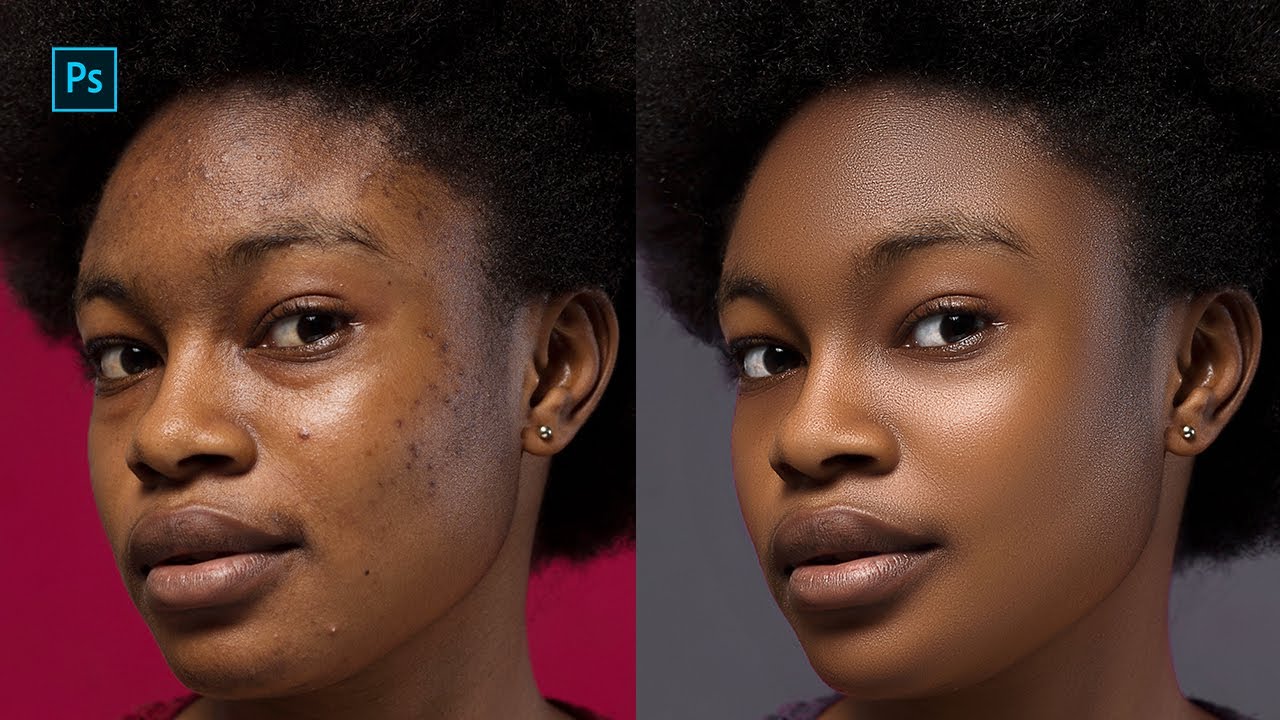
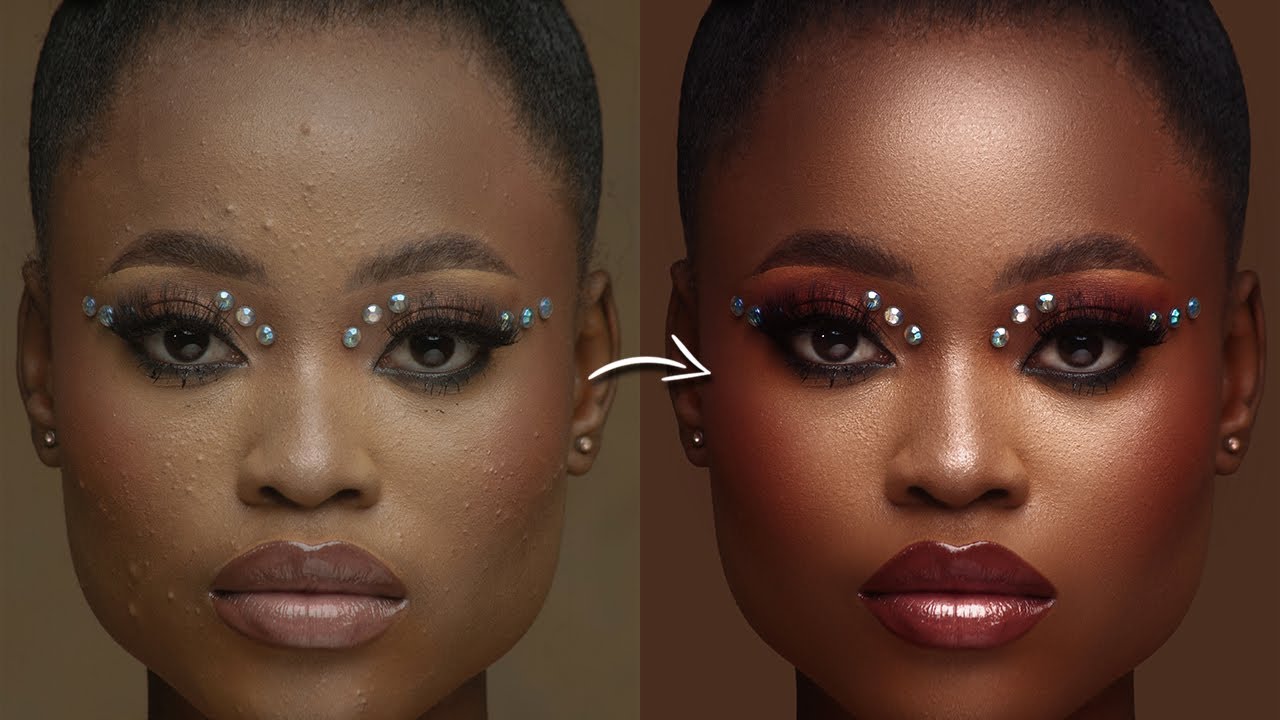
Retouch Like a Pro! Tamara Williams Academy Panel Photoshop Tutorial
Автор: Erjon Sopaj
Загружено: 2025-03-16
Просмотров: 1928
🔥 Learn how to achieve high-end beauty retouching with the Tamara Williams Academy Panel! 🔥
In this tutorial, I’ll walk you through the step-by-step process of retouching a portrait using the powerful Tamara Williams Academy Panel. Whether you're a beginner or an experienced retoucher, this tool will help you refine skin, enhance details, and create flawless, natural-looking results in Photoshop.
📌 What You'll Learn in This Video:
✔️ How to use the Tamara Williams Academy Panel for beauty retouching
✔️ Techniques for smooth yet natural skin texture
✔️ How to enhance details without over-editing
✔️ Tips for professional high-end portrait retouching
✨ Exclusive Discount for My Viewers! ✨
Want to get your hands on the Tamara Williams Academy Panel or Tamara Williams Brushes? Use my special discount code ERJ10 at checkout and get 10% OFF! 🎉
💡 Get the Panel & Brushes Here: https://bit.ly/4isQ7GM
📸 Premium Raw File; https://bit.ly/4iDzdFW
🔔 Subscribe for more Photoshop retouching tutorials! Don't forget to like, comment, and share if you found this tutorial helpful. Let me know in the comments if you have any questions or requests for future videos! 🚀
📸 Photo resource; povilasvaketisphotography

Доступные форматы для скачивания:
Скачать видео mp4
-
Информация по загрузке: