YASKAWA Robot Standard Interface Communication Configuration
Автор: Mech-Mind Robotics
Загружено: 2023-09-25
Просмотров: 1964
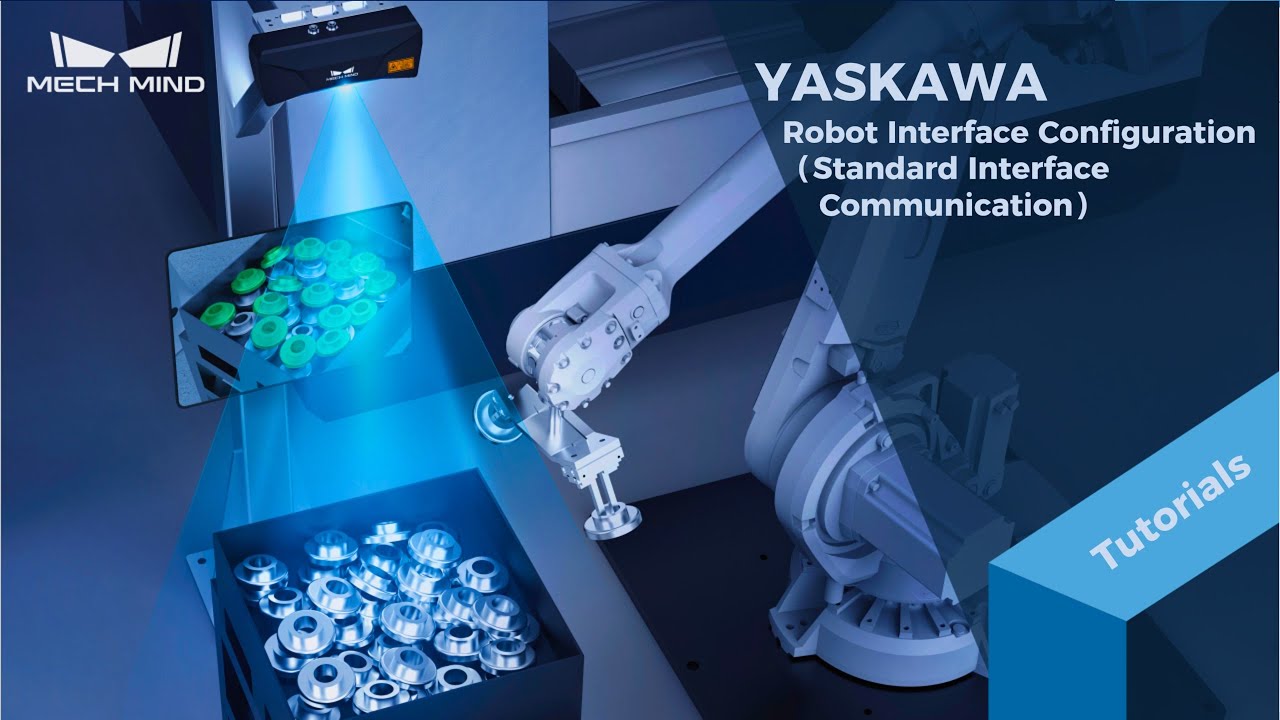
This tutorial series will guide you through the operational steps required to load program files into various robots and establish communication with the robot using different communication modes.
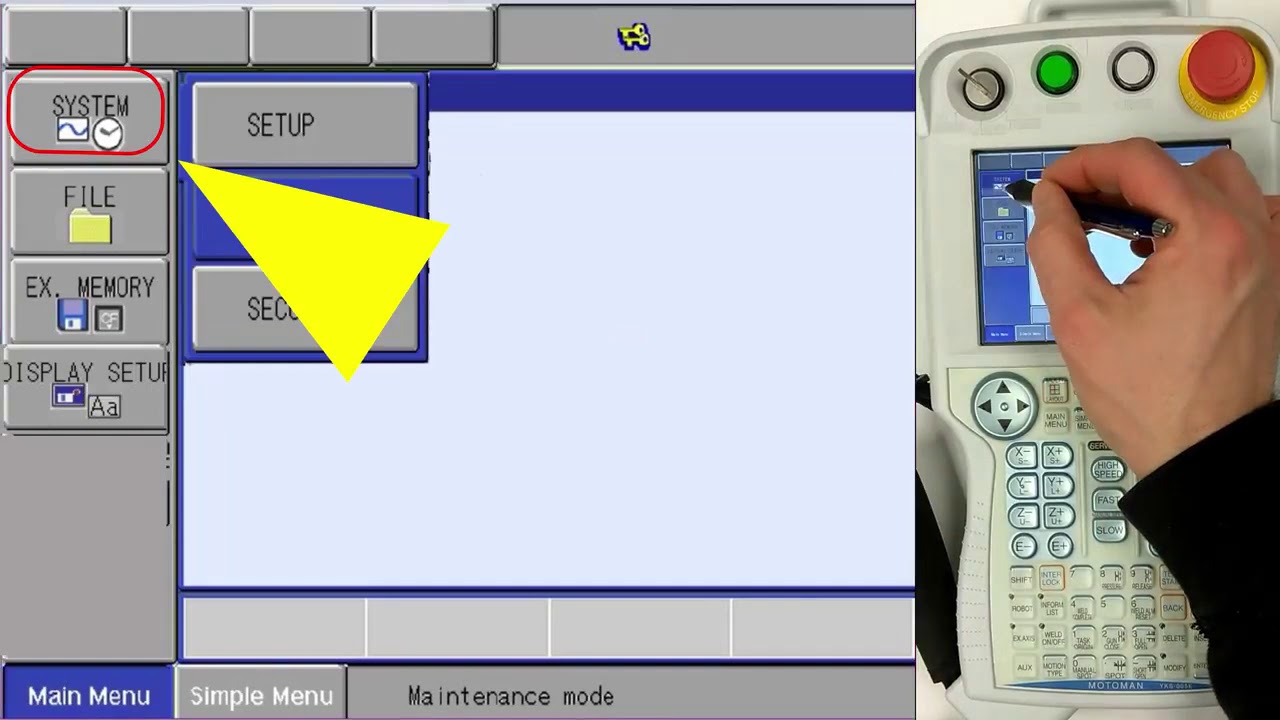
This video demonstrates how to load program files into a YASKAWA robot to establish a connection between the robot and the Mech-Mind Vision System.
Robot brand and model: 6-axis YASKAWA robot
The controller used: YRC1000
Option function requirements: The MotoPlus and Ethernet functions must be enabled.
Communication mode: Standard interface communication
Applicable software version: 1.7.2 and later
0:00 Introduction
0:38 Preparation
3:24 Load files
5:44 Test run
For an overview of operating the Mech-Mind Vision System with the help of tutorials and documentation, please visit the "Guidance of Docs and Tutorials" section at: https://docs.mech-mind.net/en/home/vi...
For more information on how to load program files into a YASKAWA robot using standard interface communication mode, please visit the following link: https://docs.mech-mind.net/en/robot-i...
Доступные форматы для скачивания:
Скачать видео mp4
-
Информация по загрузке: