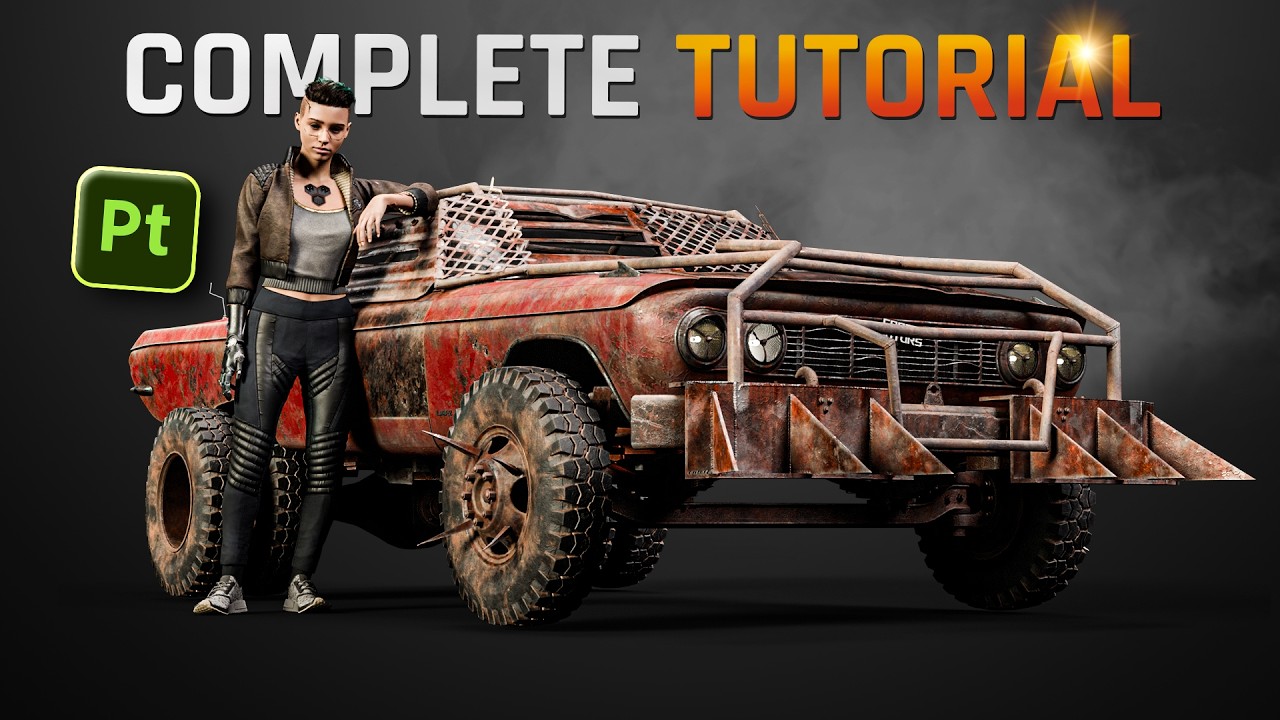
Combining textures of a model exported from substance painter into a single one (5 step tutorial)
Автор: 3D-Apt
Загружено: 2024-09-30
Просмотров: 3477
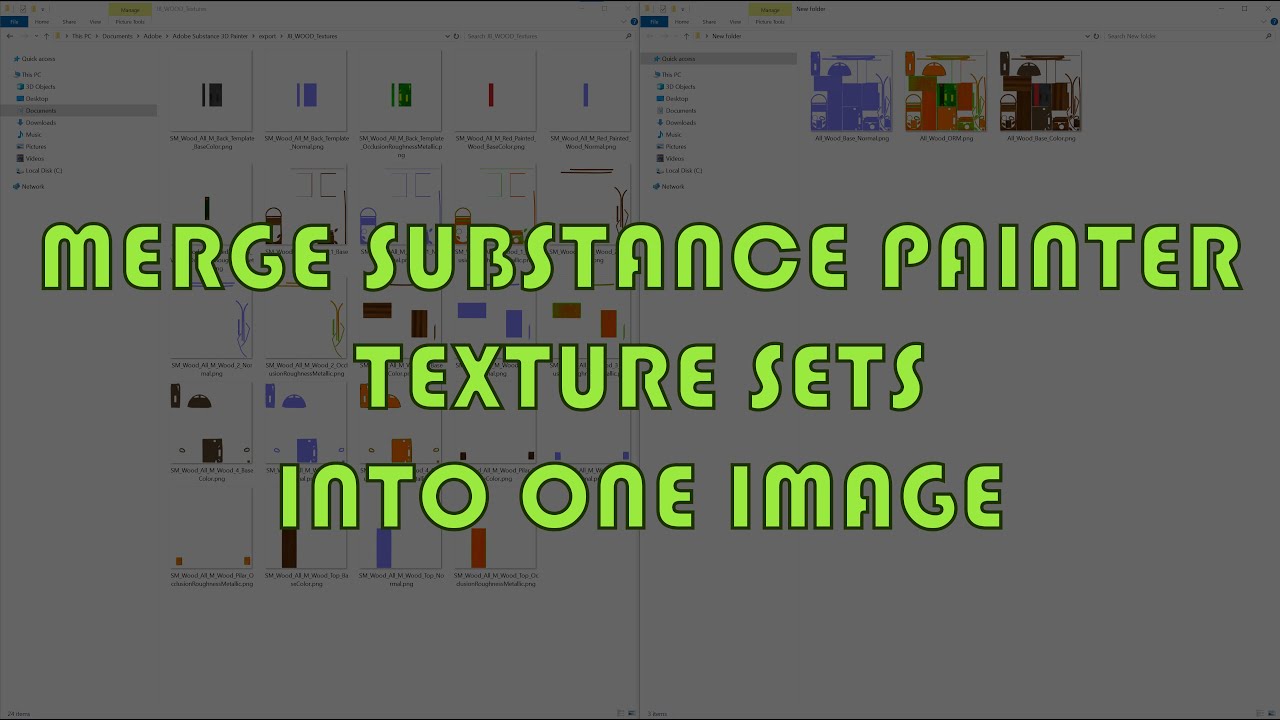
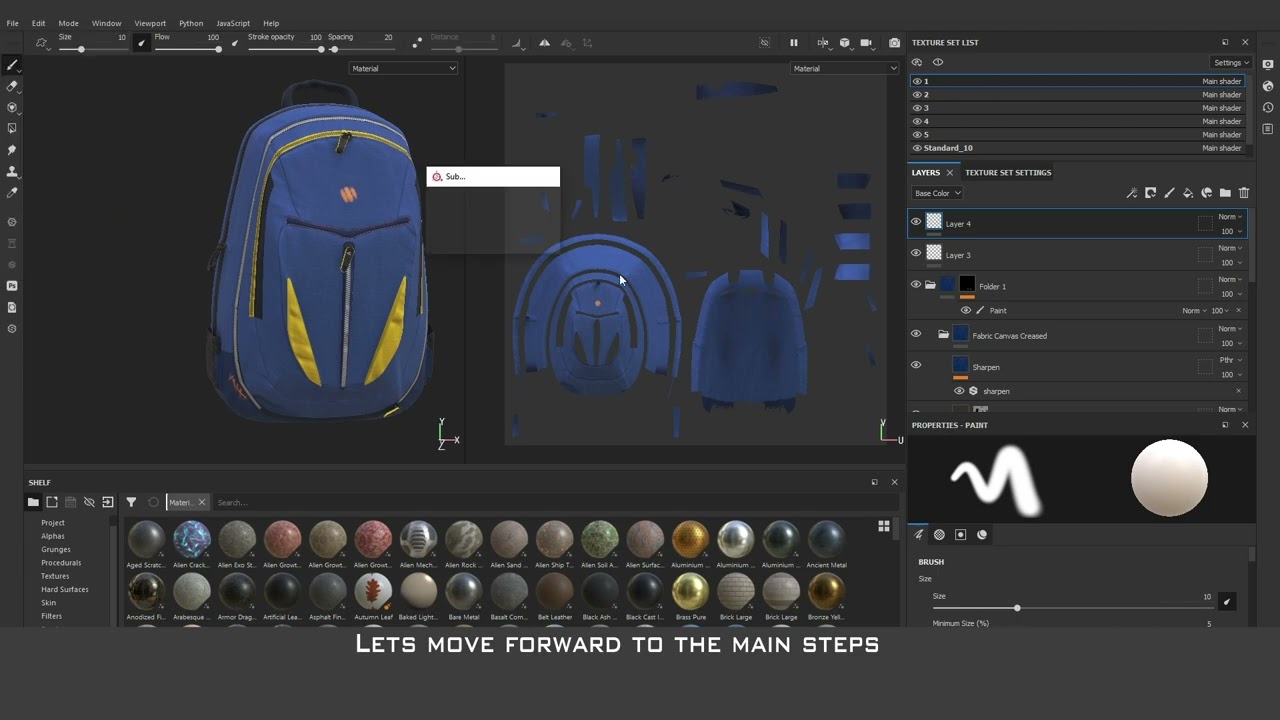
In this tutorial I am demonstrating how to merge/combine same type of textures exported from substance painter shaders of the uniform model.
In some cases the model can be a single mesh with common UV shield but in Substance painter the materials can be separated to different shaders. the export from the substance painter makes set of separated texures and it does not allow to export them combined.
in this tutorial we will merge them using photoshop.
0:00 Introduction
1:36 Step 1 - Export settings
2:25 Step 2 - Merging files in photoshop
2:56 Step 3 - Setting the blending type of the layers
3:08 Step 4 - Saving the file
3:20 Merging the Normal maps
3:44 Step 5- Cretae material in yor 3d modelling software
Доступные форматы для скачивания:
Скачать видео mp4
-
Информация по загрузке: