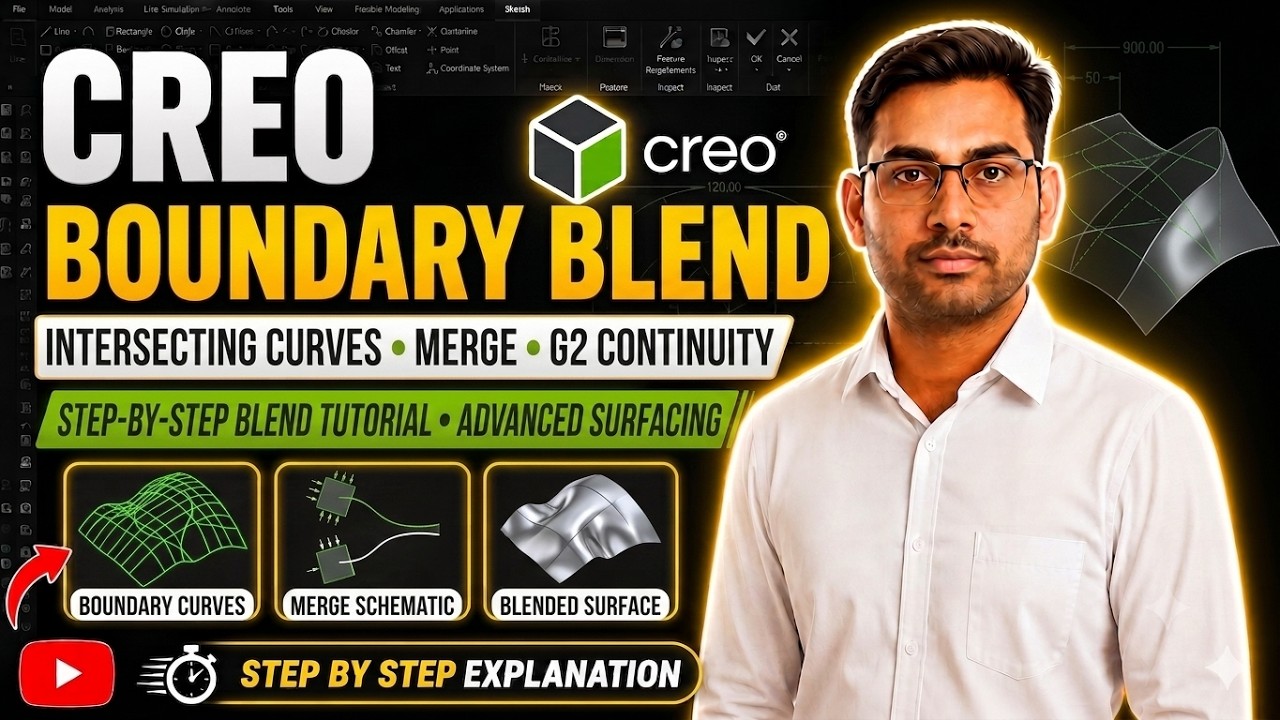
Boundary Blend in PTC Creo Parametric 7.0 | Surfacing Tutorial with Practice Example
Автор: Design MK Cad Tutorial
Загружено: 2024-04-08
Просмотров: 98
Learn Boundary Blend in PTC Creo Parametric 7.0 with a clear and practical surfacing example.
This tutorial explains how to create smooth and controlled surfaces using the Boundary Blend
feature in Creo Surfacing, step-by-step for beginners and intermediate users.
✔️ What You Will Learn:
Boundary Blend command in PTC Creo Parametric 7.0
Surfacing workflow and surface control
How to select boundaries and directions
Continuity options (G0, G1, G2) explained
Real practice example for better understanding
Best tips for clean surface modeling
📌 Ideal for: Mechanical engineers, CAD students, surface modeling learners, Creo users
📌 Useful for automotive, product design, and advanced CAD surfacing skills
Boundary Blend Creo, PTC Creo Boundary Blend Tutorial, Creo Surfacing Command,
Boundary Blend in Creo Parametric 7.0, Creo Surface Modeling, Creo Practice Exercise,
PTC Creo Tutorial for Beginners, Creo Advanced Surfacing, Boundary Surface Creo,
Creo Parametric Surfacing Example
#PTCCreo #CreoParametric #BoundaryBlend #CreoSurfacing #SurfaceModeling
#CADTutorial #PracticeExercise #MechanicalDesign #Creo7
Follow us on:-
Solidworks Tutorial - • Extrude Command in SolidWorks | Full Tutor...
CreoTutorial - / playlist
list=PL0dJ1rWLndcFCZB3bIxSpcZ6Cur6WKhU7
Instagram -https://www.instagram.com/designmk_cadtuto...
Telegram -https://t.me/DesignMk_Cad
Доступные форматы для скачивания:
Скачать видео mp4
-
Информация по загрузке: