Mail Merge in Word: Send Personalized Mass Emails & Labels
Автор: Tumusiime Macklyn #Learn Computer
Загружено: 2025-11-16
Просмотров: 6
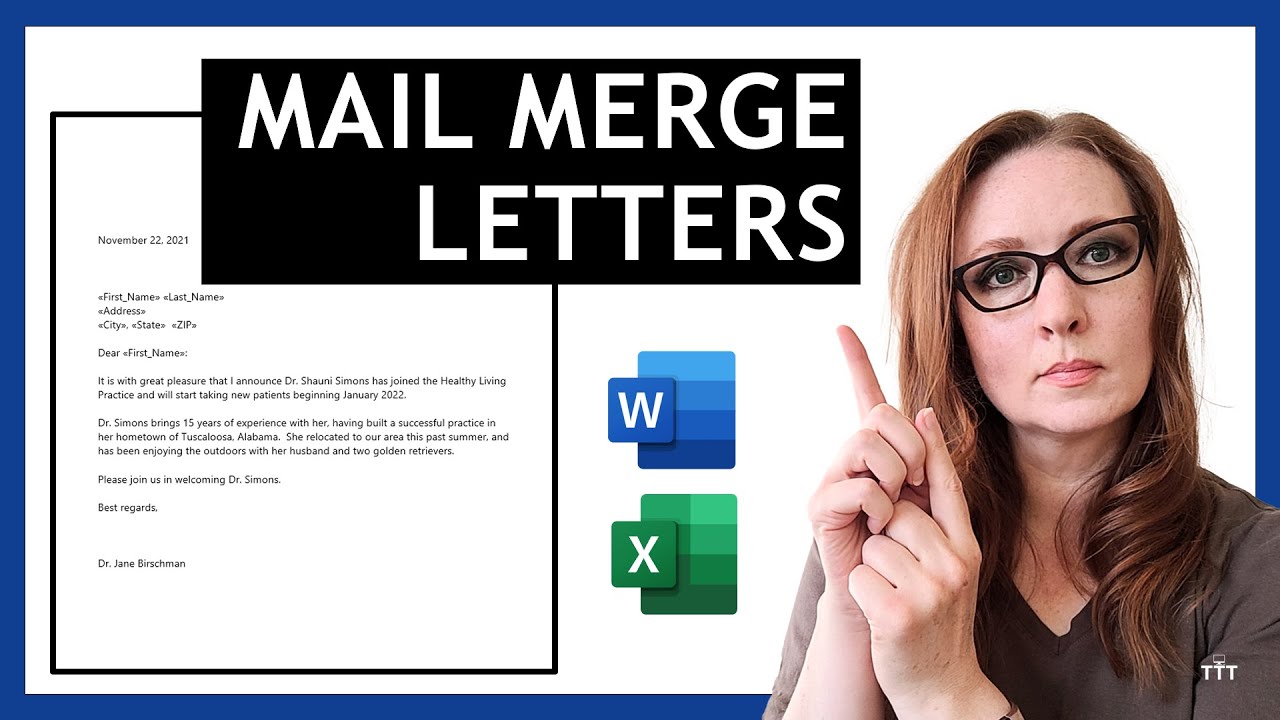
Tired of manually creating hundreds of individual emails or labels? Mail Merge is your secret weapon! This tutorial will show you how to use Microsoft Word and Excel together to send personalized mass emails, create mailing labels, and generate custom letters in minutes—not hours.
Learn how to automate your bulk communications while making each recipient feel like you're speaking directly to them. Perfect for businesses, event organizers, teachers, and anyone who needs to communicate with a large group personally.
In this step-by-step tutorial, you will learn how to:
· Set up your data source correctly in Microsoft Excel for a mail merge.
· Start the Mail Merge wizard in Microsoft Word.
· Connect your Excel contact list to your Word document.
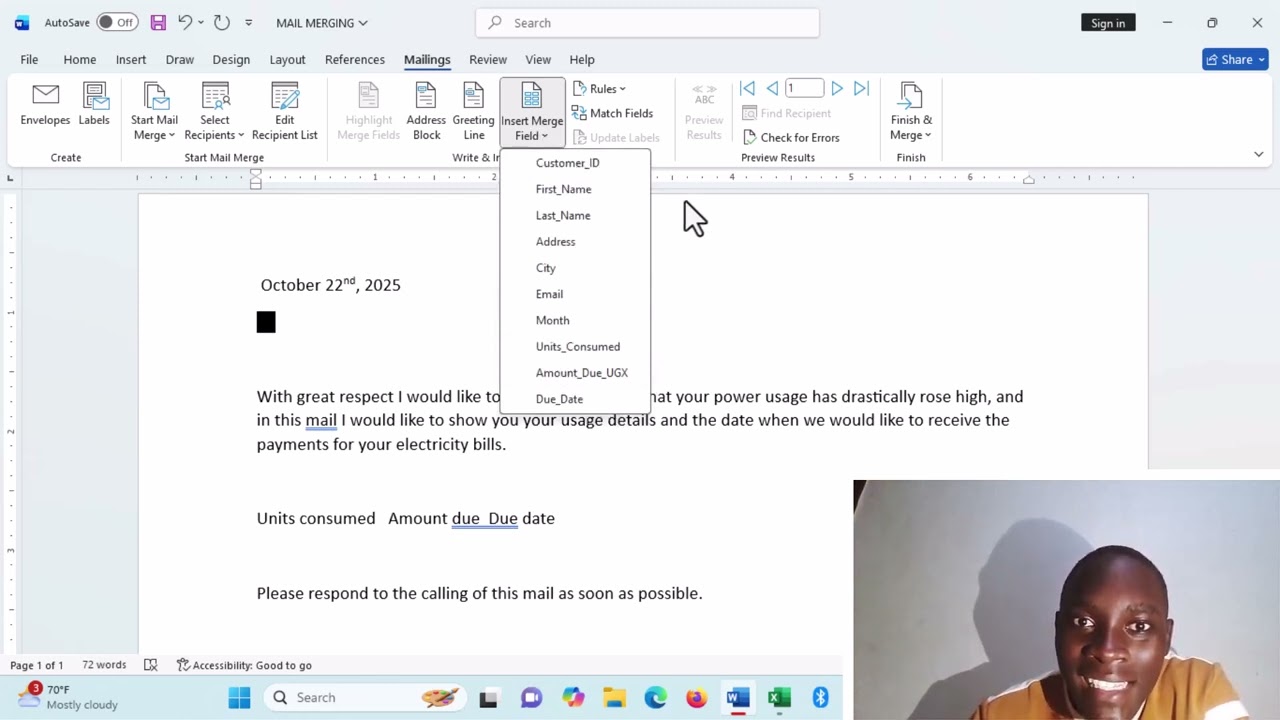
· Insert merge fields to personalize each email or letter (e.g., First Name, Company).
· Preview your merged documents before sending to catch any errors.
· Complete the merge to generate individual personalized documents or emails.
· Send mass emails directly from Outlook using Mail Merge.
· Create and print a full sheet of mailing labels effortlessly.
· Troubleshoot common mail merge errors and formatting issues.
💡 Pro Tip: Learn how to use the «Next Record» rule to create directories or lists in a single document.
Доступные форматы для скачивания:
Скачать видео mp4
-
Информация по загрузке:





![1 A.M Study Session 📚 [lofi hip hop]](https://imager.clipsaver.ru/lTRiuFIWV54/max.jpg)