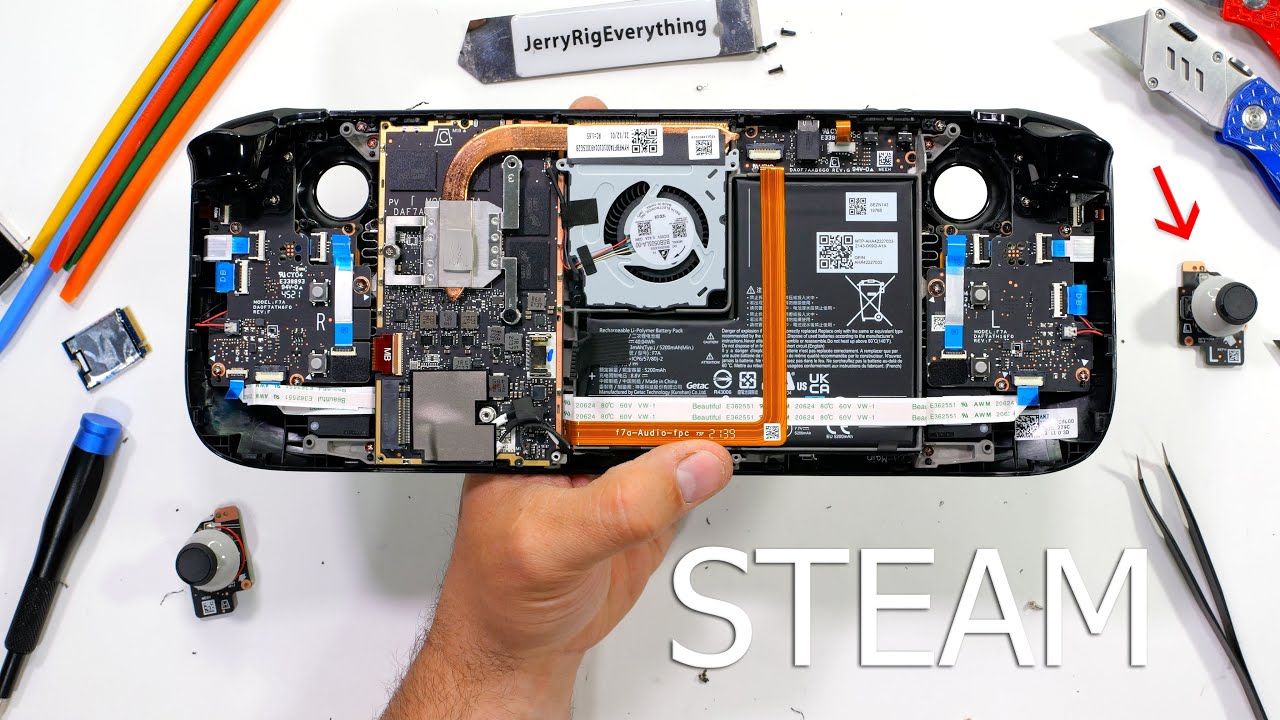
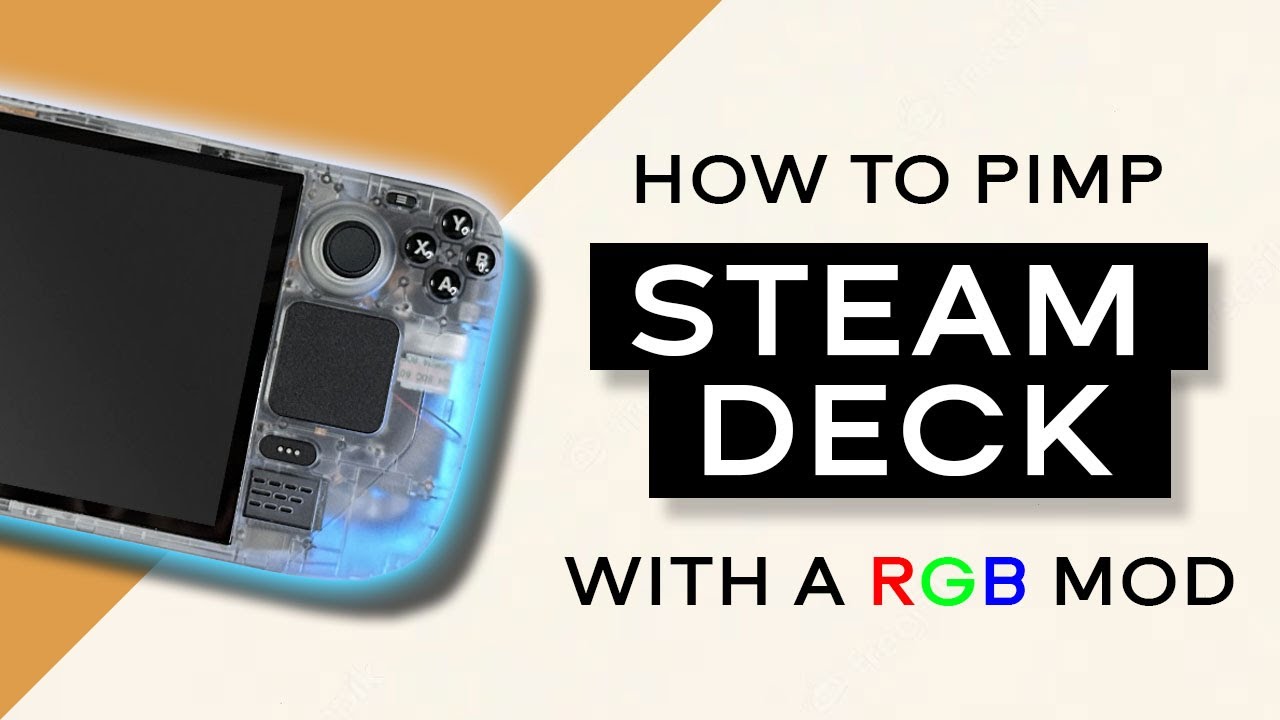
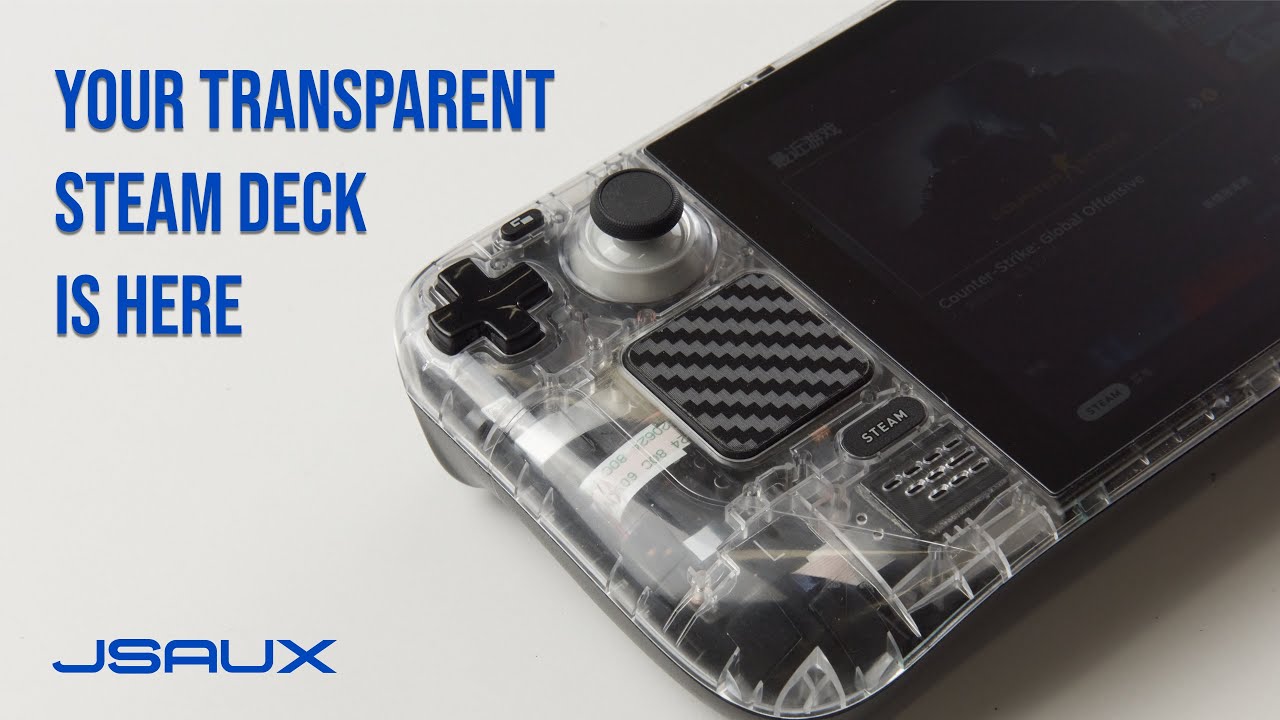
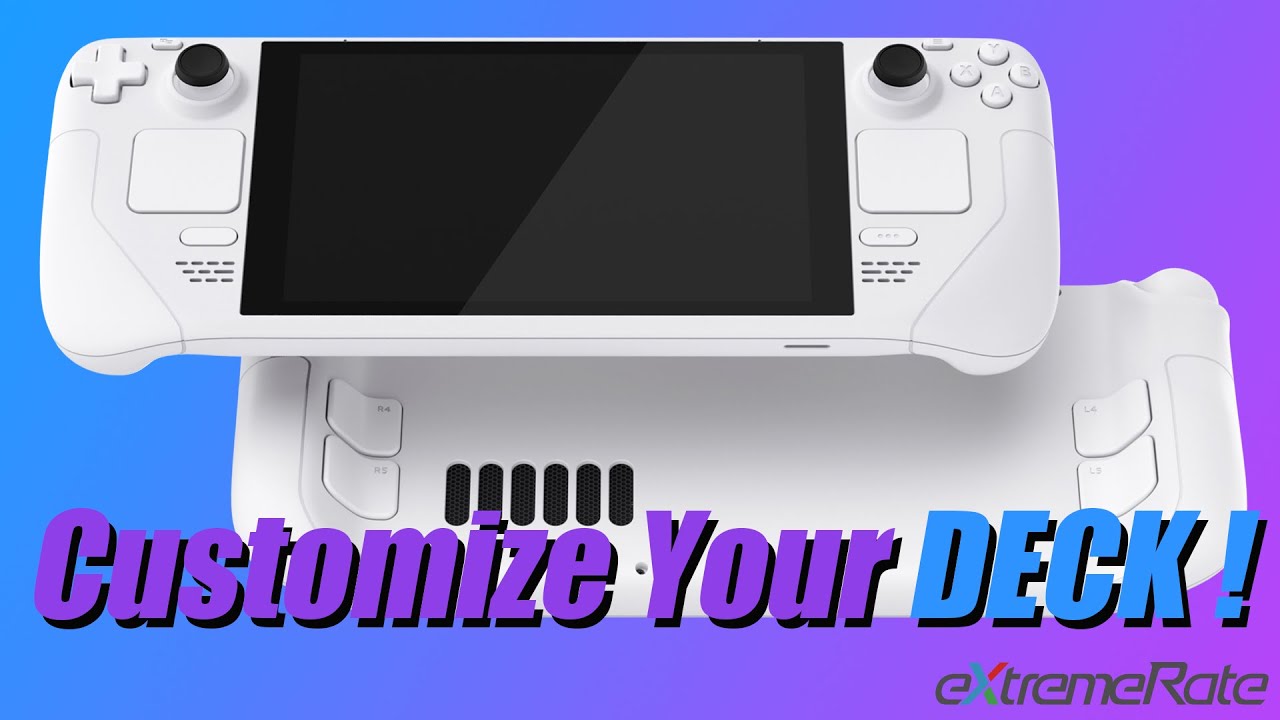
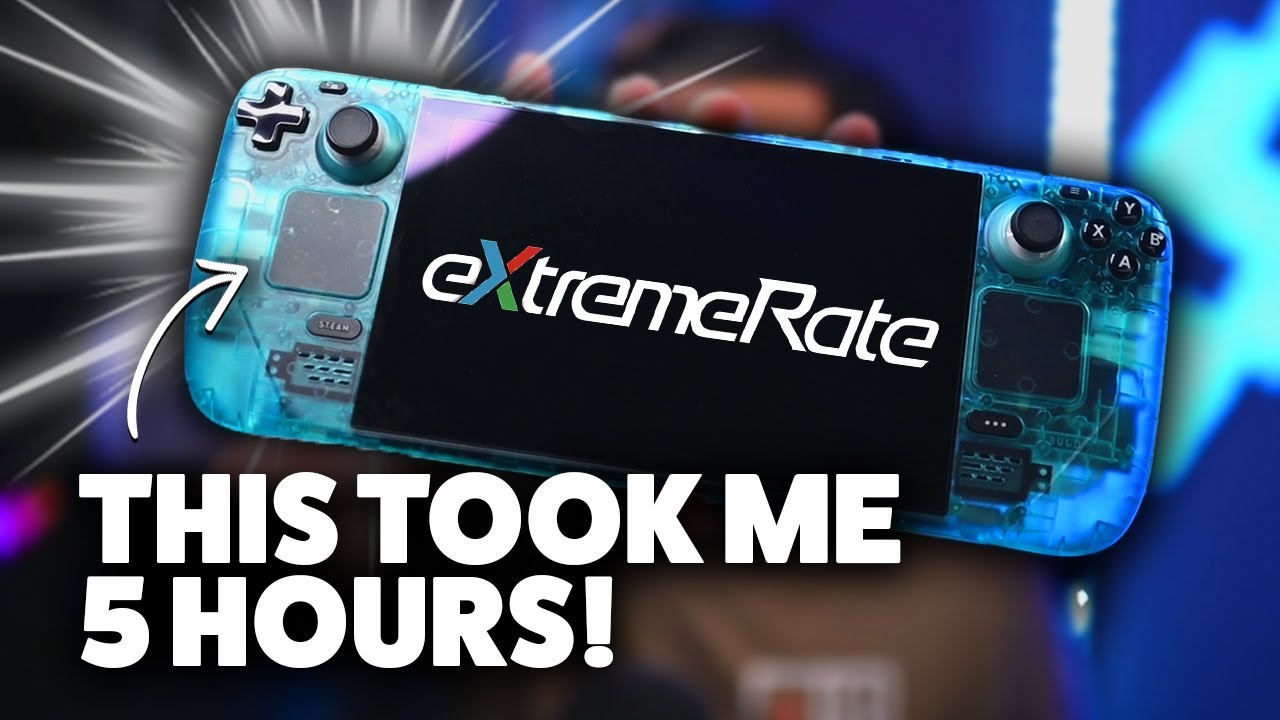
Customize Your Steam Deck: JSAUX Transparent Front Cover PC0108 Installation Tutorial
Автор: JSAUX
Загружено: 2023-06-09
Просмотров: 46943
🪛To minimize damage to the unit, please open the text version to follow along with the video during installation. The text version contains more details: https://jsaux.com/pages/pc0108-instal...
🛒Get more Steam Deck accessories from JSAUX: https://jsaux.com/collections/steam-d...
💗Welcome to this tutorial video, where we provide step-by-step guidance for the precise and flawless installation of the PC0108 transparent front cover for the Steam Deck. This installation process is complex and requires the utmost care and attention. From tool preparation to meticulous transparency adjustment, we'll walk you through every detail. Enhance the design of your Steam Deck while experiencing the intricacies of this intricate installation. Let's make your Steam Deck a true masterpiece together!
00:00 Remove the back cover
00:59 Remove the shield
01:09 Disconnect cables
01:47 Remove the motherboard screws
01:59 Flip over the motherboard and remove the display cable
02:30 Remove trigger, trigger bracket & joystick
02:58 Remove the button circuit board & keys
03:59 Remove the trackpad circuit board & shoulder key
04:36 Remove the conductive glue, action keys and function keys
04:47 Remove screen
05:28 Remove middle frame
06:22 Remove Speaker, trackpad, buttons, microphone flex cable
07:00 Installation
Доступные форматы для скачивания:
Скачать видео mp4
-
Информация по загрузке:





![Мы получили 2,5 млн рублей чтобы сделать экзоскелет, и это наконец закончилось [2/2]](https://imager.clipsaver.ru/X3uZq2joiW8/max.jpg)