Install Kali Linux on Windows Using WSL 2 | Complete Guide (2026)
Автор: Noob cyber tech
Загружено: 2026-01-09
Просмотров: 156
🔥 WELCOME BACK, HACKERS! 🔥
In this high-impact tutorial, I’m going to show you how to install Kali Linux directly on Windows using WSL 2—step-by-step, with zero fluff.
This is the official, lightweight, and blazing-fast method to run Kali Linux inside Windows—no VirtualBox, no dual boot, no performance hits. Perfect for ethical hacking, penetration testing, and cybersecurity labs right on your Windows machine.
👇 Here’s EXACTLY what we’re covering:
✅ What is WSL 2 & why it’s a GAME-CHANGER
✅ System Requirements for Kali on Windows
✅ Enabling Windows Features (Hyper-V & WSL)
✅ Installing Kali Linux via WSL 2 – THE RIGHT WAY
✅ Initial Setup & Full System Update
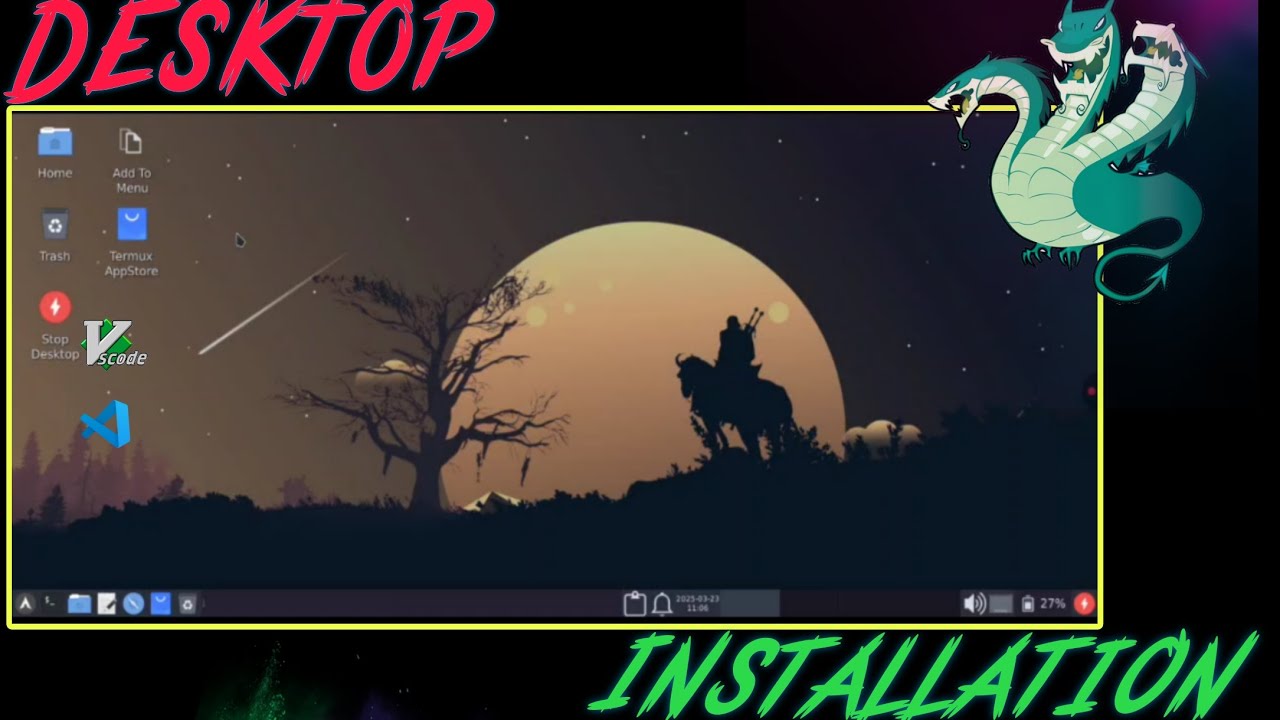
✅ Installing a Desktop Environment (Win-KeX for a seamless UI)
✅ Fixing Common Errors – I’ve got your back!
Whether you’re a beginner starting your hacking journey or a pro looking for a clean, integrated setup, this guide is for you. Works on Windows 10 & Windows 11.
---
🎯 Noob Cyber Tech is your ultimate destination for:
💀 Ethical Hacking & Cybersecurity
🛡️ Penetration Testing & Bug Bounty
📱 Android Tips & Advanced Tweaks
🔥 Hands-On Tech Tutorials – In Hindi!
If this video adds value to your skillset:
📍 SMASH that Like button
📍 SHARE with your squad
📍 SUBSCRIBE & hit the bell for more high-level content
---
⚠️ LEGAL DISCLAIMER:
This tutorial is STRICTLY for Educational & Informational purposes.
Any misuse of this knowledge is solely your responsibility.
We do NOT promote or support illegal activities.
---
🚀 JOIN OUR CYBER SQUAD:
📢 Telegram Group – Real-time discussions & support:
👉 https://t.me/Annon4you
💬 WhatsApp Group – Instant updates & community help:
👉 https://chat.whatsapp.com/DQHA1MZ46RY...
📸 Instagram – Behind-the-scenes & quick tips:
👉 https://www.instagram.com/invites/con...
---
🙏 Thank you for watching! Stay curious, stay ethical.
– Noob Cyber Tech

Доступные форматы для скачивания:
Скачать видео mp4
-
Информация по загрузке: