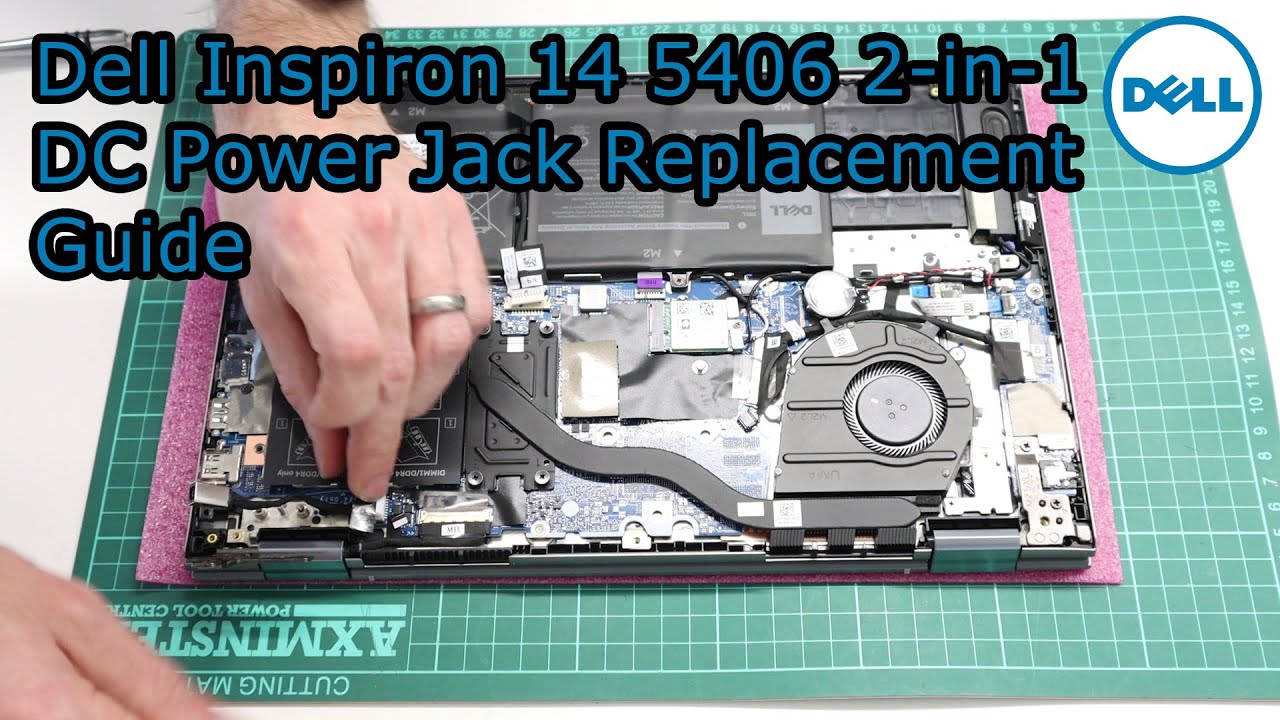
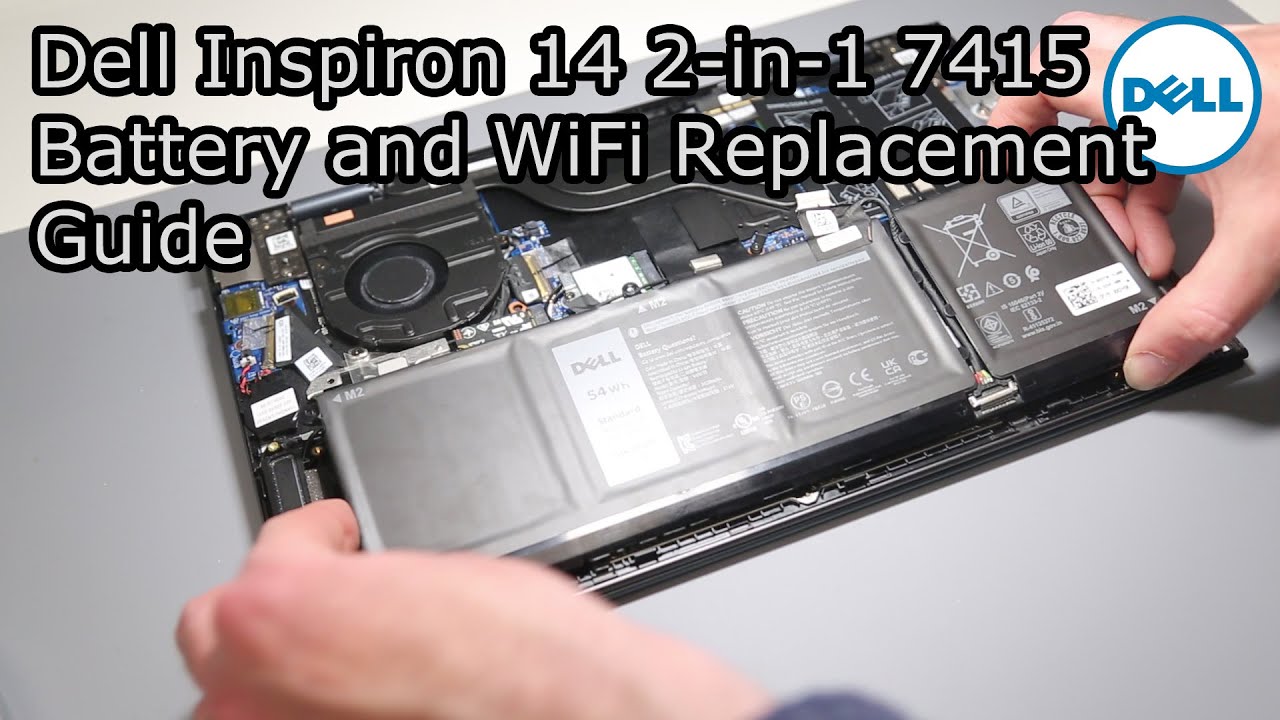
Dell Inspiron 14 5406 2-in-1 Battery Replacement Guide
Автор: Brue Computing
Загружено: 2020-11-16
Просмотров: 35070
A guide to replacing the Dell Inspiron 14 5406 2-in-1 JK6Y6 type battery.
This is a relatively simple process requiring just a small Philips head screwdriver and a plastic pry tool.
If looking to fit a larger battery, the service manual shows a larger, 53Wh, Type H5CKD, and there are mounting hole to the side to accommodate this.
Related parts, via Amazon Associate links: https://www.amazon.co.uk/shop/bruecom...
Screwdriver set: https://amzn.to/2H8yS1x
Pry tools: https://amzn.to/3kEJyT0
NVMe to USB 3.0 adapter - useful for cloning NVMe drives: https://amzn.to/3lxzBYK
0:00 Base removal
3:54 Battery Disconnection
4:35 Battery Removal
5:57 Battery Refitting
6:36 Battery Connection
6:53 Base Refitting

Доступные форматы для скачивания:
Скачать видео mp4
-
Информация по загрузке: