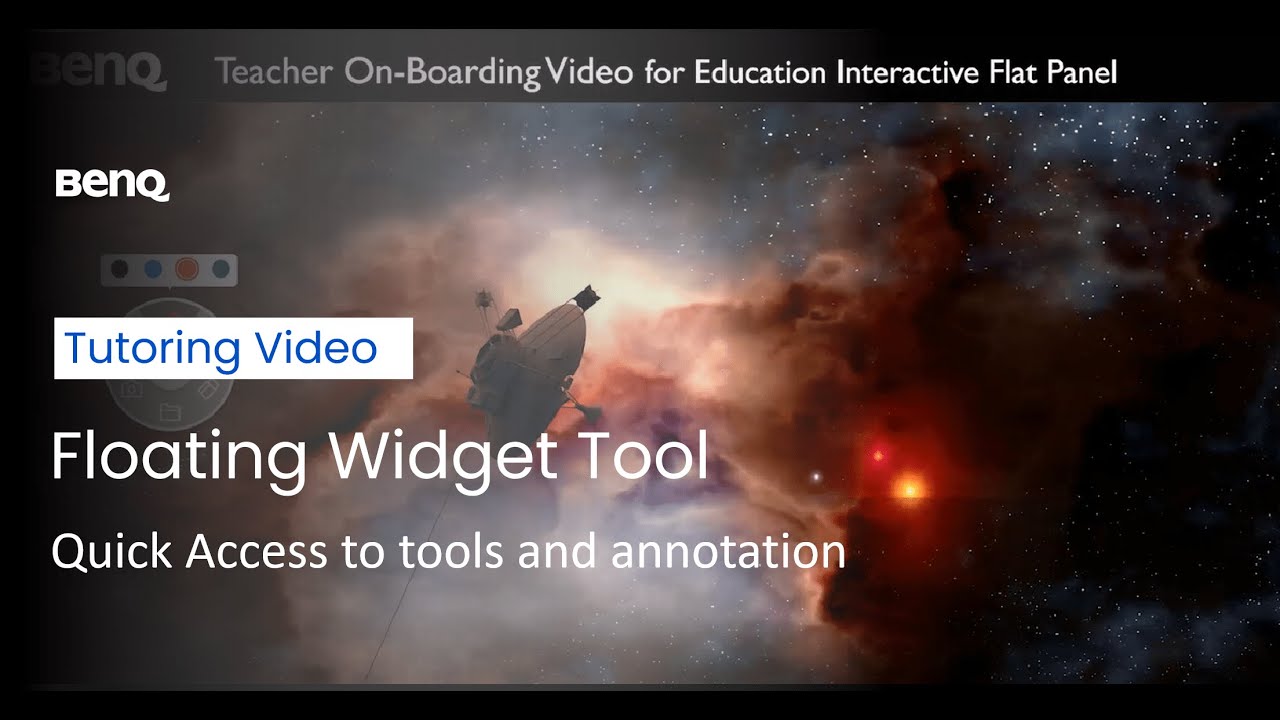
Floating Tool Demonstration: BenQ Education Interactive Flat Panel
Автор: BenQ India
Загружено: 2022-09-13
Просмотров: 1865
The BenQ Interactive Flat Panel is guaranteed to make learning more active and flexible. But what makes this interactive display a cut above the rest?
Learn about the applications available for BenQ Interactive Displays for Education to make your classroom a true collaborative environment. As the educational landscape continues to change, instructors now have the chance to use better technologies to improve the learning process. At BenQ, we understand that in-class technology must also work with hybrid and distance learning. BenQ's built in widget tool allows quick and easy annotation over whatever is displayed on your screen, bringing new elements of interactivity to your classroom. Start using EZWrite's floating tool on your interactive display, with taking screenshots and recording on-screen. The Floating Tool on the BenQ Interactive panel is designed for quick access to tools that allow you to annotate, record sessions, and take screen shots. Get familiar with using the Floating Tool by watching our quick video.
To get more information about the Interactive Flat Panels, head over to:
https://www.benq.com/en-ap/business/i...
Connect with us:
Facebook: / benqindia
Instagram: https://www.instagram.com/benqindia/?...
LinkedIn: / benq .
Доступные форматы для скачивания:
Скачать видео mp4
-
Информация по загрузке:
![[Introduction to IFP] Elevating Classroom Collaboration with BenQ Education Interactive Flat Panel](https://image.4k-video.ru/id-video/4R1HQ7T9Cgc)


