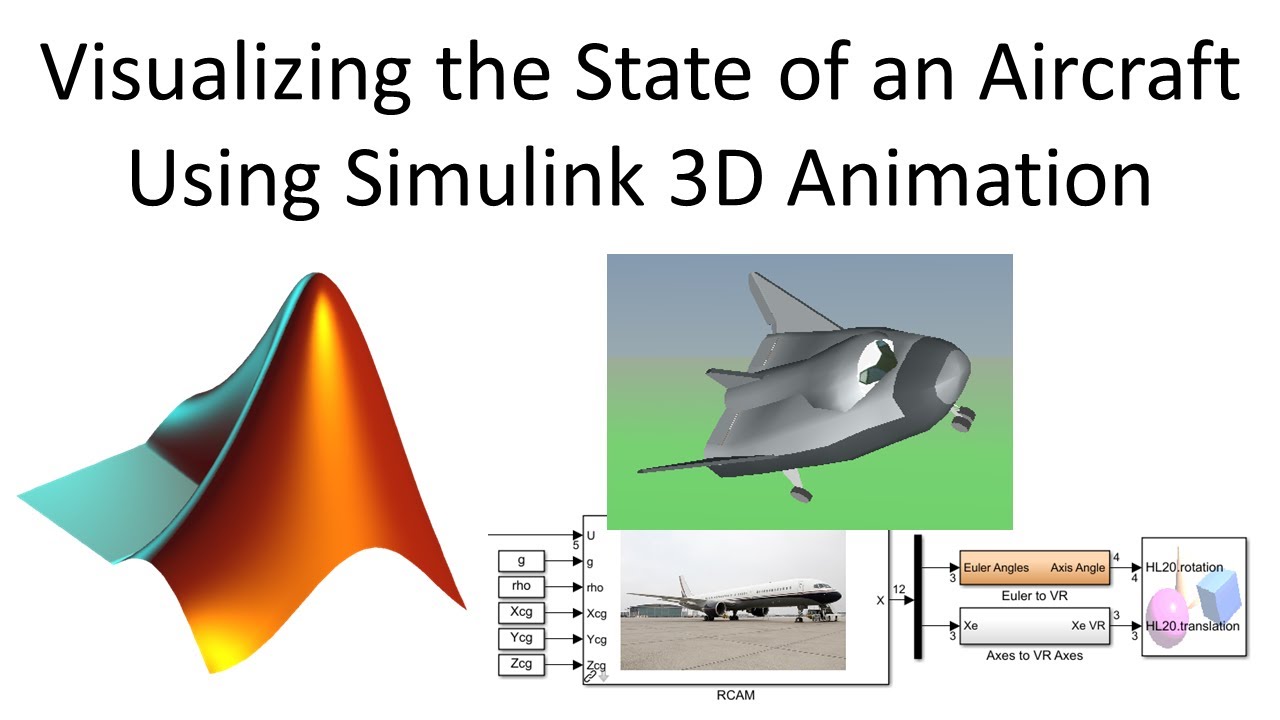
Visualizing the State of an Aircraft Using Simulink 3D Animation
Автор: Christopher Lum
Загружено: 2020-05-27
Просмотров: 29160
In this video we show how to use Simulink 3D Animation to draw/animate an aircraft. Instead of sending the states of the aircraft to a scope, we send the states to Simulink 3D Animation which can render the aircraft and surrounding environment.
Topics and timestamps:
0:00 – Introduction
3:07 – Simulink 3D Animation
3:54 – aeroblk_HL20 example
5:19 – Simulink 3D Animation with the RCAM aircraft
13:22 – Saving to a movie
Lecture notes and code can be downloaded from https://github.com/clum/YouTube/tree/...
References:
-A Nonlinear, 6 DOF Dynamic Model of an Aircraft: the Research Civil Aircraft Model (RCAM) ( • A Nonlinear, 6 DOF Dynamic Model of an Air... )
-Building a Matlab/Simulink Model of an Aircraft: the Research Civil Aircraft Model (RCAM) ( • Building a Matlab/Simulink Model of an Air... )
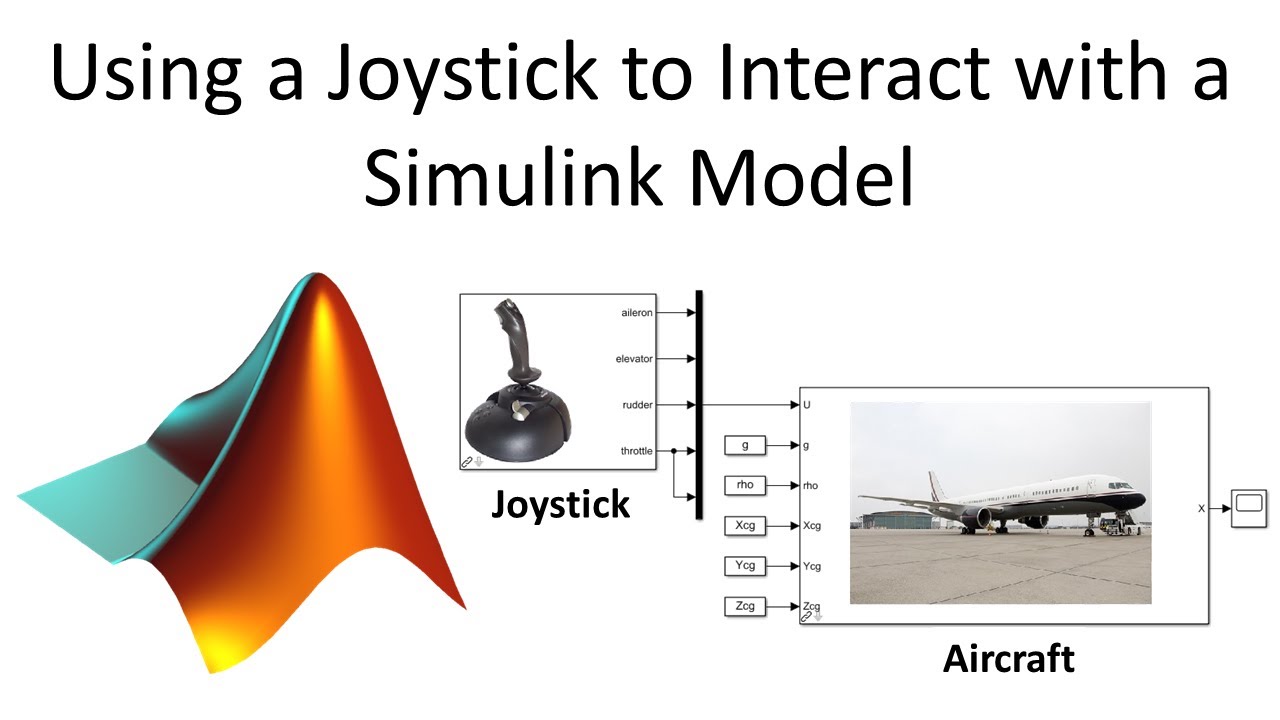
Using a Joystick to Interact with a Simulink Model ( • Using a Joystick to Interact with a Simuli... )
-MathWorks documentation on aeroblk_HL20 (https://www.mathworks.com/help/aerobl...)
All Matlab/Simulink videos in a single playlist
( • Working with Matlab )
All Flight Mechanics videos in a single playlist ( • Flight Mechanics )
#Simulink
#FlightMechanics
You can support this channel via Patreon at / christopherwlum or by clicking on the ‘Thanks’ button underneath the video. Thank you for your help!
Доступные форматы для скачивания:
Скачать видео mp4
-
Информация по загрузке: