Selenium Web Scraping Project From Scratch using Replit and AWS Lambda
Автор: Jovian
Загружено: 2021-11-30
Просмотров: 32752
Code: https://github.com/aakashns/selenium-...
Note: Chromedriver & chromium doesn't come pre-installed with Replit after a new update. Please follow these steps to add chromedriver & chromium to replit: https://jovian.ai/birajde9/replit-add...
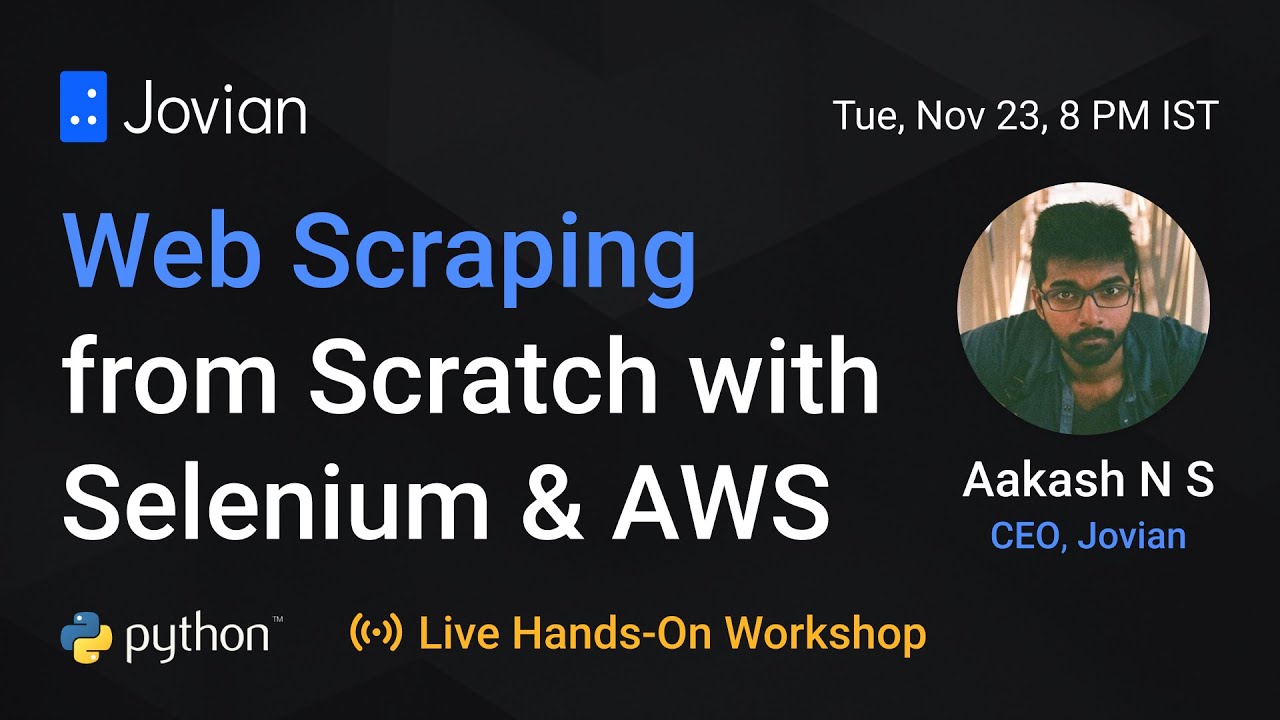
Web scraping is a great way to extract public information from websites and create datasets for data analysis and machine learning. In this live hands-on workshop, we will walk through the process of building and deploying a web scraping project from scratch using Python, Selenium, and AWS Lambda.
Chapters
00:00:00 - Project setup, execution, and first attempt
00:31:15 - Extracting Information using Selenium
01:07:30 - Sending results over email using SMTP
01:27:09 - Deploying the scraper using AWS Lambda
02:06:44 - Setting up a recurring job + Project Summary
Objective
1. Scrape top 10 trending videos on YouTube using Selenium
2. Set up a recurring job on AWS Lambda to scrape every 30 minutes
3. Send the results as a CSV attachment over email (or to a spreadsheet)
Prerequisites
Python
Topics Covered
GitHub
Replit
Selenium
AWS Lambda
SMTP
Step 1 - Create a GitHub repository
Create a repository at https://github.com/new
Add README, gitignore (Python) and license
(Optional) Clone the repository locally
References:
Introduction to GitHub: https://lab.github.com/githubtraining...
Git & GitHub tutorial: • Git and GitHub for Beginners - Crash Course
Step 2 - Launch the repository on Replit
Connect Replit with your GitHub account
Launch the repository as a Replit project
Set up the language and run command
Create and execute a Python script
Attempt to scrape the page using requests & Beautiful Soup
References:
Introduction to Replit: https://docs.replit.com/tutorials/01-...
Replit + GitHub: https://docs.replit.com/tutorials/06-...
YouTube trending feed: https://www.youtube.com/feed/trending
Beautiful soup tutorial: https://blog.jovian.ai/web-scraping-u...
Step 3 - Extract information using Selenium
Install selenium and create a browser driver
Load the page and extract information
Create a CSV of results using Pandas
References:
Selenium tutorial: https://www.browserstack.com/guide/py...
Pandas tutorial: https://jovian.ai/learn/data-analysis...
Step 4 - Set up a recurring job on AWS Lambda
Create an AWS Lambda Python function
Deploy a sample script and observe the output
Add layers for Selenium and Chromium
Set up recurring job using AWS CloudWatch
References:
Python on AWS Lambda tutorial: https://stackify.com/aws-lambda-with-...
Chromium & Selenium on AWS Lambda: https://dev.to/awscommunity-asean/cre...
Recurring AWS Lambda functions: https://docs.aws.amazon.com/lambda/la...
Step 4 - Send results over email using SMTP
Create email client using smtplib
Set up SSL, TLS and authenticate with password
Send a sample email with just text
Send an email with text and attachment
References:
Sending Email with Python: https://stackabuse.com/how-to-send-em...
Send email using Python: https://www.geeksforgeeks.org/send-ma...
Environment variables on Replit: https://docs.replit.com/programming-i...
https://docs.aws.amazon.com/lambda/la...
Update Google sheets using Python: https://www.analyticsvidhya.com/blog/...
Selenium Lambda Layers: https://github.com/aakashns/selenium-...
Reference code: https://gist.github.com/aakashns/5393...
The workshop lasts approximately 3 hours and all code will be written live during the workshop. You will be able to follow along with the recording to work on your own web scraping project.
About the Speaker
Aakash N S is the founder & CEO of Jovian, a learning platform for data science with a community of 100,000+ data science enthusiasts. Aakash is also an avid blogger & online educator. Courses taught by Aakash have over 1.5 million views on YouTube.
Доступные форматы для скачивания:
Скачать видео mp4
-
Информация по загрузке: