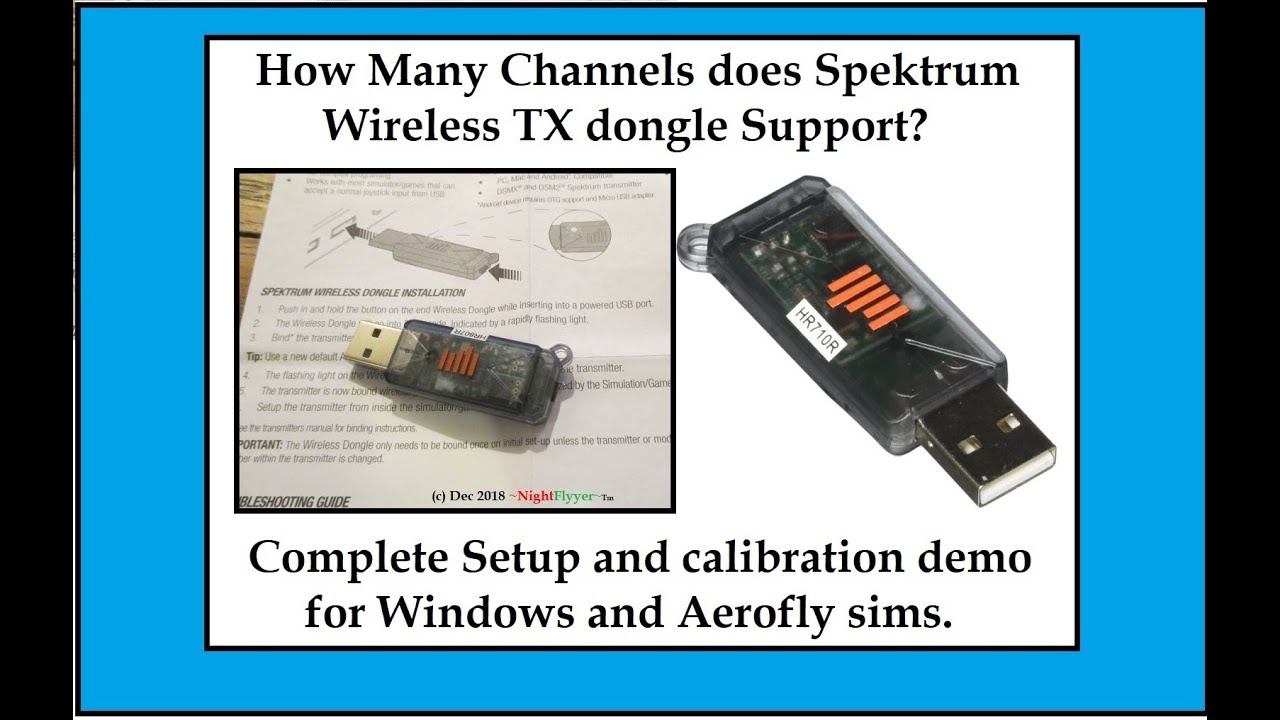
How many TX channels does the Spektrum Sim Dongle Support and see me fly 2 planes at Once!
Автор: NightFlyyer
Загружено: 2018-12-15
Просмотров: 14431
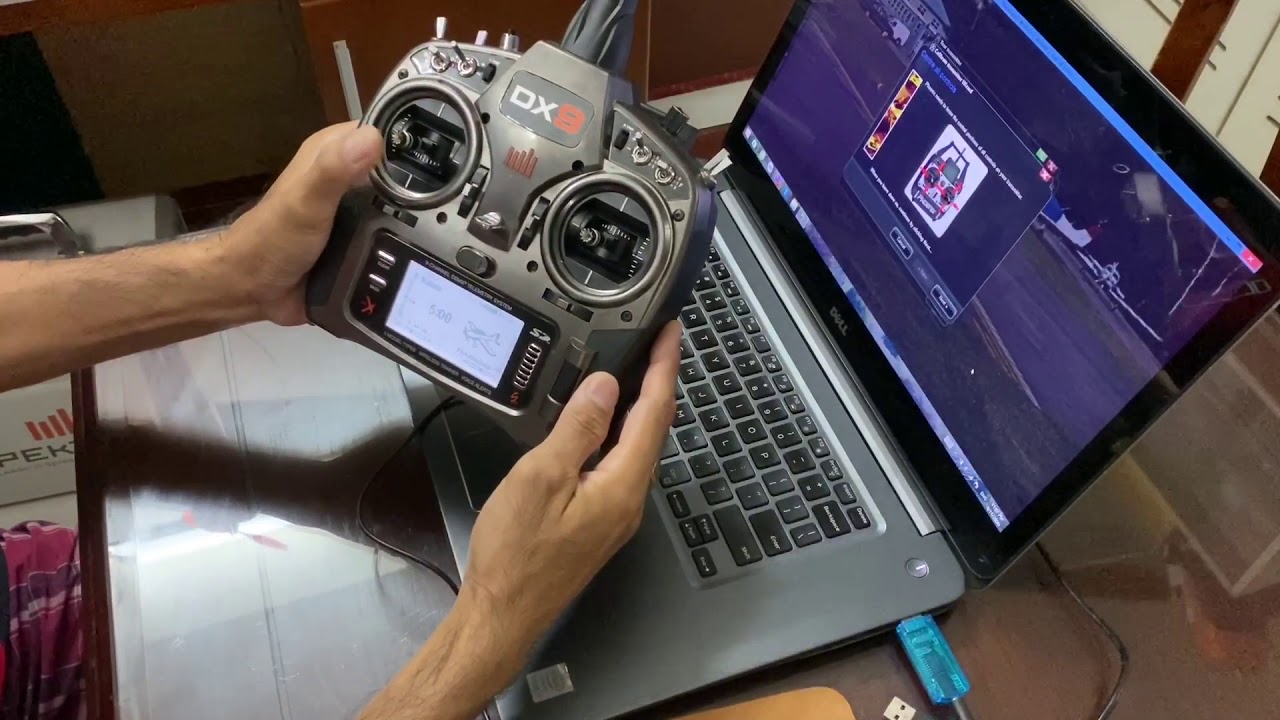
First bind your TX to the dongle by pushing the bind button in while plugging in the dongle to your PC. It will be blinking. Then turn TX on while holding in your bind button or switch. It will then be bound. Then, as I show, type "game controllers" in the program search window at bottom left side of Windows home screen. There, a window will pop up, and you will see Spektrum receiver. Then just follow the prompts to calibrate it. Then click save. Then it should show up in your sim program unless it is not supported as I list in the video notes below or on their web site.
Not being able to find out how many channels the Spektrum Simulator dongle supports, I decided to check it out myself. This wirelessly connects your Spektrum Transmitters to your computer simulators. I purchased mine on Amazon Prime for $42.50 which is cheaper than an 8 channel receiver and the stock simulator dongle.
Links (see Description box)
https://www.amazon.com/Spektrum-Wirel...
Here is some extra info.
Compatible Sims
DRL (Drone Racing League) Simulator
LiftOff FPV Simulator
HotProps FPV Simulator
AeroFly RC Simulator
VMach Media FPV Event PE
VelociDrone FPV Racing Simulator
Android - Absolute RC Plane Sim
Android - FPV FreeRider
RealFlight 8
RealFlight 8 Horizon Hobby Edition
Known Incompatible Software
Realflight 7.5 and below
Realflight X
Phoenix RC Simulator 5 and below
Aerofly RC-7 Ultimate link. http://store.steampowered.com/app/328...
Aerofly FS 2 Flight sim.
http://store.steampowered.com/app/434...
Thanks for watching,
Dave Herbert
AMA L-8221
Доступные форматы для скачивания:
Скачать видео mp4
-
Информация по загрузке: