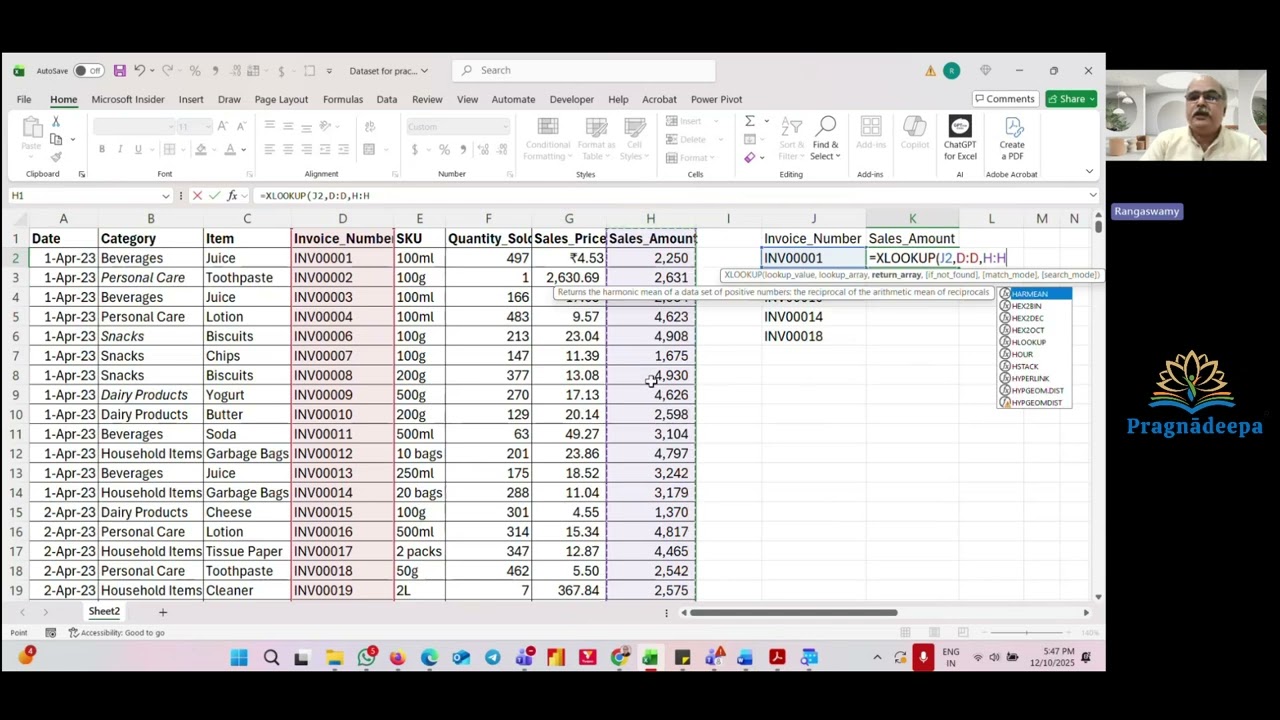
XLOOKUP as an Array Formula | One Formula for Rows & Columns (Huge Time Saver)
Автор: Pragnadeepa - Excel to Next Level
Загружено: 2026-01-15
Просмотров: 52
Are you still writing multiple VLOOKUPs or XLOOKUPs for the same report?
That’s one of the biggest time-wasters in Excel.
In this video, you’ll learn how to use XLOOKUP as an array formula to:
Return multiple rows and columns using a single formula
Eliminate repetitive lookups and helper columns
Build clean, faster, and more stable Excel models
This technique is especially useful for working professionals who:
Handle reports with frequent data changes
Spend hours fixing formulas before deadlines
Want Excel to work for them, not against them
If this saves you even 30 minutes a week, it’s already worth learning.
👉 Want more time-saving Excel & automation tricks?
Join our Excel Automation Hub (WhatsApp Group):
[Your WhatsApp Group Link]
👉 Watch, apply, and simplify your Excel work.
👍 If this video helped you, please Like, Share with your team, Comment your use-case, and Subscribe for more productivity-focused Excel content.
#XLOOKUP
#ExcelProductivity
#TimeSavingExcel
#ExcelAutomation
#Office365Excel
#WorkingProfessionals

Доступные форматы для скачивания:
Скачать видео mp4
-
Информация по загрузке: