Популярное

Музыка Кино и Анимация Автомобили Животные Спорт Путешествия Игры Юмор

Интересные видео

2025 Сериалы Трейлеры Новости Как сделать Видеоуроки Diy своими руками

Топ запросов

смотреть а4 schoolboy runaway турецкий сериал смотреть мультфильмы эдисон
dTub
Скачать

Creating and Transferring Wavetables - Novation Peak

Автор: Mad Robot

Загружено: 2025-01-22

Просмотров: 473

Описание:

Wavetables are a fantastic tool to expand your sonic horizons.
But sometimes the ones built in the Peak aren't enough.
And how cool would it be to "bake" one of your favorite VST's patch down to a wavetable that you can then play around with inside the Peak ?

This video is based off knowledge shared by ‪@StarskyCarr‬ in a super well made tutorial. I decided to make my own specifically for the Peak/Summit since the workflow is a bit tricky.

Although the video is 25 minutes long it takes only 4-5 minutes to transfer a new wavetable when you're used to it.

Here are the steps to reproduce :

1- Find a patch in any VST that you'd like to create a wavetable for.
2- Automate parameters over a few seconds of this patch playing using a midi clip and a linear envelope(s)
3- The note playing needs to be an F2 detuned by -23ct. This is how we're gonna get the right amount of samples (256) per cycle
4- Record the note and automation using an audio track listening to the VST's track output
5- Send the recorded audio to Audacity
6- Change Audacity's sample rate to 44100 and its time display units to "samples" (bottom left corner)
7- Copy / paste on a new track a small portion of the beginning, 1/4, 1/2, 3/4 and end of the recording.
8- Analyze how one shape might morph into the next, and use that knowledge to determine the starting position of the waveform selections.
Ideally the selection starts when the waveform crosses the 0dB line.
8.1- Manually enter "256" in the audacity selection box to have exactly the right amount of samples. Ctrl+c to copy, then delete the sample crop, and paste it back in the track to have only your 256 samples selection.
9- Do that for the 5 samples and make sure they're one after another without space in between. Delete the first track.
10- Select the 5 samples by clicking on the first one and manually typing "1280" in the selection length.
11- Go to File - Export - Export Selected Audio , and export as a .wav
12- In Novation Components, after selecting "Manage Peak", in the wavetable editor, create wavetable and then "import" - "Audio File" - select the wav you just created - Import as Wavetable
13- Save your wavetable and send it to a free slot. That's it !

Creating and Transferring Wavetables - Novation Peak

Поделиться в:

Доступные форматы для скачивания:

Скачать видео mp4

  • Информация по загрузке:
Скачать аудио mp3

Похожие видео

Novation Wavetable Editor for Peak and Summit

Novation Wavetable Editor for Peak and Summit

How To Make A Heavy UK Garage Bass // Novation Peak

How To Make A Heavy UK Garage Bass // Novation Peak

Elektron наконец-то отказался от Overbridge для Digitakt 2! // Руководство по настройке Ableton

Elektron наконец-то отказался от Overbridge для Digitakt 2! // Руководство по настройке Ableton

Do THIS with your LFOs and impress your friends 😂

Do THIS with your LFOs and impress your friends 😂

How I use Portal for Psychedelic Sound Design  | Workflow in Ableton Live 12

How I use Portal for Psychedelic Sound Design | Workflow in Ableton Live 12

Чем ОПАСЕН МАХ? Разбор приложения специалистом по кибер безопасности

Чем ОПАСЕН МАХ? Разбор приложения специалистом по кибер безопасности

Novation Peak – A Dream Machine for Ambient & Lo-Fi Sounds 🌌🎛️

Novation Peak – A Dream Machine for Ambient & Lo-Fi Sounds 🌌🎛️

NOVATION PEAK - Review, Sounds & Synth Demo

NOVATION PEAK - Review, Sounds & Synth Demo

Годный тембр из любого звука - новый синтезатор Ultra

Годный тембр из любого звука - новый синтезатор Ultra

Это всё, что вам нужно для создания музыки. Серьёзно.

Это всё, что вам нужно для создания музыки. Серьёзно.

Prophet Sunday with DSI/Sequencial Prophet 12

Prophet Sunday with DSI/Sequencial Prophet 12

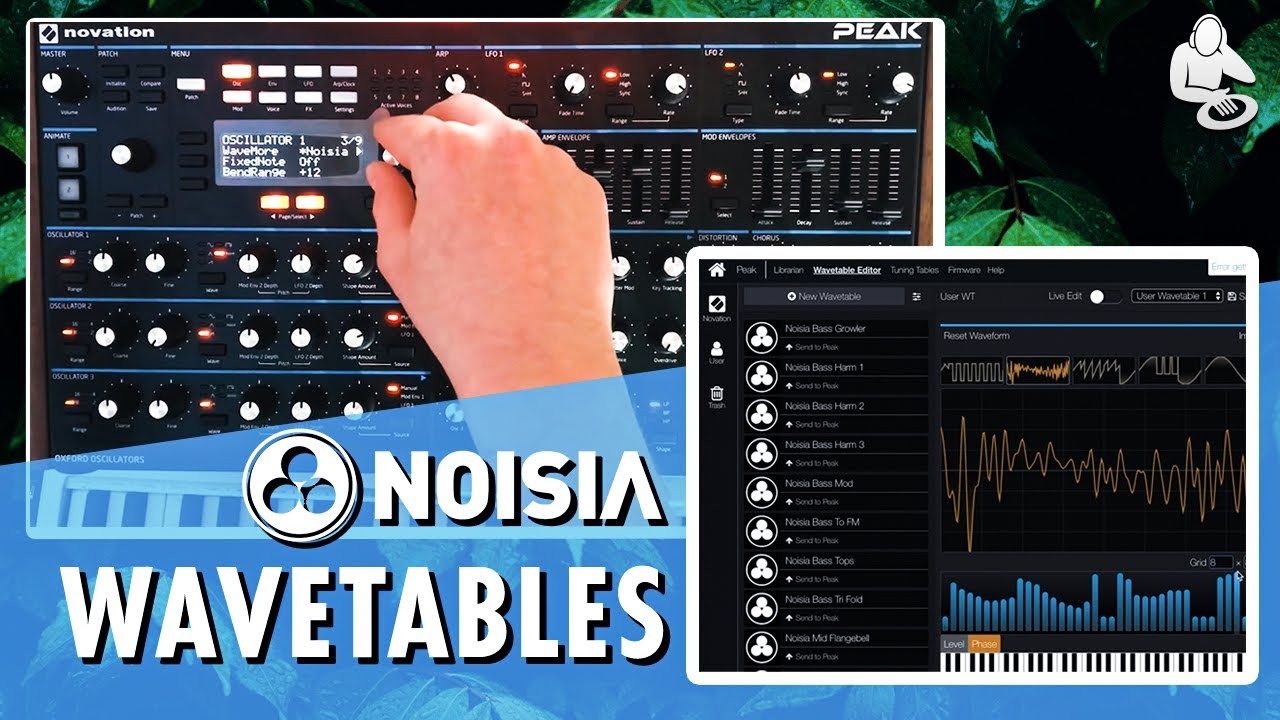
Novation Peak - CUSTOM NOISIA WAVETABLES | Editor Tutorial + Demo!

Novation Peak - CUSTOM NOISIA WAVETABLES | Editor Tutorial + Demo!

Novation Peak/Summit - 20 Ambient/Cinematic Patches!

Novation Peak/Summit - 20 Ambient/Cinematic Patches!

Auto Midi Mapping in Ableton Live

Auto Midi Mapping in Ableton Live

Deadmau5 & Steve Duda Explaining Sound Design and Arranging a Track

Deadmau5 & Steve Duda Explaining Sound Design and Arranging a Track

Novation Peak - Making a Lush Ambient Pad (PPG wave inspired tutorial)

Novation Peak - Making a Lush Ambient Pad (PPG wave inspired tutorial)

The most beautiful Novation peak / summit patch I have ever made and you can too !

The most beautiful Novation peak / summit patch I have ever made and you can too !

Novation Summit: Wavetable Visualized

Novation Summit: Wavetable Visualized

Novation Summit & Peak Firmware 2.0 Update - The Bugs Are Fixed, New Features Added!

Novation Summit & Peak Firmware 2.0 Update - The Bugs Are Fixed, New Features Added!

Novation // Peak v1.2 - Wavetables

Novation // Peak v1.2 - Wavetables

© 2025 dtub. Все права защищены.


  • Контакты
  • О нас
  • Политика конфиденциальности


Контакты для правообладателей: infodtube@gmail.com