kubernetes tutorial | DaemonSet | Demo - How to create a DaemonSet ?
Автор: VSPARKZ
Загружено: 2022-05-03
Просмотров: 1234
Certified Kubernetes Administrator
*************************************
kubernetes tutorial | DaemonSet | Demo - How to create a DaemonSet ?
Description:
*************
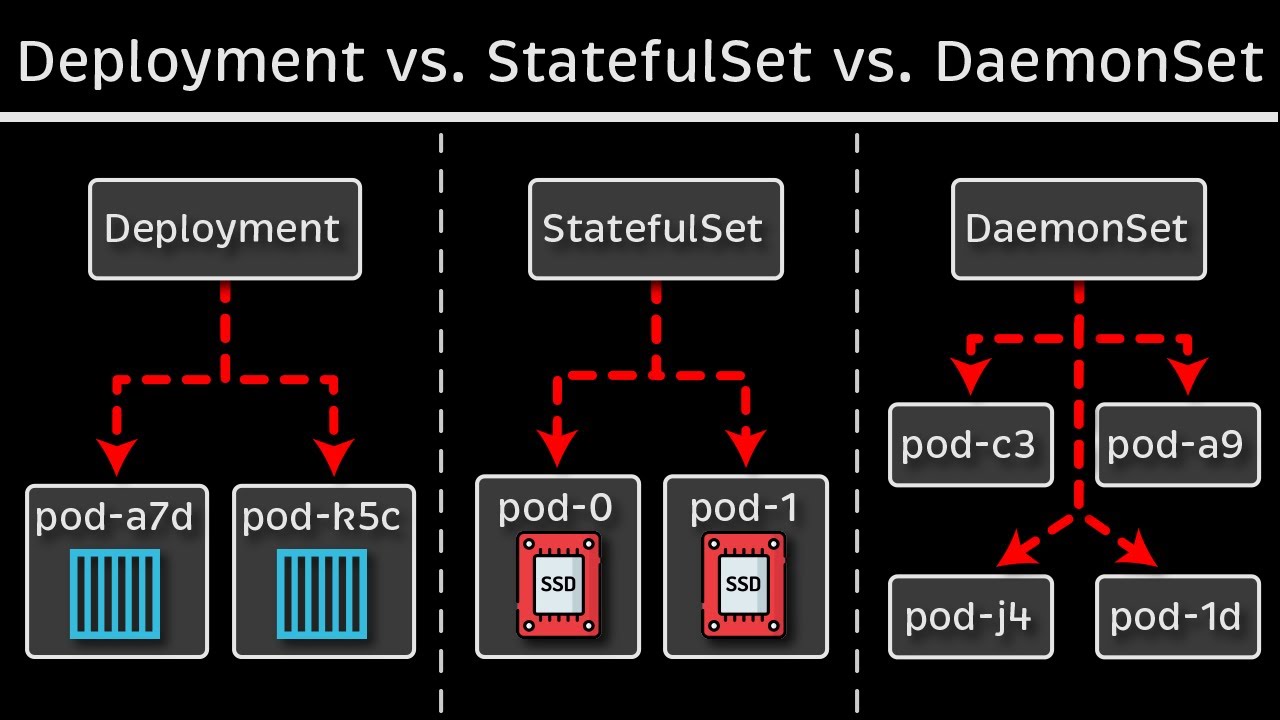
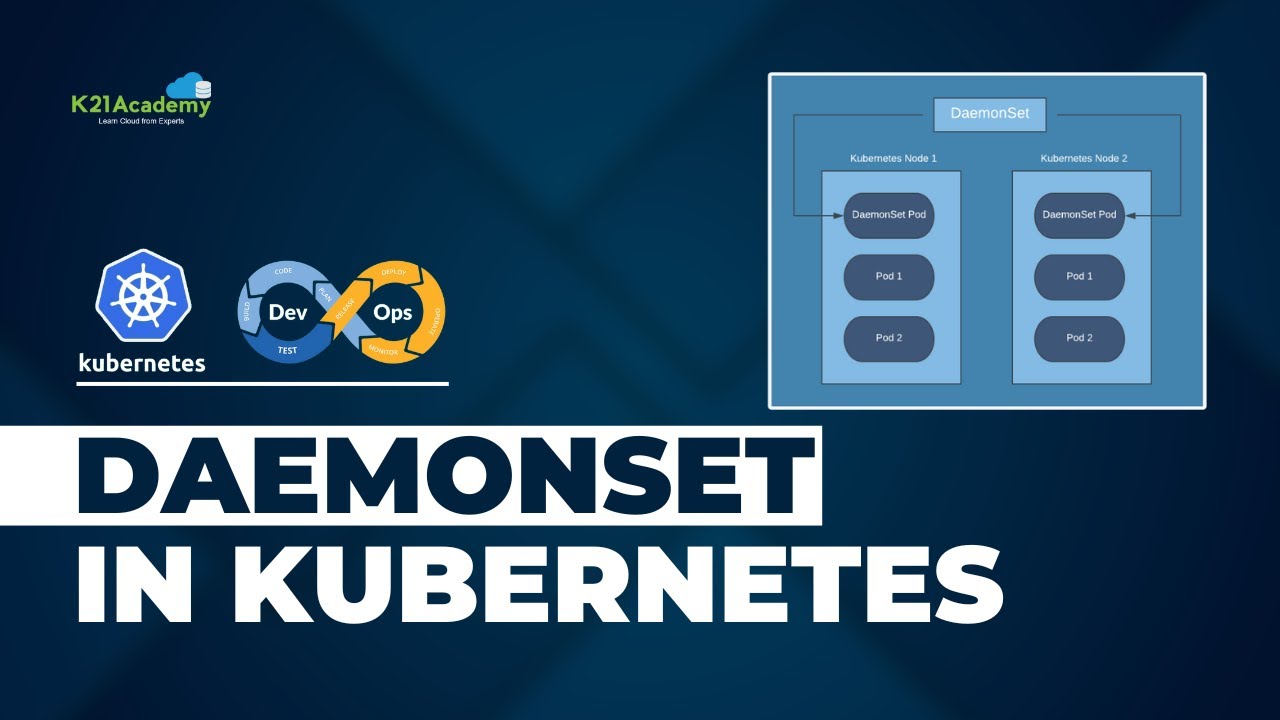
In this video, you are going to learn the concepts of DaemonSet & a Demo on how to create DaemonSet using yaml manifests
DaemonSet:
What is a DaemonSet ?
Why DaemonSet ?
Use Cases of DaemonSet
How a DaemonSet works ?
How to create a DaemonSet ?
DaemonSet - Yaml Manifest
DEMO: Create DaemonSet using yaml manifests
Thank you
For suggestions/feedback/doubts contact
email: kvk@vsparkz.com
Happy Learning !!!
===========================================================================================
USEFUL LINKS:
#############
DaemonSet:
--------------------
https://kubernetes.io/docs/concepts/w...
API References:
-------------------------
https://kubernetes.io/docs/reference/...
Kubectl Command Reference:
------------------------------------------------
https://kubernetes.io/docs/reference/...
==========================================================================================
#cka #kubernetes #k8s #containers
DEMO STEPS:
***************
Step 1: Access & Inspect the Kubernetes Cluster
------------------------------------------------------------------------------
$ kubectl cluster-info
$ kubectl get nodes
$ kubectl get pods -n kube-system
Step 2: Create & Modify DaemonSet Manifest using kubectl commands
------------------------------------------------------------------------------------------------------------------
$ kubectl create deployment logging --image=fluentd --dry-run=client -o yaml
Copy the output content and create a file DaemonSet.yaml
Step 3: Create the DaemonSet using the Manifest file
-------------------------------------------------------------------------------------
$ kubectl apply -f DaemonSet.yaml
-- Check for Taints --
$ kubectl get nodes -o custom-columns=NAME:.metadata.name,TAINTS:.spec.taints --no-headers
Step 4: Add a Worker Node-2 to the Kubernetes Cluster
-----------------------------------------------------------------------------------------
-- Run the below in Master Node --
kubeadm token generate
kubeadm token create token --print-join-command
-- Run the below in Worker Node --
$ swapoff -a
$ systemctl disable firewalld
$ Execute the kubeadm join command which you got it from above.
Step 5: Delete Worker Node-2 to the Kubernetes Cluster
------------------------------------------------------------------------------------------
$ kubectl delete node nodename

Доступные форматы для скачивания:
Скачать видео mp4
-
Информация по загрузке: