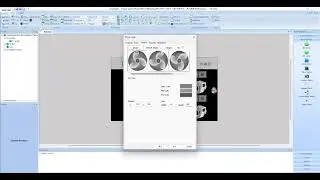
Ladder Logic Upload to PLC and Match Addresses with PISTUDIO HMI Part 5
Автор: gogo lim
Загружено: 2026-01-12
Просмотров: 117
xinje plx xd5
1) Write ladder logic
2) Set 485 communication port in PLC = Match station number and other parameters
3) When uploading ladder logic to PLC, write the port settings to the PLC and reset it
4) Set communication method in wecon pistudio HMI = Match station number and other parameters
5) After writing the pistudio HMI program, match X, Y, M, D addresses using MODBUS mode
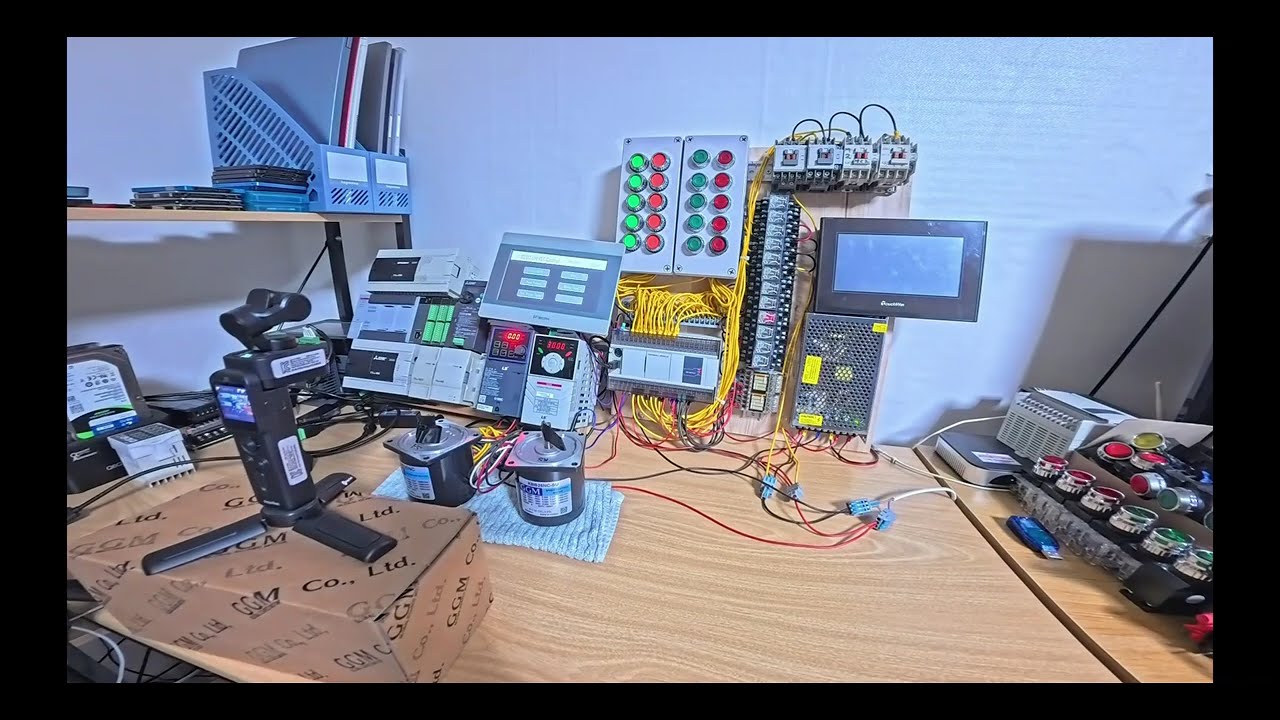
HMI ID=0, PLC ID=1, Inverter 1 ID=2, Inverter 2 ID=3
G100C
1. Reset G100C = Move to dr.93
Press the ENT (or SET) key to make the currently set number (default 0) blink.
Press the Up (▲) key to change the value to 1 = 1 (All Grps): Reset all parameter groups.
2. Set the Run Command (drv): to 3 (Int 485).
3. Set the Frequency (Frq): to 6 (Int 485).
iG5A
1. Reset iG5A = Move to H93. Press and hold the arrow (▼) key to select H93 (Parameter Reset).
Change the value: Press the [ENT] key. The current value, '0', will be displayed.
Press the arrow (▲) key to change the value to 1 = 1 (All Grps): Reset all parameter groups.
2. Set the Run Command (drv): to 3 (Int 485).
3. Set the Frequency (Frq): to 7 (Int 485).
Доступные форматы для скачивания:
Скачать видео mp4
-
Информация по загрузке: