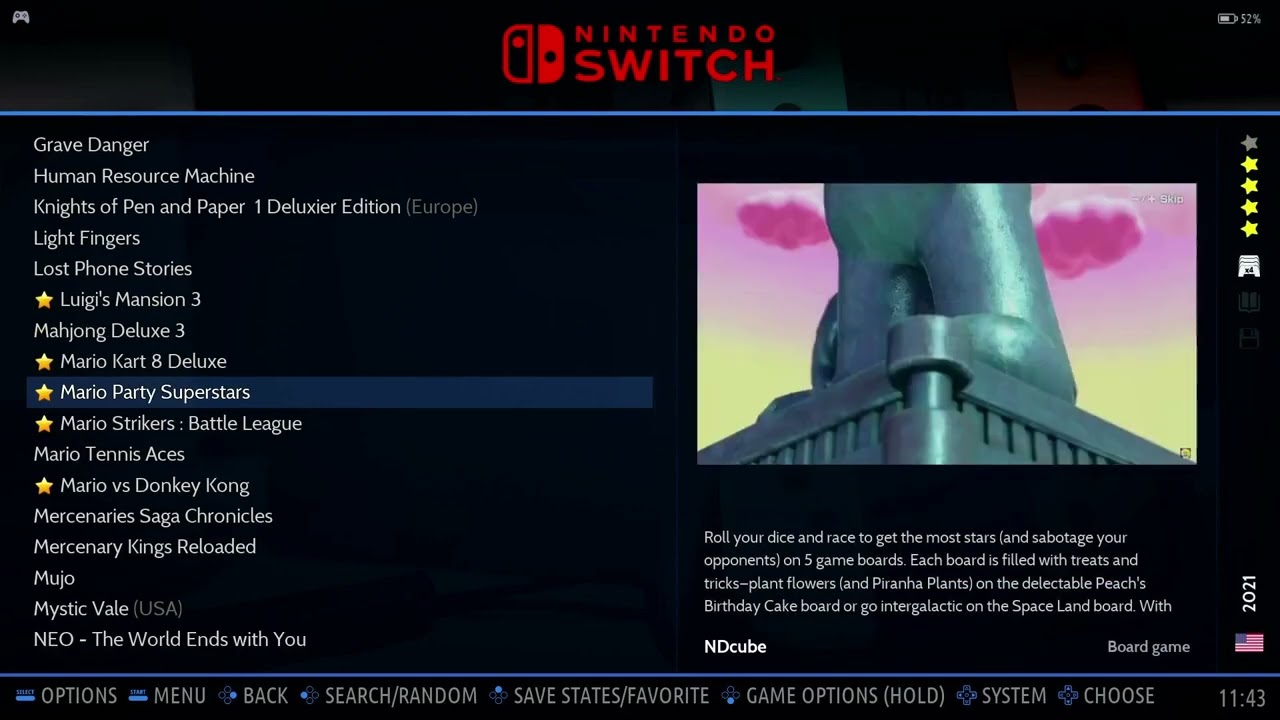
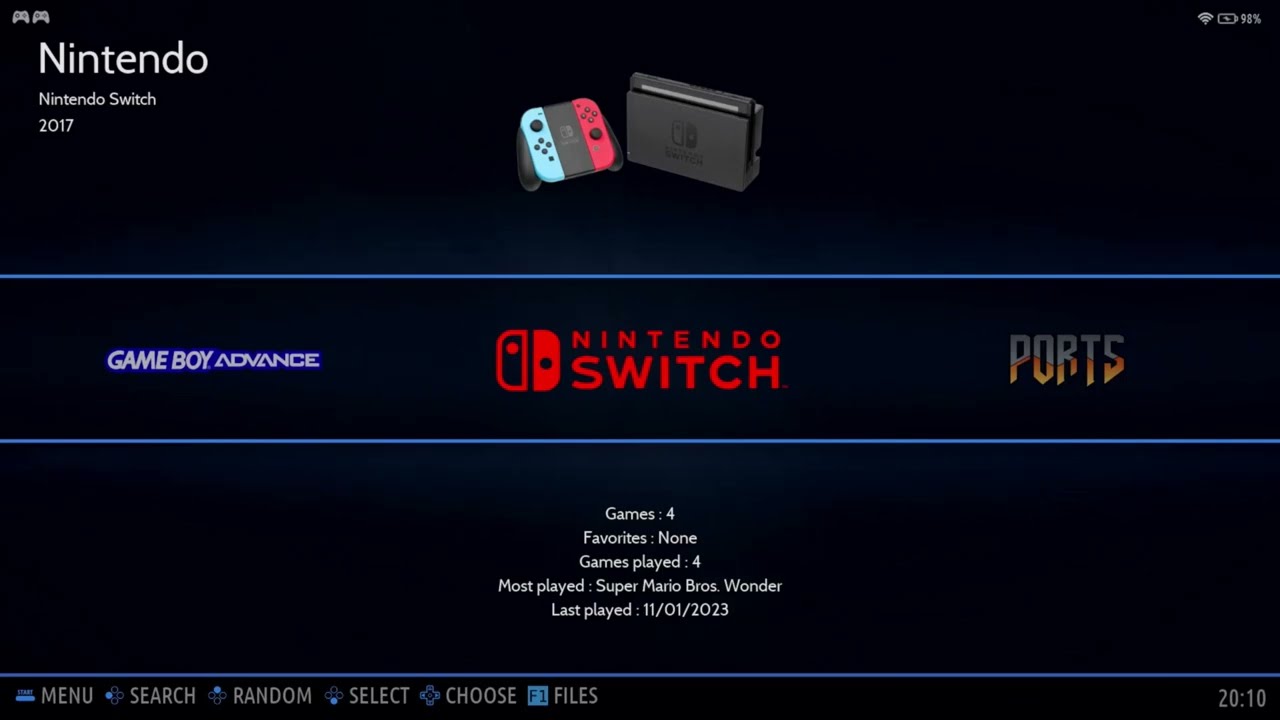
Batocera v39/40 Switch Emulation Yuzu SuYu Fix
Автор: Boobooman
Загружено: 2024-03-16
Просмотров: 25804
The one you have been waiting for!
After updating from v38 or lower, you have to run the switch updater.
This will remove yuzu due to recent events.
You will need to download the below zip file, extract and save them somewhere you can copy/paste them into
Share/system/switch.
I saved them on the fat32 partition for easy access.
I had to reinstall my bios as I used a clean card, you may/may not need to do this.
This will replace Yuzu Main Line with Suyu and re-add Yuzu EA.
I would for now set your default emulator to YuzuEA
If you have not installed the emulators before.
F1/application/xterm and run the below command.
curl -L switch.batocera.pro | bash
I WILL NOT PROVIDE THE FIRMWARE OR KEYS!! DO NOT ASK!!
New link, suyu updated
https://www.mediafire.com/file/ovah5h...
Disclaimer; This has no connection with the official Batocera releases, This is not supported by the Batocera, Not now, Not ever. Please do not ask for help from the team!
Доступные форматы для скачивания:
Скачать видео mp4
-
Информация по загрузке: