Скачать
2 Ways to Unhide Selective Rows in Excel ( Unhide one at a time )
Автор: Cris Minas
Загружено: 2020-02-17
Просмотров: 6689
Описание:
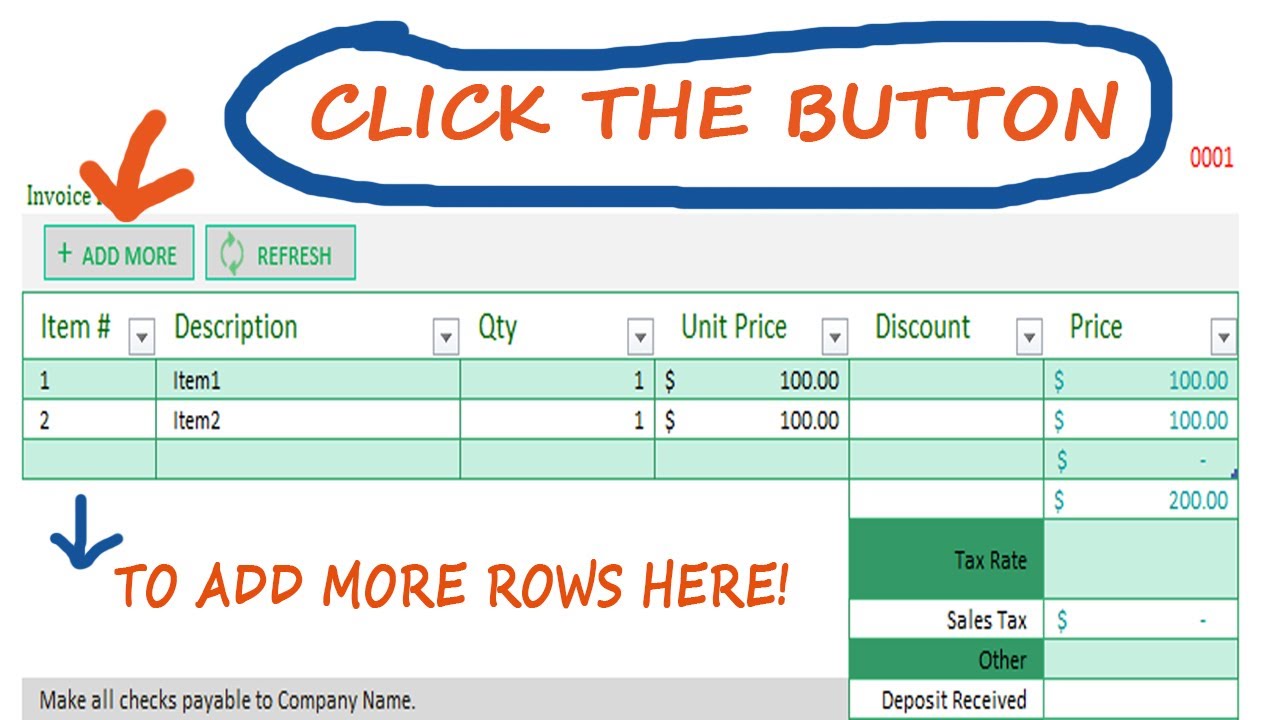
REFRESH BUTTON CODE
Application.ScreenUpdating = False
'clear contents
Range("B10:F19").Select
Selection.Clearcontents
'hide rows
Rows("11:19").Select
Selection.EntireRow.Hidden = True
ADDMORE BUTTON CODE
Application.ScreenUpdating = False
On Error Resume Next
Dim lHiddenRws As Long
With Cells.SpecialCells(xlCellTypeVisible)
lHiddenRws = .Areas(1).Rows.Count + 1
.Areas(1)(lHiddenRws, 1).EntireRow.Hidden = False
End With
SAMPLE TEMPLATE ( Download Here )
https://drive.google.com/file/d/1V6QT...
Доступные форматы для скачивания:
Скачать видео mp4
-
Информация по загрузке: