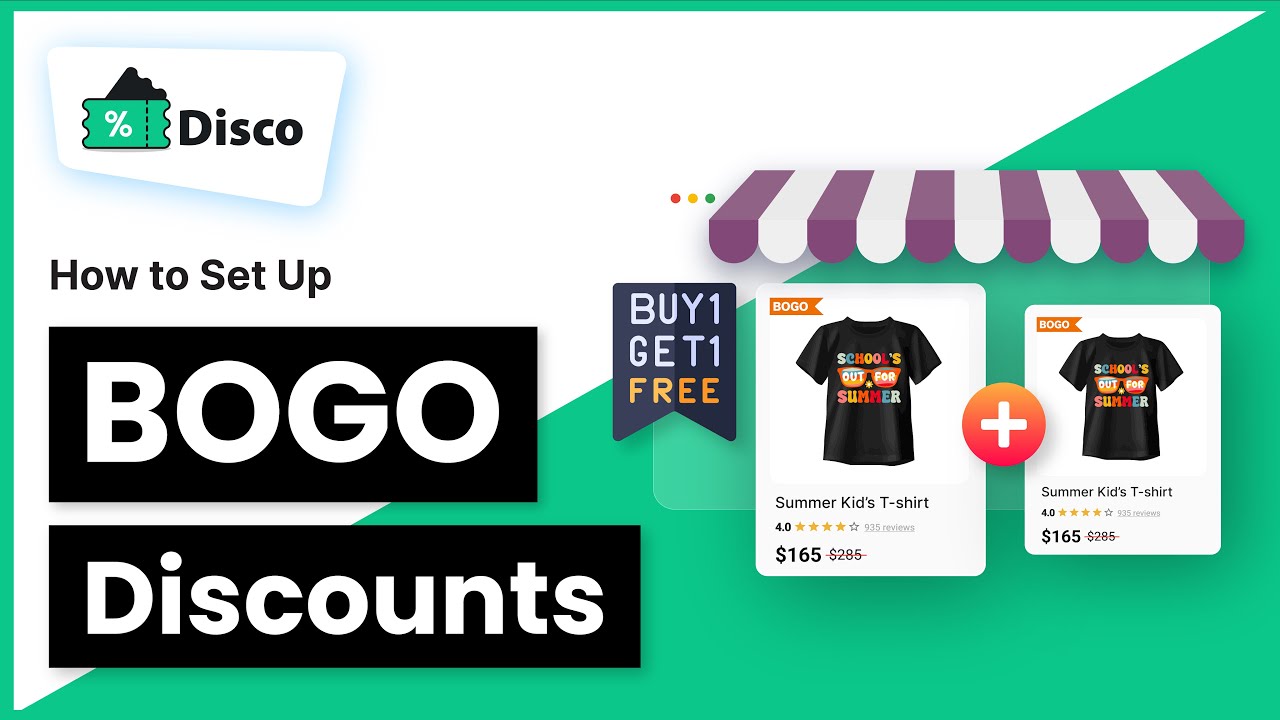
The BEST Way to Set Up BOGO Discounts in WooCommerce with Disco Plugin
Автор: WebAppick
Загружено: 2025-08-19
Просмотров: 197
Want to boost your WooCommerce sales with Buy One Get One (BOGO) offers? In this tutorial, I’ll show you step-by-step how to set up different types of BOGO discounts using the Disco Pro plugin.
With Disco Pro, you’re not limited to just “Buy One Get One Free”—you can create:
✅ Buy X, Get X (same product free)
✅ Buy X, Get Y (different product free)
✅ Buy X, Get 1 at % off (like 50% off the 3rd item)
In this video, you’ll learn how to set up:
Time Stamps:
00:00 Introduction of Disco - WooCommerce Discount Plugin
01:23 Buy 1 T-shirt, Get 1 Free 👕
02:44 Buy 3 Coffee Mugs, Get the 3rd 50% Off ☕
05:54 Buy 1 Laptop, Get a Free Laptop Bag 💻 🎒
These BOGO promotions are perfect for:
Increasing order volume
Clearing inventory
Introducing new products
Boosting high-ticket sales
🎯 What you’ll need:
WooCommerce store
Disco Pro plugin (upgrade required for BOGO)
⚡ With Disco Pro, you can build powerful, customizable promotions that look great on your storefront and convert more shoppers into buyers.
🔗 Get Disco Pro here → https://wordpress.org/plugins/disco/
🔗 Disco Website → https://discoplugin.com/
👍 Don’t forget to Like, Comment, and Subscribe for more WooCommerce tips!
#WooCommerce #BOGO #WooCommerceDiscounts #DiscoPlugin #WooCommerceTutorial
Доступные форматы для скачивания:
Скачать видео mp4
-
Информация по загрузке:

![WooCommerce 360 Product Viewer Plugin: Easy Setup & Tutorial - [2025]](https://image.4k-video.ru/id-video/zooMcw12lrU)