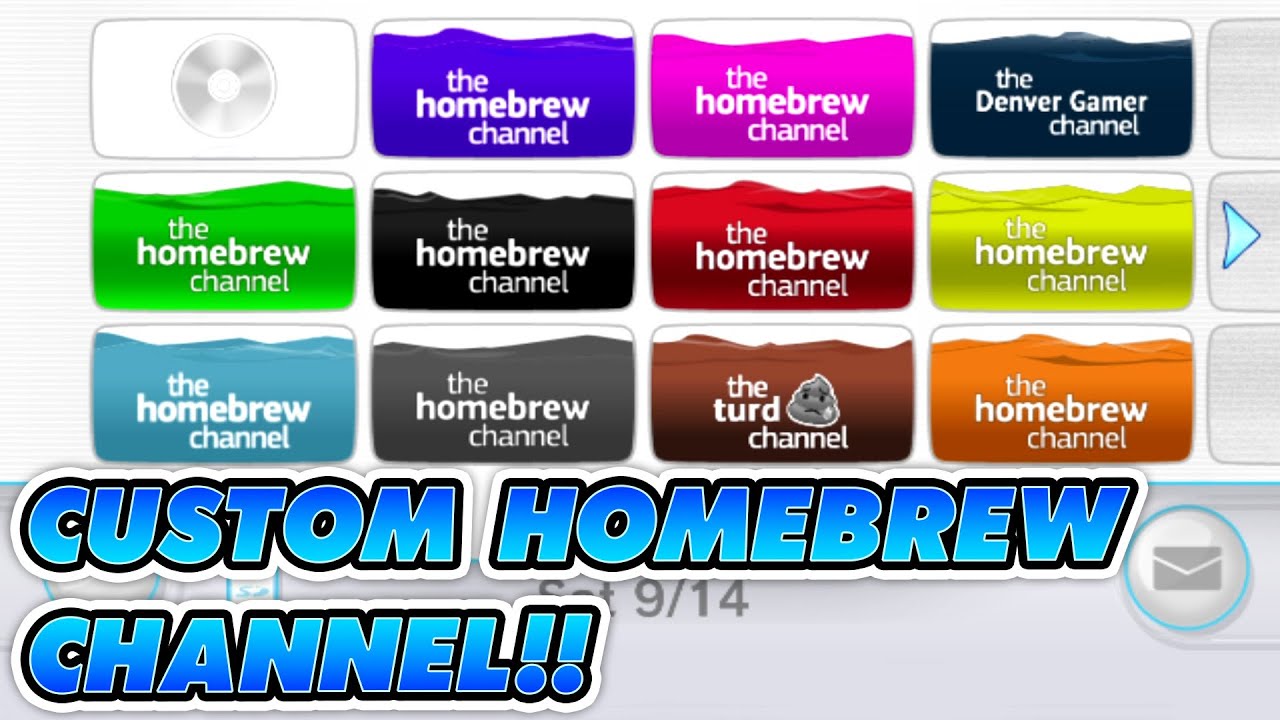
Make a Custom Homebrew Channel for Your Nintendo Wii! ~ CustomizeMii Guide and Tutorial 2024
Автор: Denver Gamer
Загружено: 2024-09-14
Просмотров: 12442
Make a Custom Homebrew Channel for Your Nintendo Wii! ~ Walkthrough Guide and Tutorial 2024
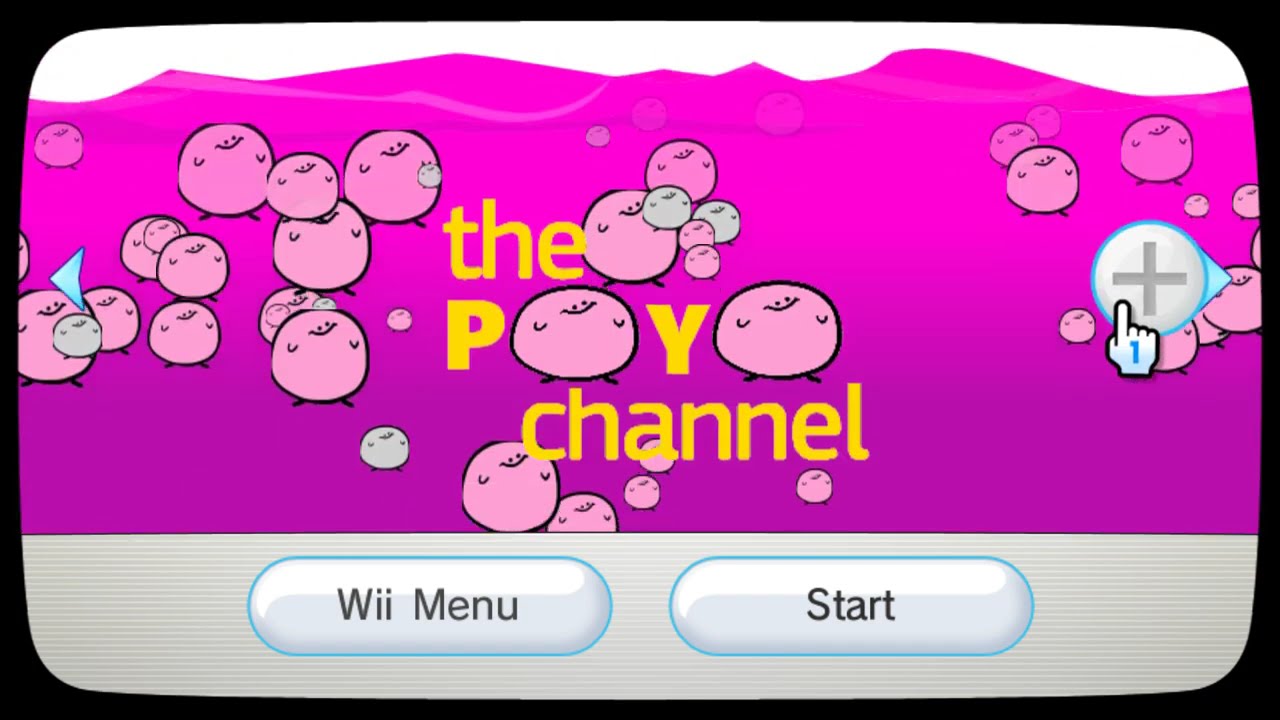
In this 2024 guide, I'll walk you through how to create a custom Homebrew Channel for your Nintendo Wii! This step-by-step tutorial will show you exactly how to make a custom Homebrew Channel quickly and easily using CustomizeMii.
Thanks for watching!
Links:
CustomizeMii 3.11.1: https://github.com/Brawl345/customize...
Homebrew Channels Color Pack: https://www.mediafire.com/file/i84h4o...
Dolphin Emulator: https://dolphin-emu.org/download/
Base Wads: https://github.com/Brawl345/customize...
More Notes:
1.) Importing banners and icons in the Source Tab (4:30) - Make sure that you are importing banners and icons from a SIMILAR wad file. They should have a similar animation. For instance, if you import banners for the Homebrew Channel, it should be from another Homebrew Channel wad, not something else with a completely different banner animation.
2.) Image Format (11:35) - If you want color in your banner_title.png, you can replace the image and select a different format of the image. RGB stands for Red-Blue-Green, and there are three options (RGBA8 = High Quality, Big Size | RGB565 = Moderate Quality, Small Size | RGB5A3 = Low Quality, Small Size). RGB5A3 should be good enough. Watch your file sizes and test in Dolphin, but you should be fine.
3.) Homebrew Channel Font (16:23) - PT Sans Bold and PT Sans Regular are extremely close and look great.
▬▬▬▬▬▬▬▬▬▬▬▬▬▬▬▬▬▬▬▬▬▬▬▬▬▬▬▬▬▬▬▬▬▬▬▬▬▬▬▬▬▬▬▬
Connect with me:
Friend Me on Playstation: http://profile.playstation.com/Denver...
Friend Me on Xbox: smoothsleight (gamer tag)
Instagram: / gamerofthedenver
Twitter: / thedenvergamer
Facebook Group: / denvergamer
TikTok: / denvergameryt
Buy me a coffee or support the channel:
Paypal: https://paypal.me/denvergamer
Venmo: https://venmo.com/denvergamer
Outro by Shinray (Guile’s Theme), check them out: / shinrayofficial and / shinray
▬▬▬▬▬▬▬▬▬▬▬▬▬▬▬▬▬▬▬▬▬▬▬▬▬▬▬▬▬▬▬▬▬▬▬▬▬▬▬▬▬▬▬▬
#customizemii #nintendowii #homebrewchannel
Copyright Disclaimer Under Section 107 of the Copyright Act 1976, allowance is made for "fair use" for purposes such as criticism, comment, news reporting, teaching, scholarship, and research.
***This video is for educational purposes only, so that the consumer may experiment with the Nintendo Wii and create new variations of play, for personal enjoyment, without creating a derivative work. Piracy is illegal, and so is downloading roms from the internet. You must use legally obtained copies of your physically owned games.***
Chapters:
00:00 Intro
00:56 Prerequisites
01:42 Links & Downloads
02:25 Source Tab
05:06 Title Tab
05:46 Options Tab
08:34 Banner Tab
12:41 Icon Tab
14:10 Help & About Tabs
15:53 Photoshop Montage
16:59 Bulding the WAD File
20:58 Checking WADs with Dolphin Emulator
22:21 Thank You!
Доступные форматы для скачивания:
Скачать видео mp4
-
Информация по загрузке:

![[Outdated] FULL Guide to Homebrew The Wii & Play Downloaded Games 2025](https://imager.clipsaver.ru/MvNag0B5jbk/max.jpg)