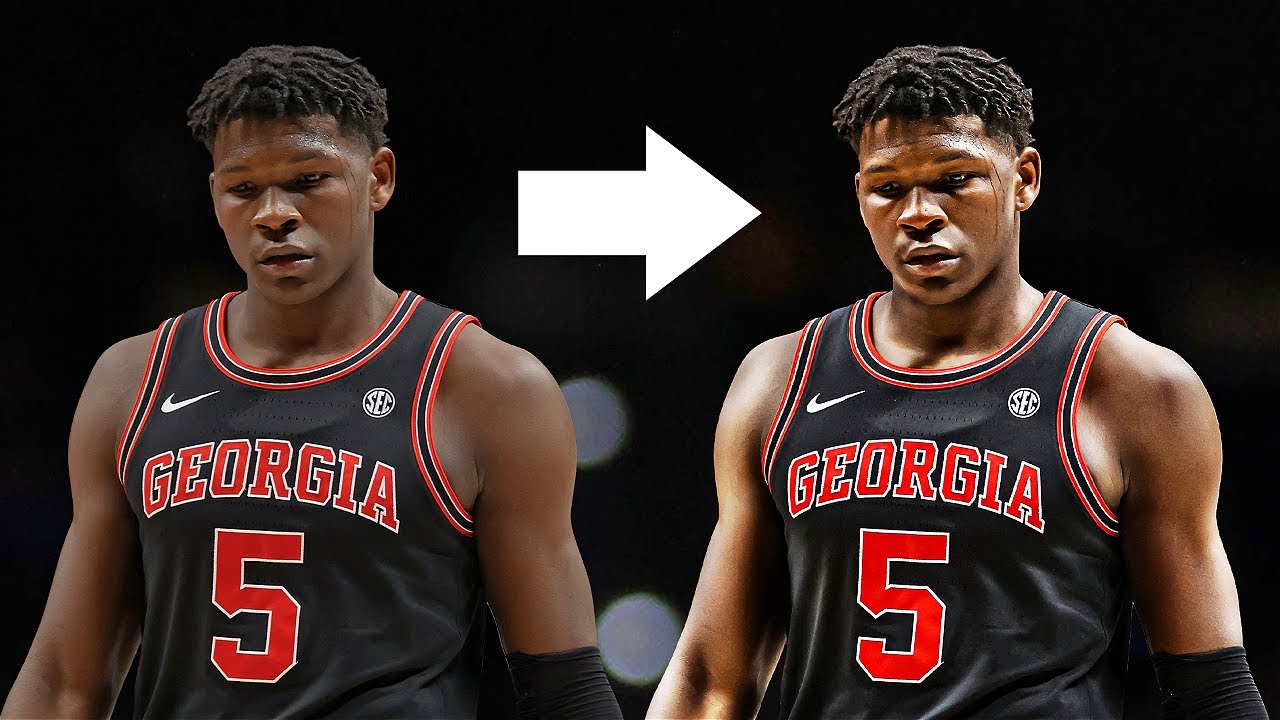
Photoshop Halftone Print Effect Tutorial [w/BLKMARKET Inklab]
Автор: BLKMARKET
Загружено: 2020-10-21
Просмотров: 120392
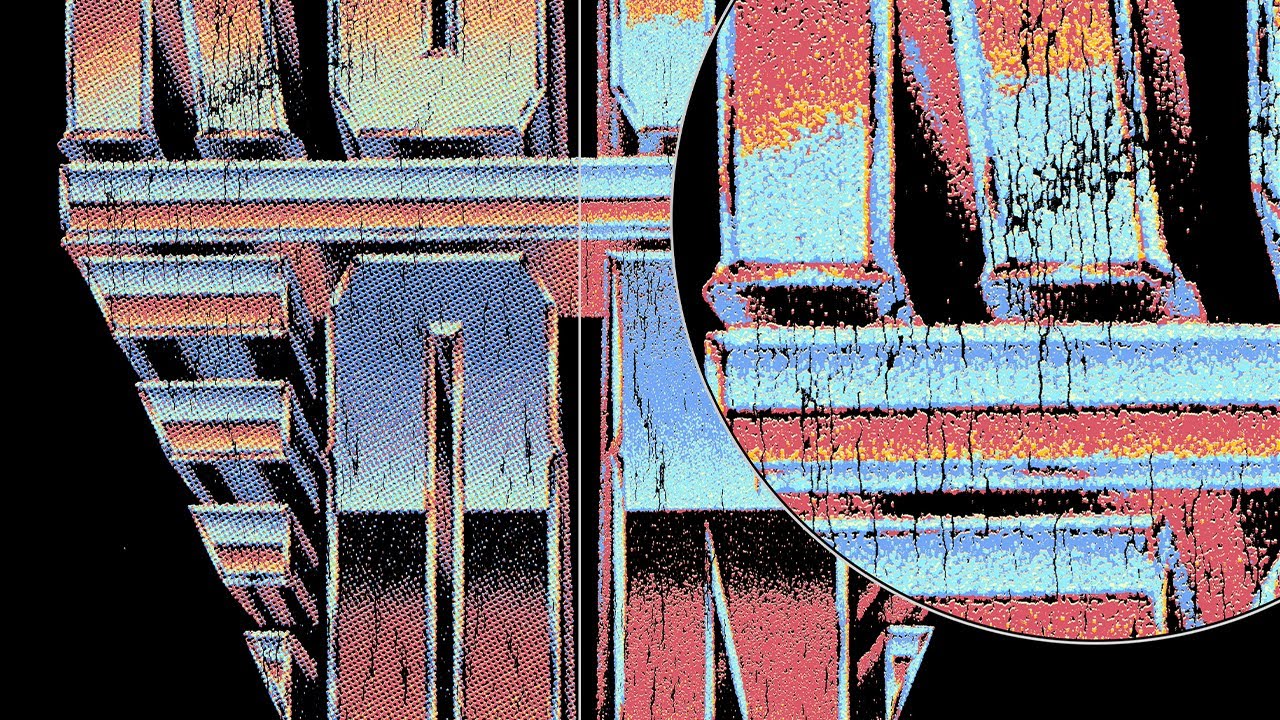
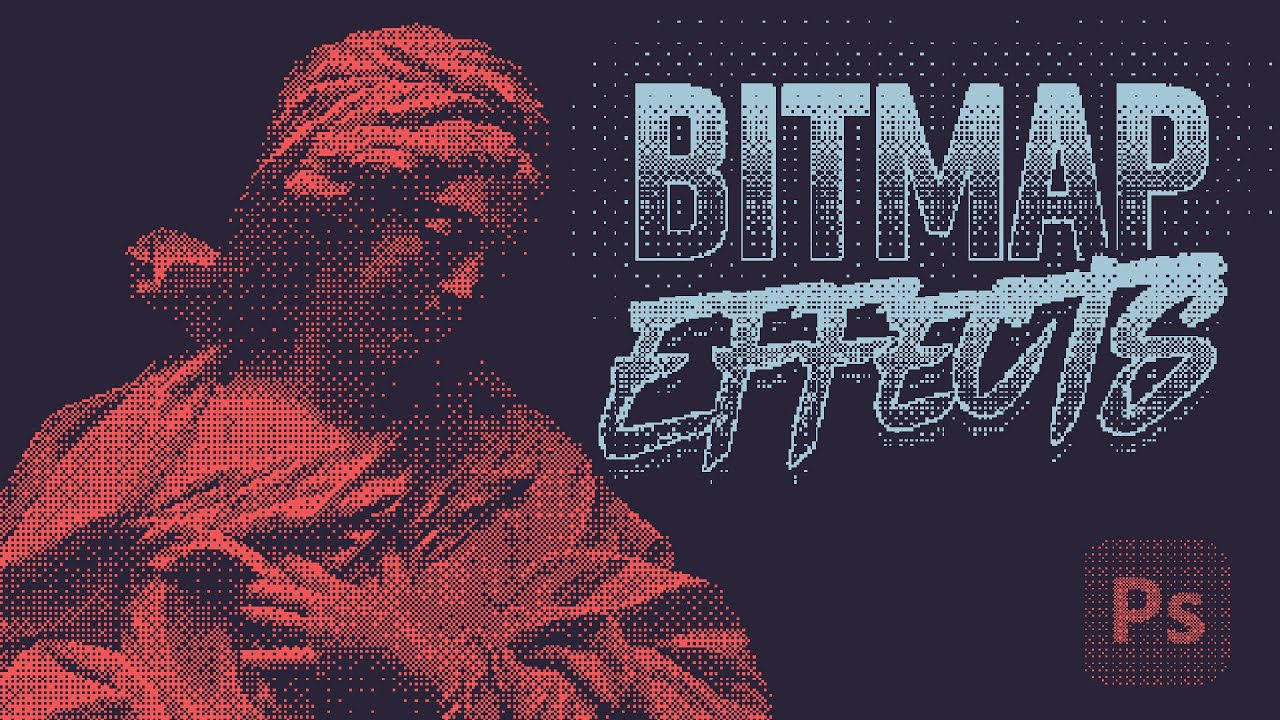
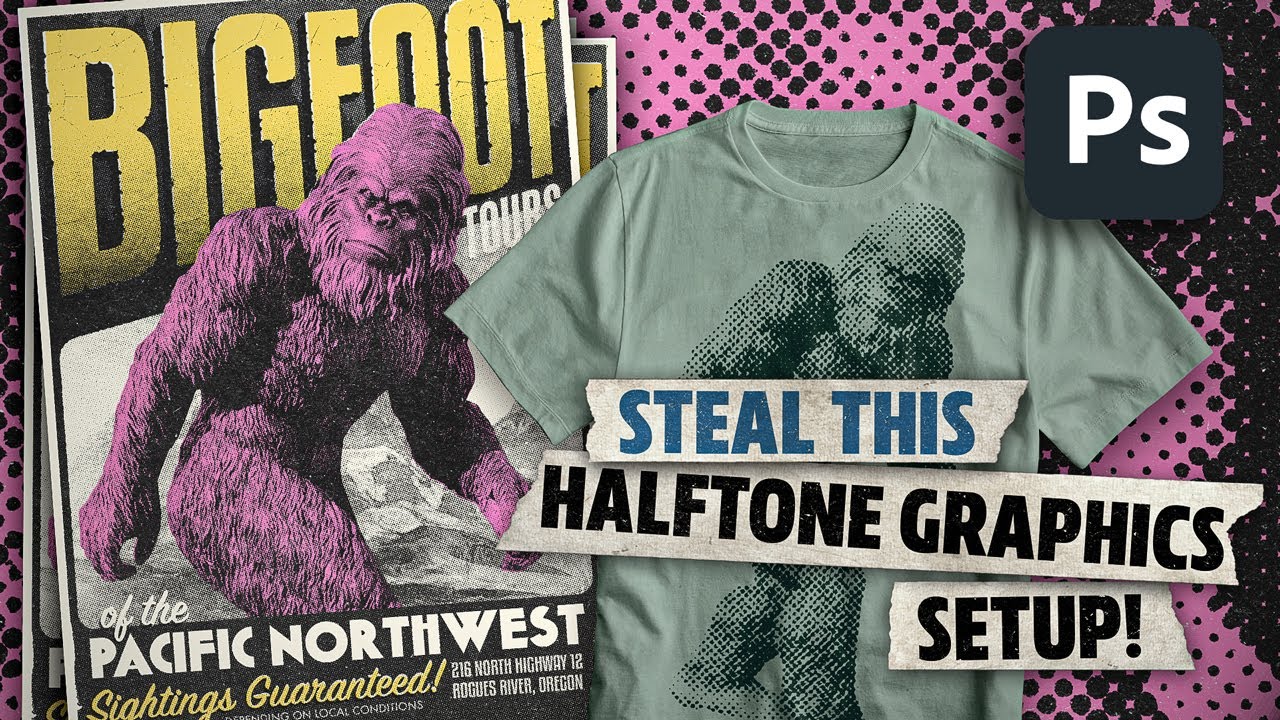
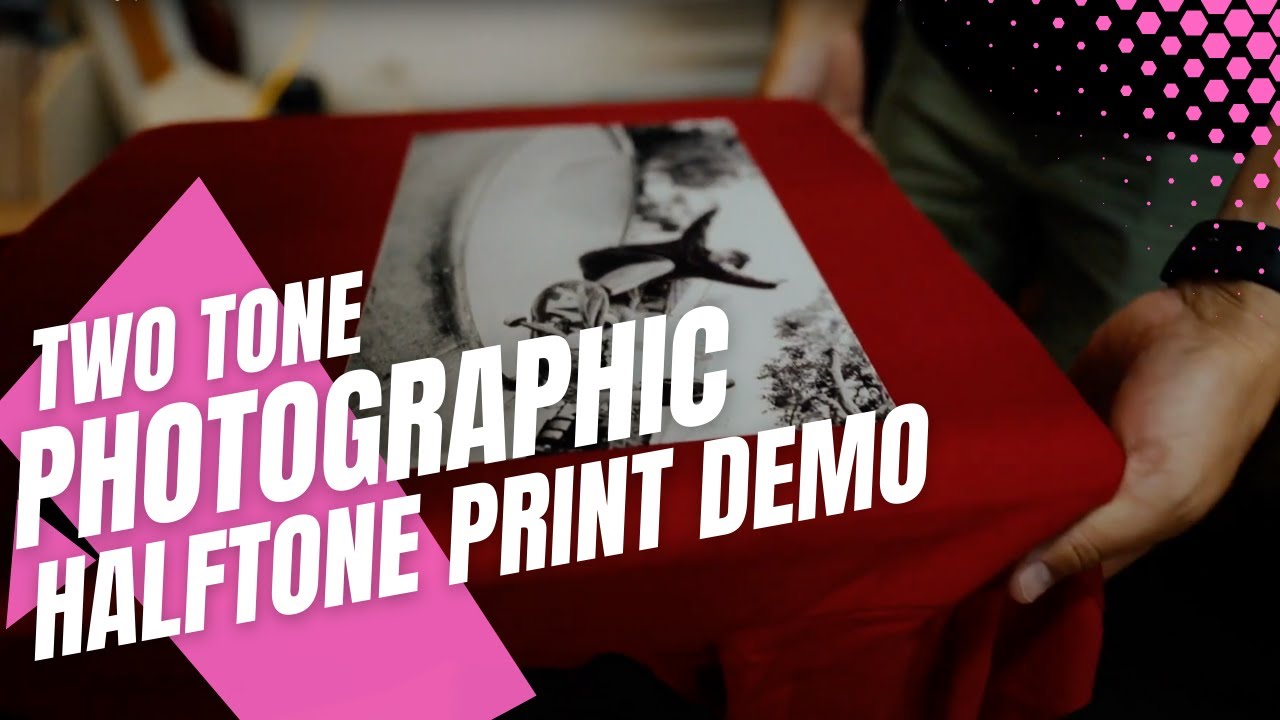
Get up and running with BLKMARKET© Inklab, our new Photoshop extension created for print simulation and halftone effect generation. In this video we cover the Inklab UI, as well as process modes, channels, effects and more.
Let us know in the comments what questions you have and we will add them to the list of things to cover in Part 2.
Get Inklab: https://beta.blkmarket.co/inklab/
Example Image by Jordon Wells: https://unsplash.com/photos/9jn39gK4Jx8
Social Links:
Website: https://beta.blkmarket.co/
Instagram: / blkmarket
Facebook: / blkmarket.co
Gear List:
Camera: https://amzn.to/2HmUE1l
Lens: https://amzn.to/35oZTG3
Mic: https://amzn.to/3mcyr5g
Monitor: https://amzn.to/2HsDYVT
Mouse: https://amzn.to/3dOyvFd
Keyboard: https://amzn.to/3ooTSSu
Foam Panels: https://amzn.to/35kkF9Q
Chapters:
00:00 - Intro
00:50 - How to open Inklab
01:12 - Action Bar
01:56 - Area of Effect/Targeting Options
02:24 - Packs Panel
03:49 - Process Panel
13:27 - Channels Panel
17:56 - Spot Color from Current Layer
20:26 - Texture Panel
22:10 - Effects Panel
33:50 - Advanced Panel
35:37 - Inklab Footer
35:47 - License Settings/Deactivate Key
36:05 - Outro
![Photoshop Halftone Print Effect Tutorial [w/BLKMARKET Inklab]](https://imager.clipsaver.ru/GEqfgur2BOU/max.jpg)
Доступные форматы для скачивания:
Скачать видео mp4
-
Информация по загрузке: