How to Process Comets in PixInsight.
Автор: Deep Sky Workflows
Загружено: 2023-02-02
Просмотров: 3551
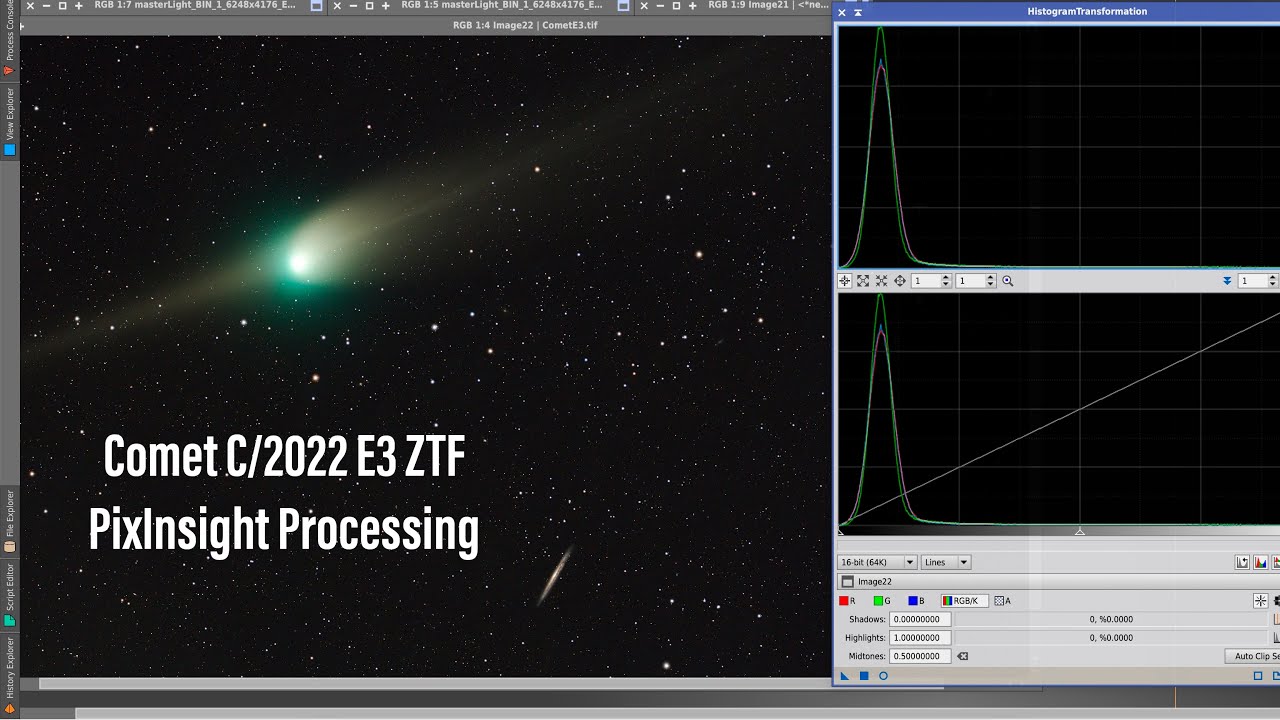
My first attempts at processing the green comet C/2022 E3 (ZTF) failed. No matter what I did, including splitting stars into separate files before aligning, I ended up with streaks from stars. Then I figured out a better way, and everything clicked into place. Here's how I process comets in PixInsight.
00:00:19 Review raw images
00:00:48 Step 1: Weighed Batch Preprocessing (WBPP)
00:01:50 Calibration settings
00:02:06 Exposure tolerance
00:02:29 Step 2: Comet alignment (wrong way)
00:03:39 Mark core of comet in first frame
00:04:01 Mark core of comet in last frame
00:04:36 Examine comet-aligned frame
00:04:54 Image integration
00:05:16 Streaks!
00:05:20 Step 2: Comet alignment (right way)
00:05:33 StarXTerminator (or StarNet++) to extract stars from integrated star-aligned image
00:06:06 Save stars to a file
00:06:24 Comet alignment...
00:06:31 Set the stars file as the "operand" (star-aligned) to subtract from each frame
00:06:52 Step 3: Post-processing
00:07:05 Examine comet-aligned frame
00:07:20 Image integration
00:08:16 PixelMath: combine the stars from the star-aligned integration with the comet from the comet-aligned integration
00:08:32 Crop out noise at edges (DC)
00:08:54 Automatic Background Extraction (ABE)
00:09:14 Dynamic Background Extraction (DBE)
00:09:51 BlurXTerminator
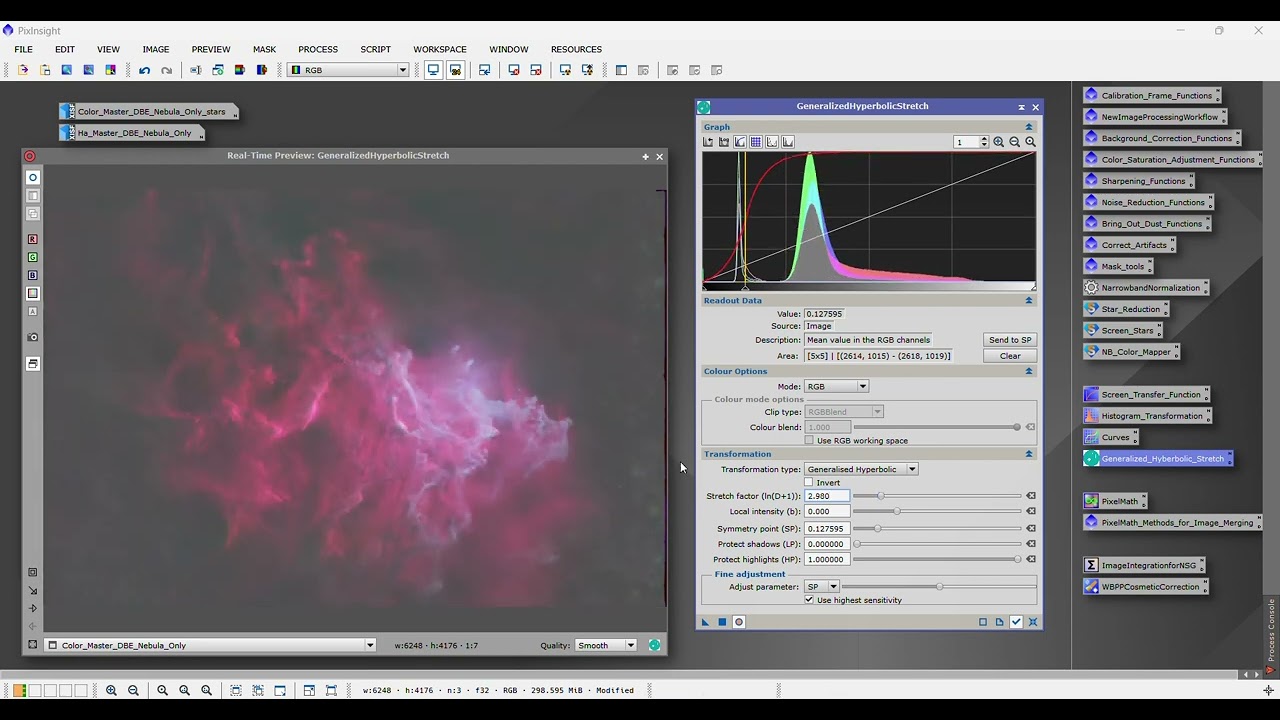
00:10:06 EZ Soft Stretch
00:10:38 StarXTerminator to process comet separate from stars
00:10:54 SCNR to remove green stars
00:11:11 Curves, masks, etc. to sharpen comet
00:12:02 PixelMath to recombine the stars
00:12:39 Final result
For related links: https://deepskyworkflows.com/video/pr...

Доступные форматы для скачивания:
Скачать видео mp4
-
Информация по загрузке: