31.Solidworks Tutorial Exercise 31
Автор: ROHITJATAV CADCAMCAE
Загружено: 2025-08-17
Просмотров: 81
31.Solidworks Tutorial Exercise 31
Welcome to ROHITJATAV CADCAMCAE 🌟
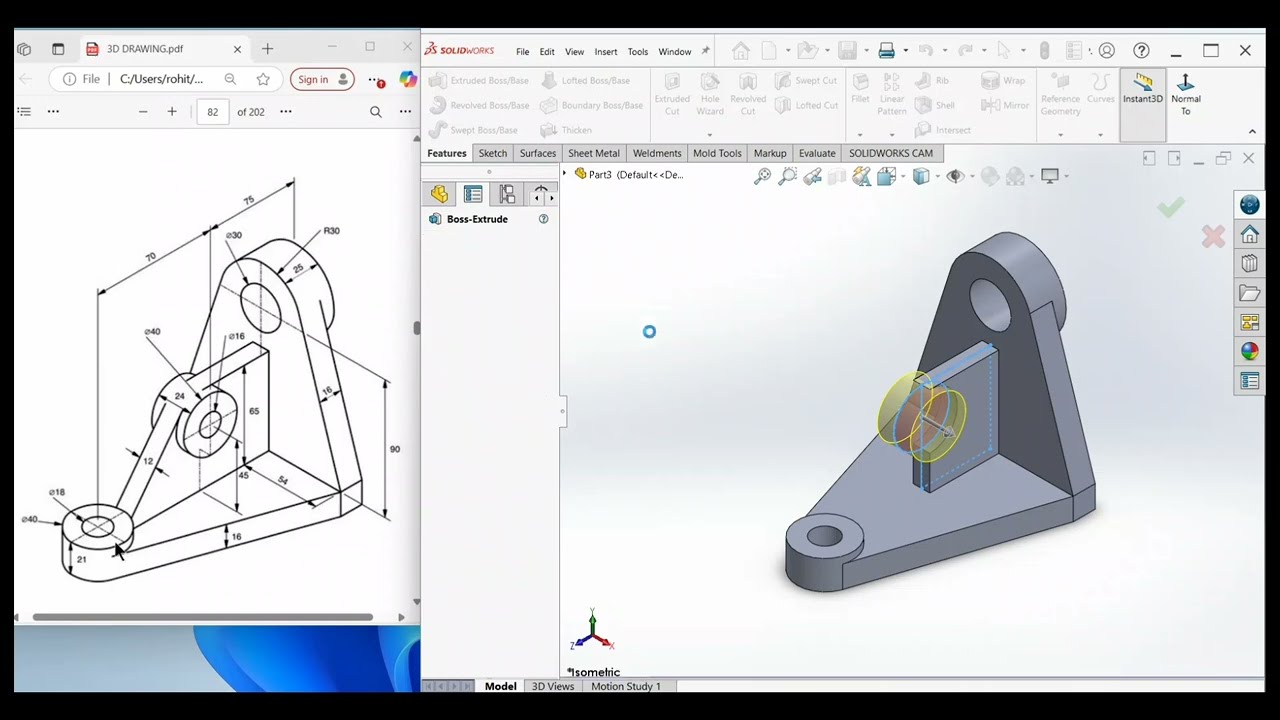
🚀 In this video, we bring you SolidWorks Tutorial Exercise 31 — a step-by-step 3D CAD modeling practice designed to sharpen your SolidWorks skills and boost your confidence in mechanical design. Perfect for learners who want to master sketching, features, and part modeling with professional accuracy.
🔑 What You’ll Learn in this Exercise:=
✅ Create precise 2D sketches with dimensions.
✅ Apply SolidWorks features like Extrude, Cut, Fillet & Chamfer.
✅ Practice parametric design techniques.
✅ Improve part modeling workflow for real projects.
✅ Build 3D mechanical components with accuracy.
✅ Enhance problem-solving skills in CAD.
✅ Strengthen your SolidWorks fundamentals for industry use.
🎓 Perfect for:=
1️⃣ 🛠️ Mechanical Engineering students.
2️⃣ 🎯 ADTDM (Advanced Diploma in Tool & Die Making) students.
3️⃣ 🧰 ITI (Industrial Training Institute) students.
4️⃣ 🎓 IIT and engineering aspirants.
5️⃣ 💻 CAD engineers aiming to master design.
6️⃣ ⚙️ CAM engineers focused on machining solutions.
7️⃣ 📊 CAE engineers passionate about simulation & analysis.
🔥 Whether you’re a beginner or an advanced learner, this SolidWorks Exercise 31 will help you develop strong CAD design expertise and prepare you for industry-level projects.
Stay tuned for high-quality content on mechanical design, CNC programming, CAD modeling, CAM simulation, CAE analysis, and in-depth engineering theory. Explore expertly curated playlists only on our channel: ROHIT JATAV CAD CAM CAE — your ultimate destination for CAD/CAM/CAE education and mechanical innovation. Stay connected, stay inspired, and always stay blessed. ✨
#SOLIDWORKS#TUTORIAL#ROHITJATAV
Доступные форматы для скачивания:
Скачать видео mp4
-
Информация по загрузке: