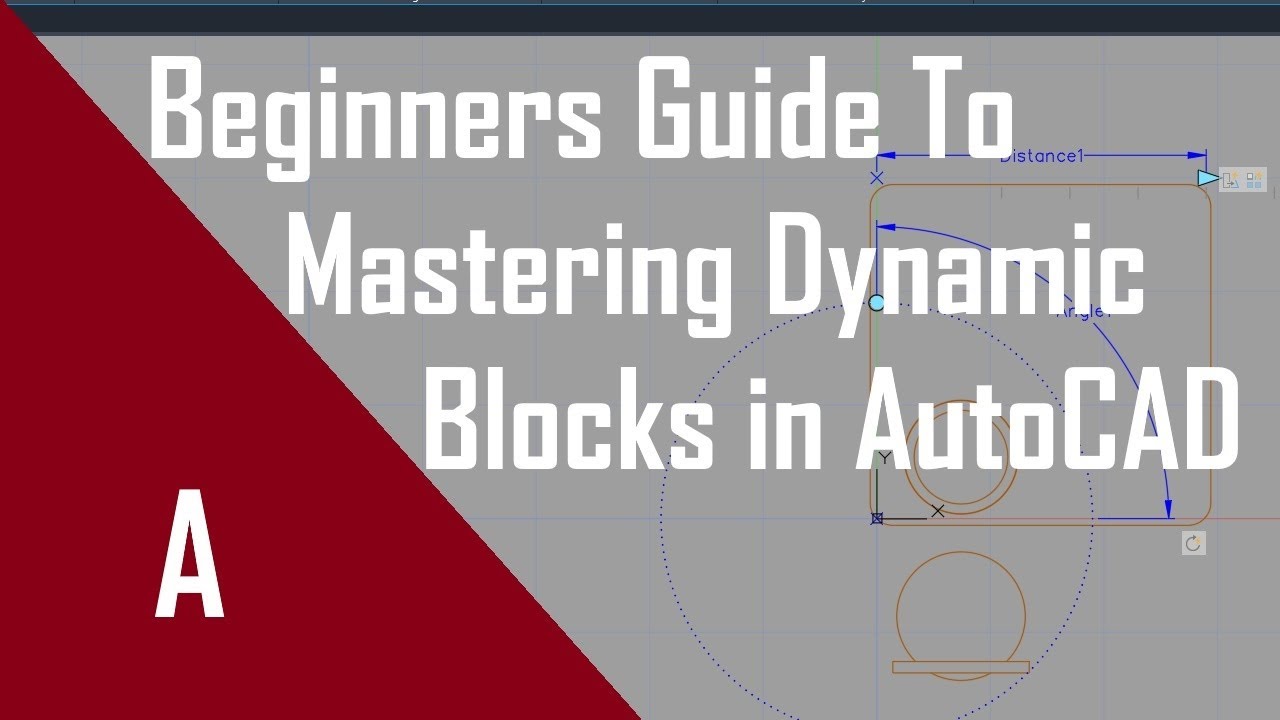
How to create dynamic CAD blocks in AutoCAD
Автор: Audrey Noakes
Загружено: 2020-05-18
Просмотров: 6017
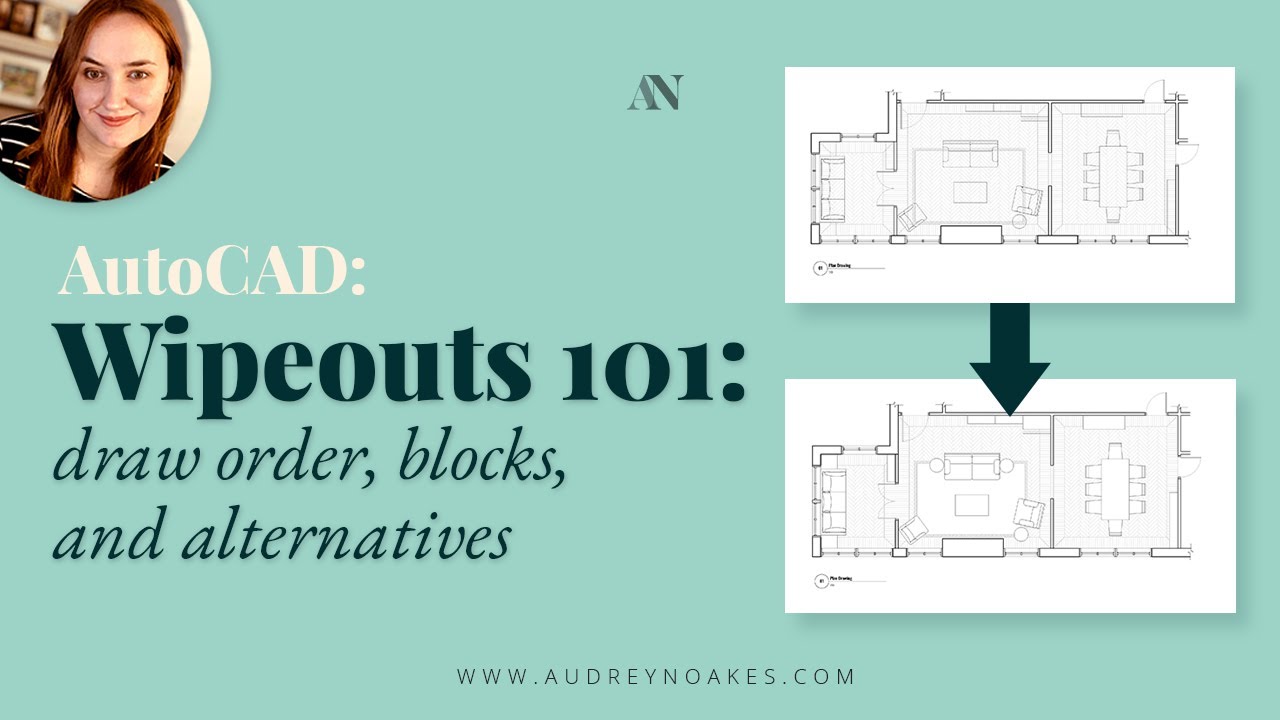
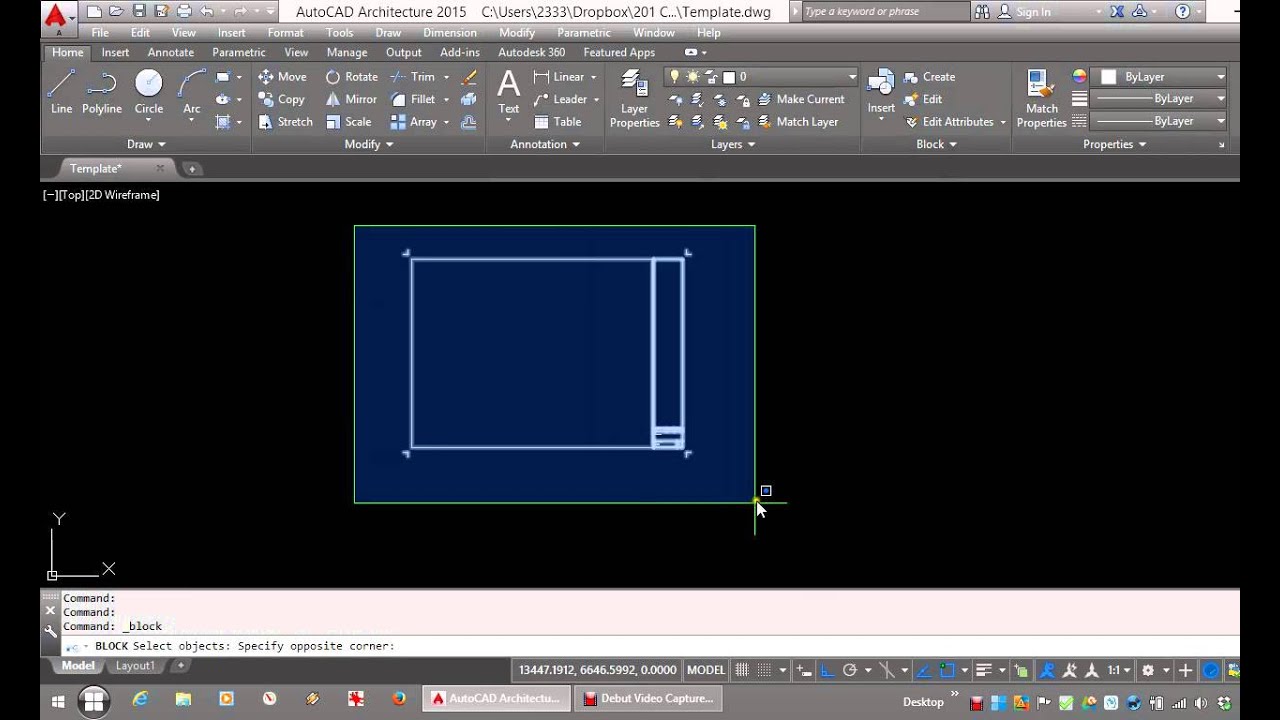
This video goes through how to create a dynamic door and window to finish drawing a basic floor plan quickly for interior design projects in AutoCAD
MY TOP BLOG POSTS:
Interior Design Templates Checklist: https://audreynoakes.com/the-interior...
How to make a Mood Board in 10 minutes or less: https://audreynoakes.com/how-to-make-...
10 Rules to become a Sketchup Superhero if you’ve just started: https://audreynoakes.com/10-rules-to-...
Top 2 things you need to use AutoCAD quickly: https://audreynoakes.com/the-top-thin...
FIND MORE TIPS AND TEMPLATES
Blog: https://audreynoakes.com/
Shop: https://shop.audreynoakes.com/
Pinterest: https://www.pinterest.co.uk/audrey_no...
And make sure you subscribe to my channel!
Autodesk, AutoCAD, and Revit are registered trademarks or trademarks of Autodesk, Inc., and/or its subsidiaries and/or affiliates in the USA and/or other countries. Adobe Photoshop and InDesign are registered trademarks or trademarks of Adobe, Inc., and/or its subsidiaries and/or affiliates in the USA and/or other countries. Sketchup, Sketchup Pro, and Layout are registered trademarks of Trimble, Inc.
Audrey Noakes is not affiliated with Trimble, Inc., Adobe, Inc., or Autodesk, Inc.

Доступные форматы для скачивания:
Скачать видео mp4
-
Информация по загрузке: