Unlock More Screen Space in DaVinci Resolve iPad (Secret iPad Setting!)
Автор: Daniel Kovacs
Загружено: 2025-10-01
Просмотров: 2341
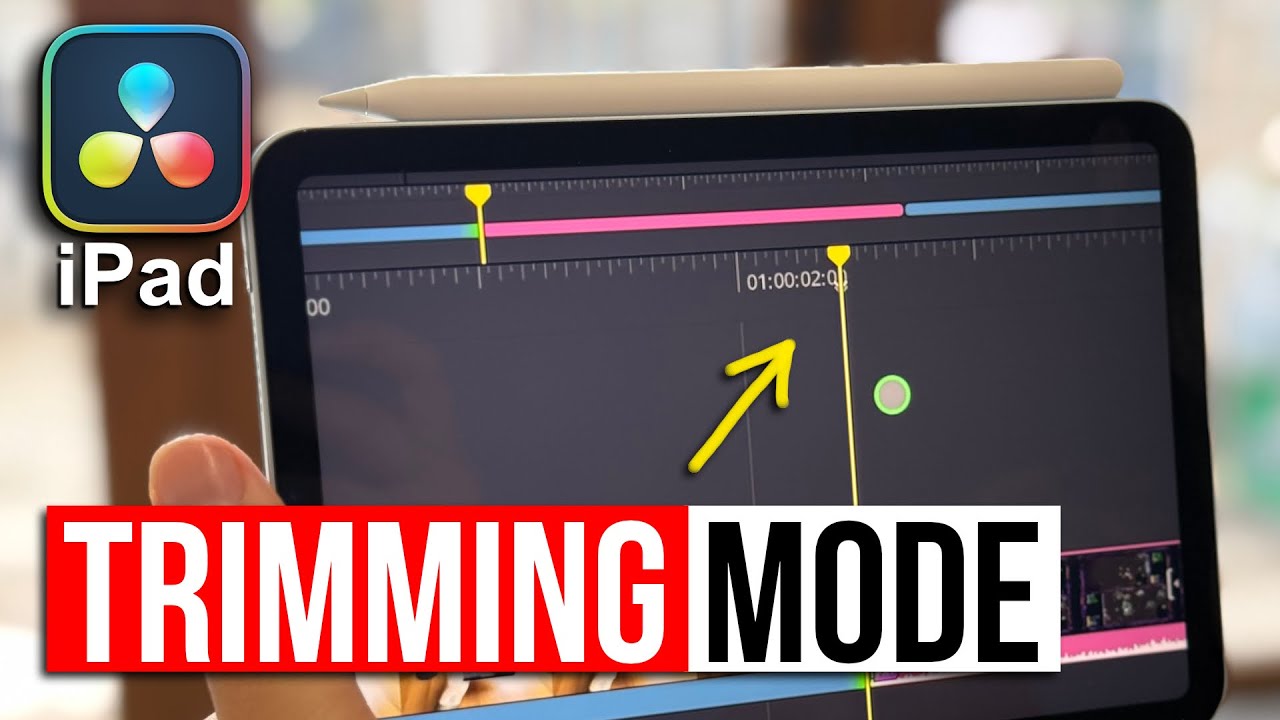
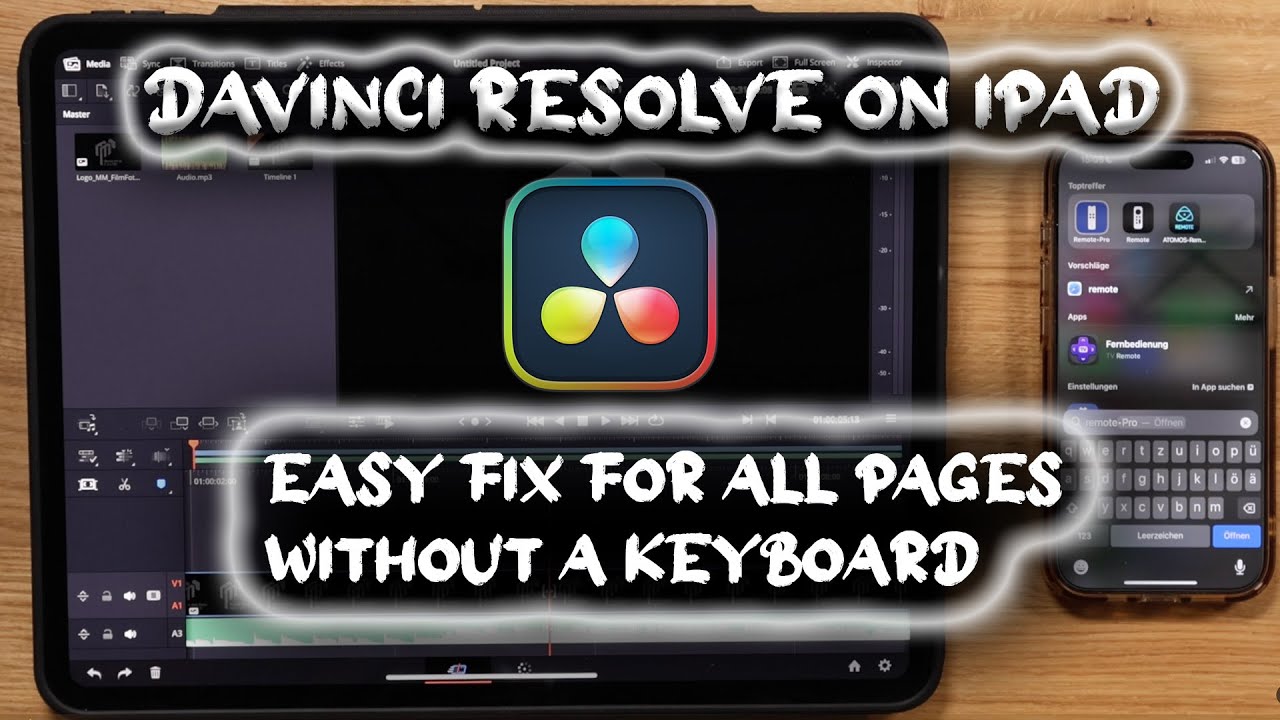
In this video I’ll show you a simple iPad setting that completely changes how DaVinci Resolve looks and feels on your iPad. By adjusting the display resolution, you can make the interface smaller, gain more working space, and most importantly — get a bigger Viewer window. This is especially useful if you’re editing on a smaller iPad screen and want a setup that feels closer to a laptop.
➡️ DVR iPad Starter Kit: https://exlima.net/Start
---
🎓 Learn DaVinci Resolve iPad — From Beginner to Pro
➡️ Join the DaVinci Resolve iPad MASTERCLASS: https://exlima.net/DRMasterClass
✅ Includes FREE Speed Editor MasterClass + Bonus VFX Packs
---
📘 FREE PDF: Studio vs Free iPad Version Comparison
https://exlima.net/StudiovsFree
---
👉 Watch Next:
Full Video DaVinci Resolve iPad Version 20 All Features Explained: • DaVinci Resolve iPad Version 20.0 - All Fe...
📺 DaVinci Resolve iPad Tips Playlist:
• DaVinci Resolve iPad Tips, Tricks & Tutori...
---
💬 Join the Community:
🎬 eXlima Club: FREE community for filmmakers & creators
👉 https://exlima.net/Club
---
🛠 Tools & VFX Packs I Use:
💥 Superhero VFX Pack: https://exlima.net/BigFilmsSuperhero
🎦 VFX Packs from MotionVFX: https://exlima.net/MotionVFX
⌨️ iPad Keyboard Cover: https://exlima.net/DRiCover
🤖 AI Tool Recut (Save $10): https://exlima.net/Recut
🎶 Epidemic Sounds: https://exlima.net/Epidemic
🧑🏫 CourseCreator360 All in One Plattform: https://exlima.net/CC360

Доступные форматы для скачивания:
Скачать видео mp4
-
Информация по загрузке:










![[4K FULL HD] Relaxing Water Background | 1 HOUR | Calm Water Wallpaper (No Sound)](https://imager.clipsaver.ru/y9PTNTSpGJs/max.jpg)