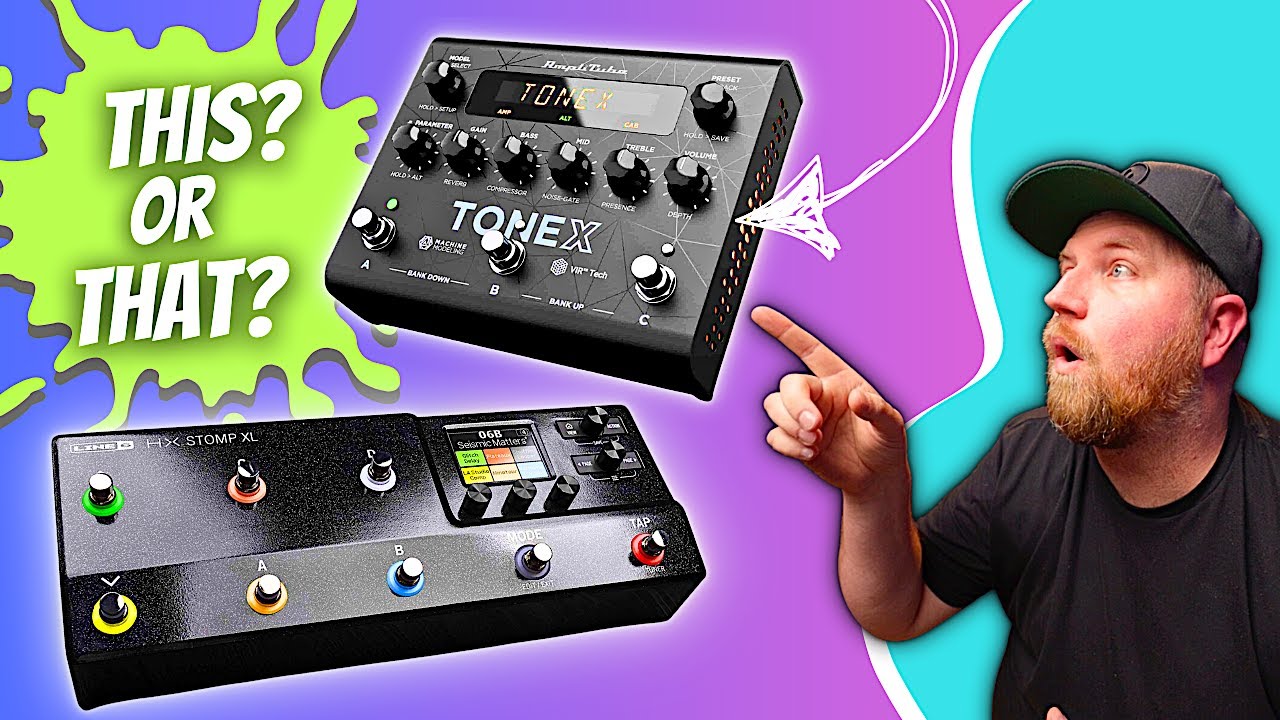
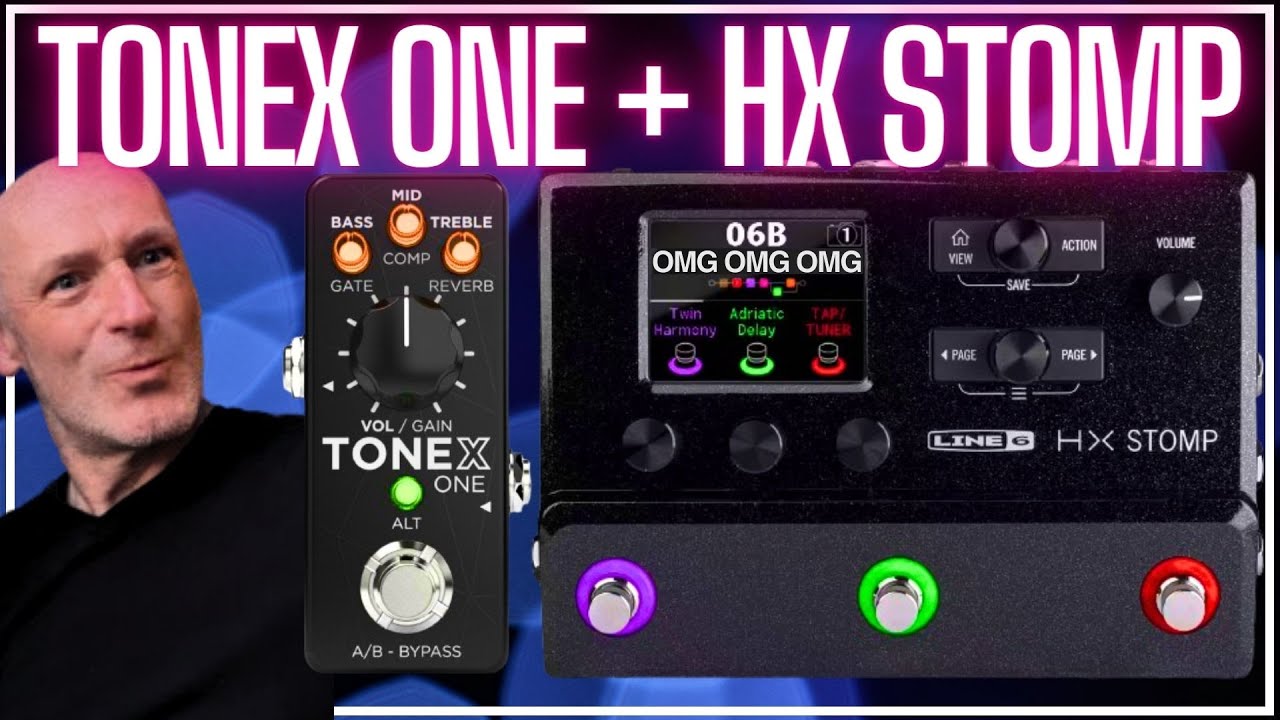
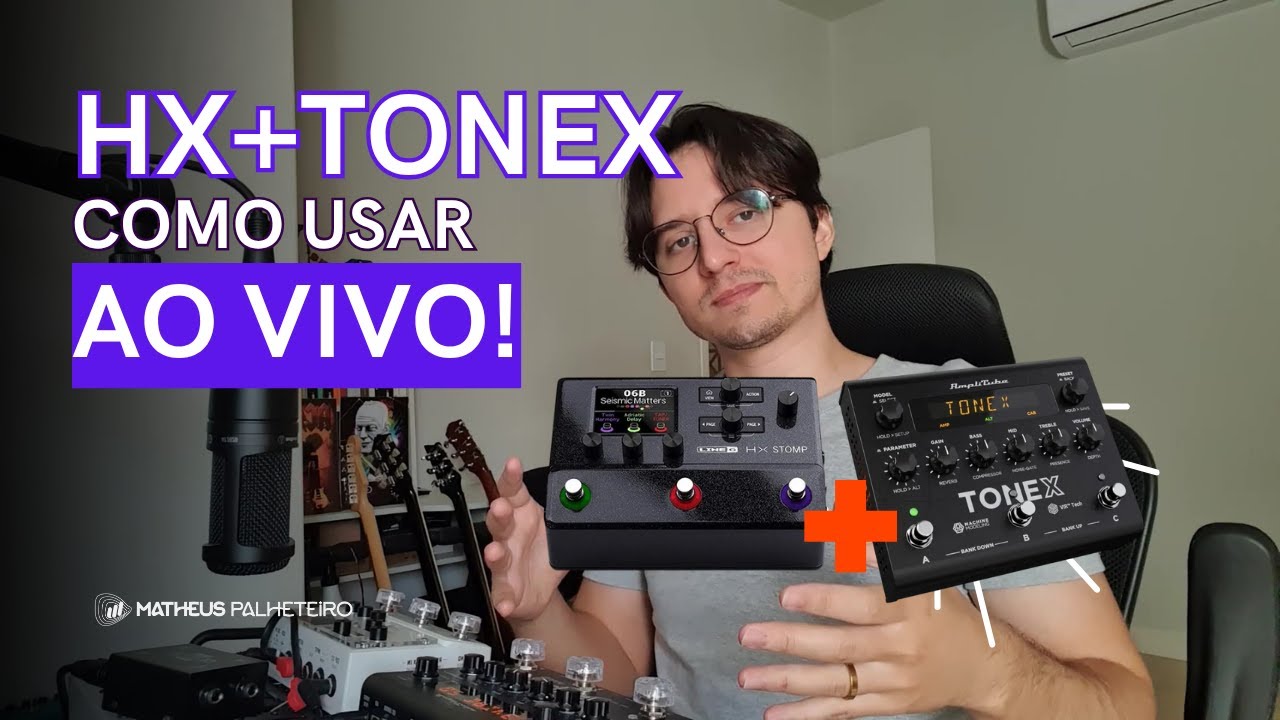
TONEX PEDAL AND HX STOMP HOW TO CONNECT AND USE THEM TOGETHER WITH NO MIDI PROGRAMING!
Автор: Leon Brown Music
Загружено: 2023-03-24
Просмотров: 13173
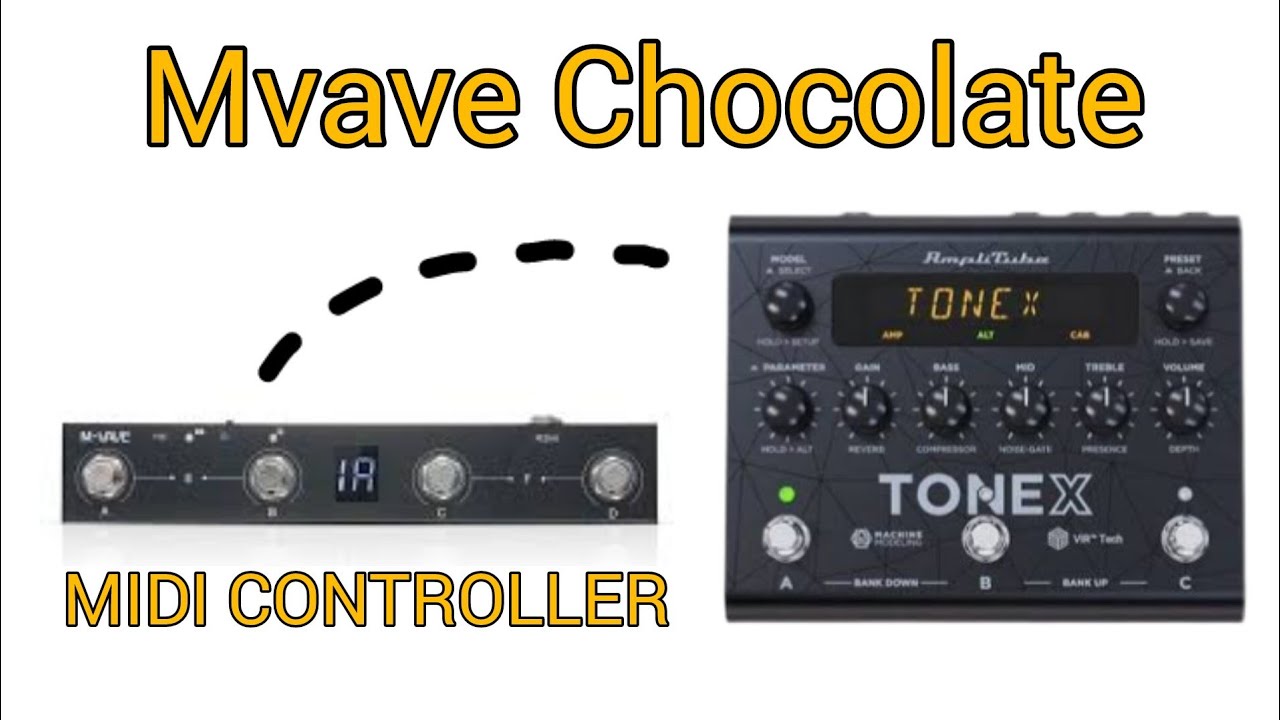
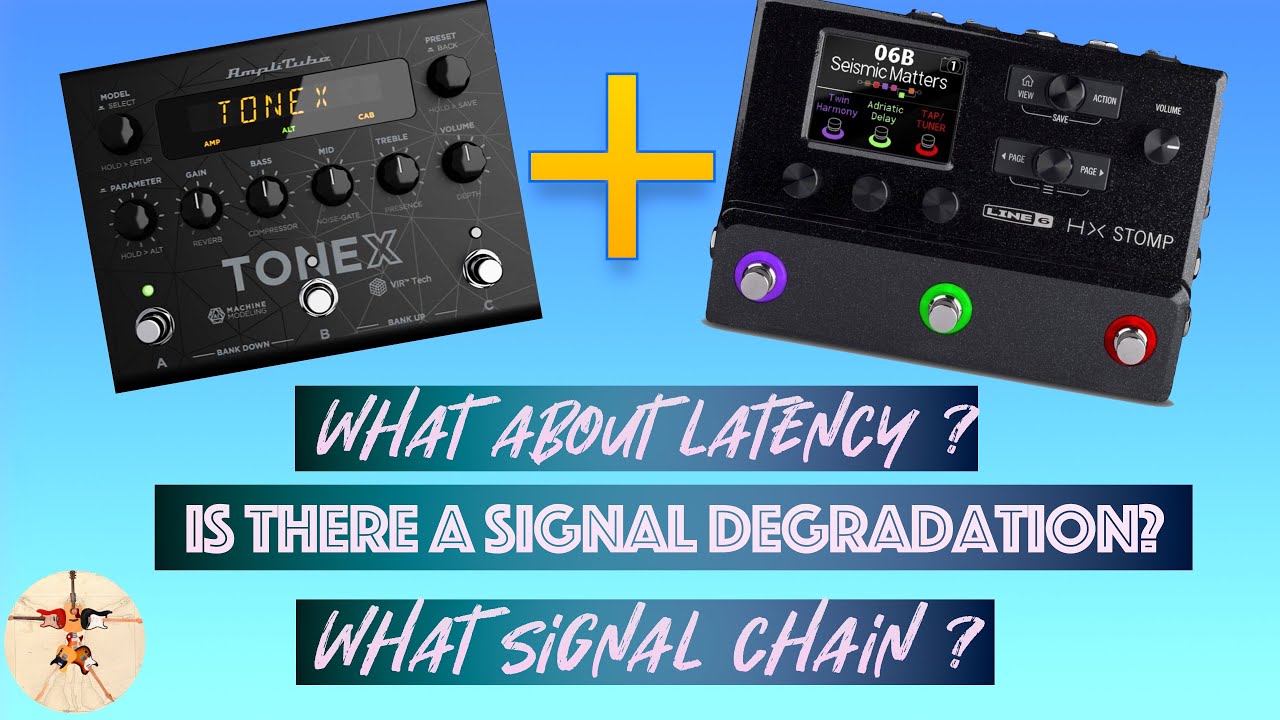
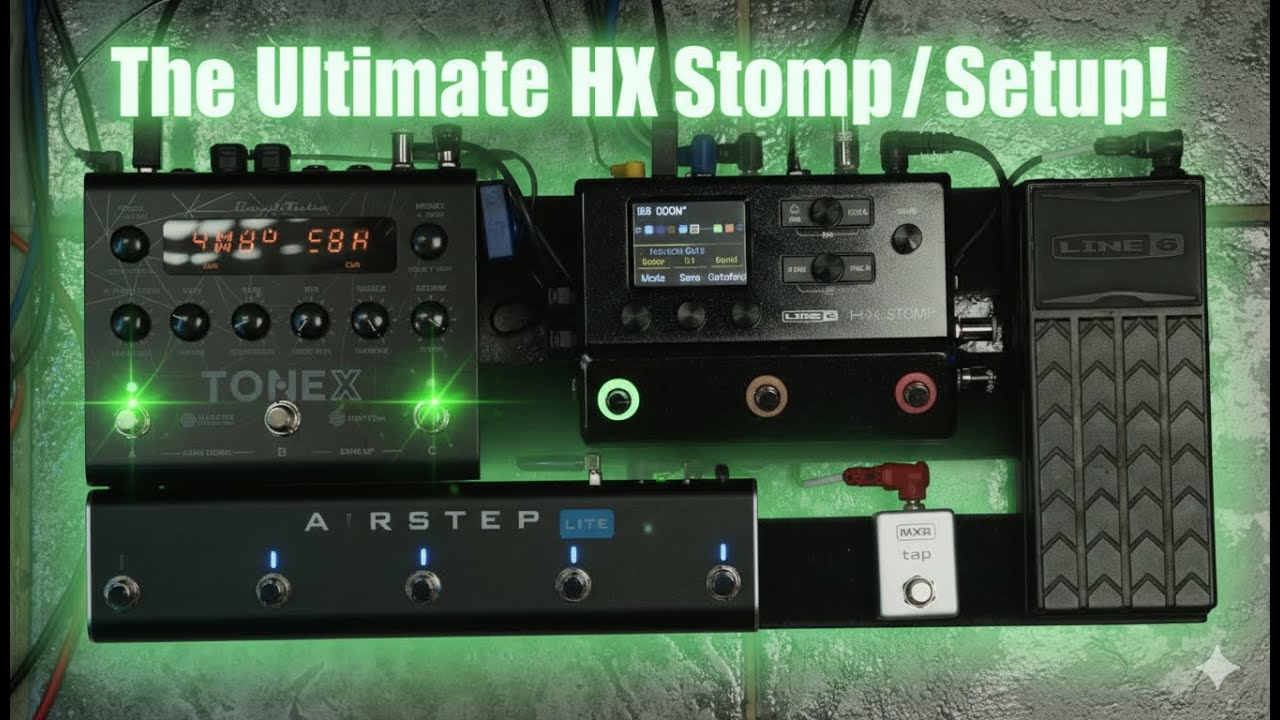
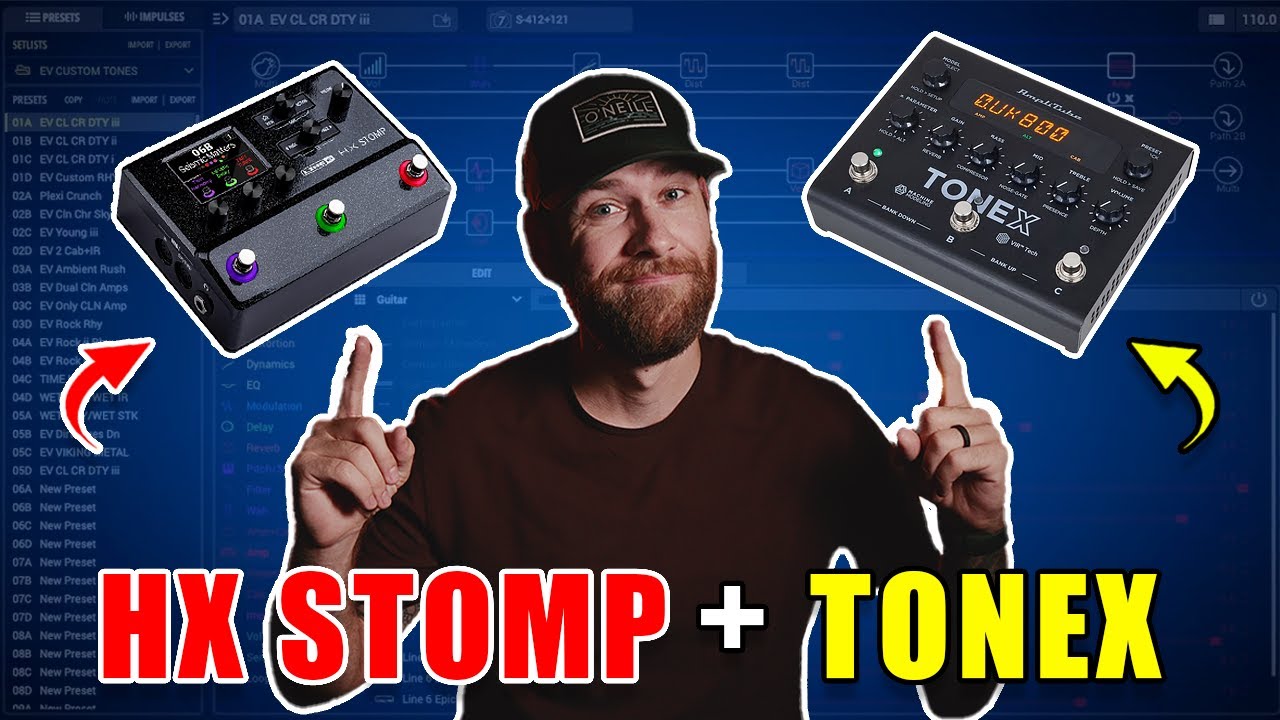
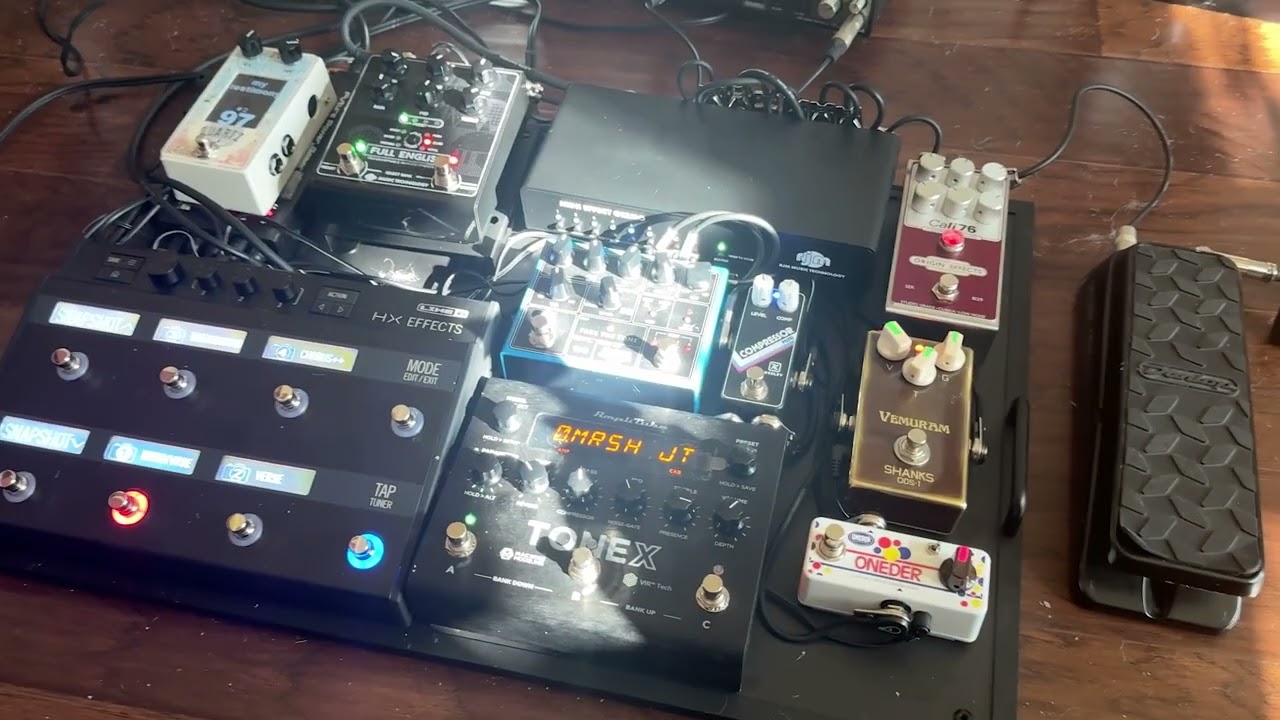
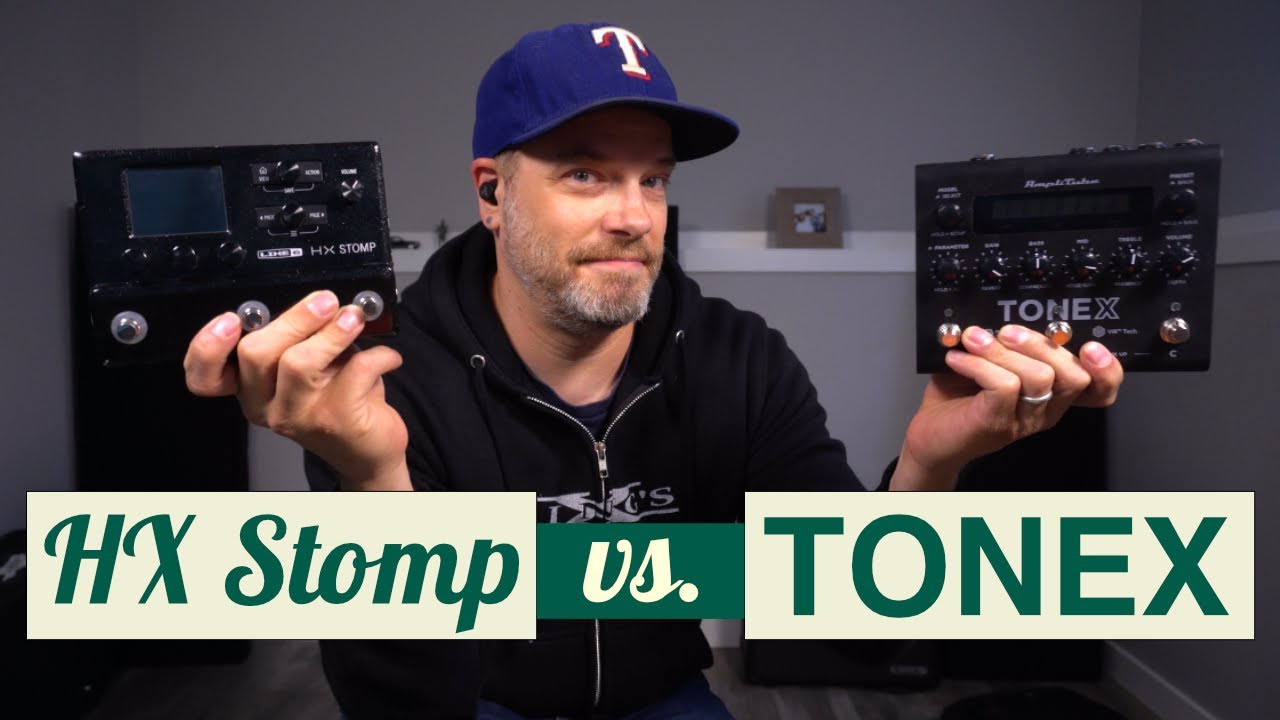
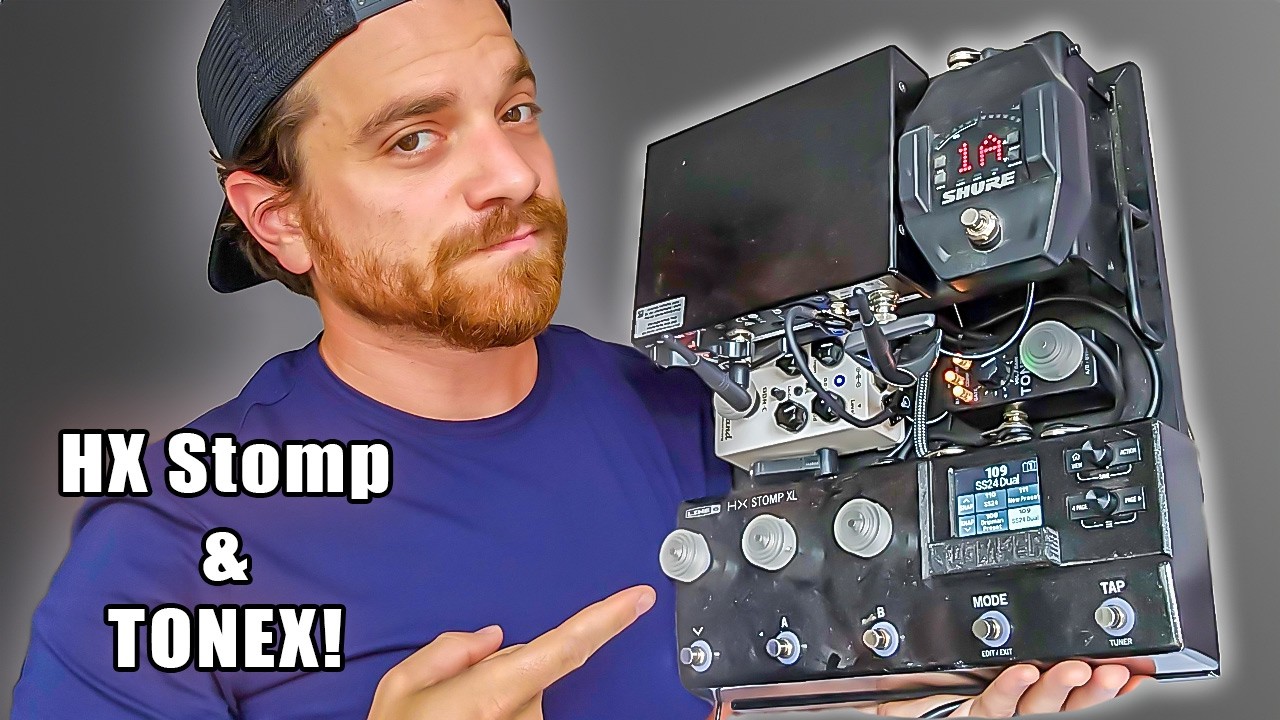
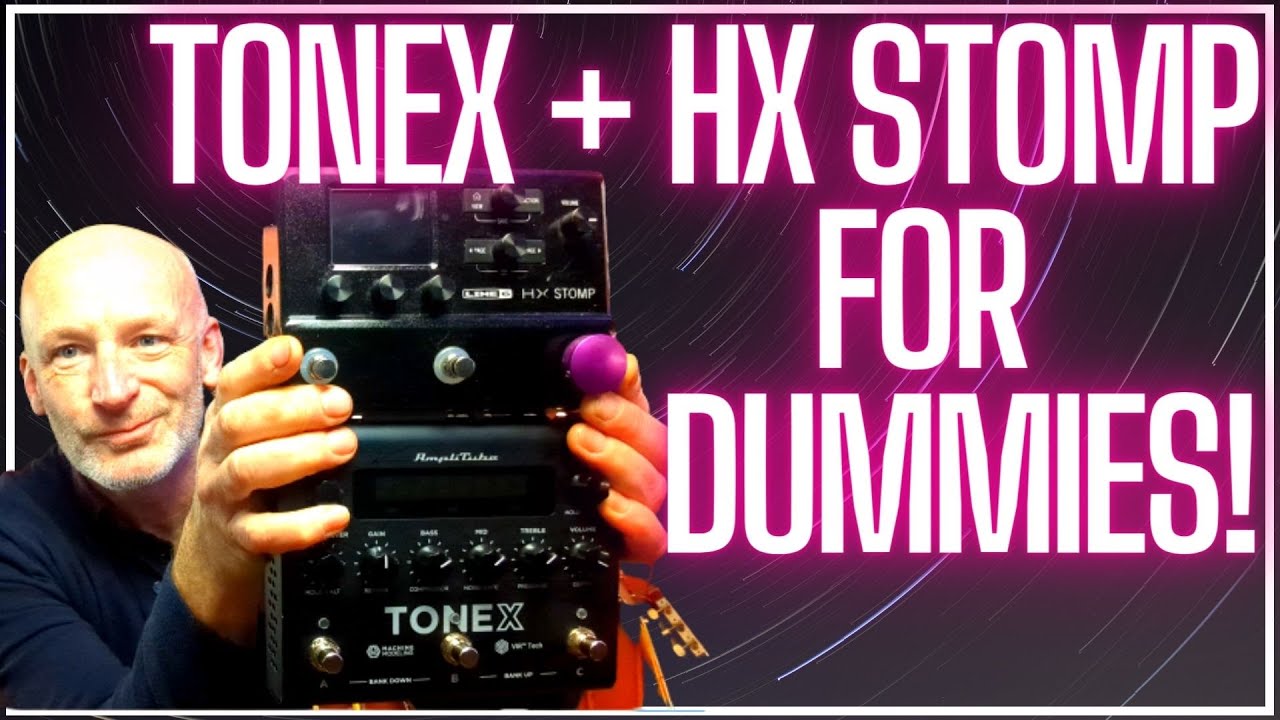
The Tonex Pedal From IK Multimedia is really shaking up the guitar world. But Did you know you can make a KILLER GUITAR RIG by combining Tonex Pedal with a Line 6 HX Stomp or HX Stomp XL. Control the Tonex from the stomp and integrate it into your patches and Snapshots but replace the HX amp block saving you masses of DSP. Multiple amps in an HX stomp? No problem! You can have THREE Tonex amps/Captures in one pedalboard rig and switch between them. Connecting the TONEX to the HX Stomp gives you the absolute best of both units and connecting them via MIDI and in the effects loop gives you incredible control.
In this video I walk you through my live HX Stomp/Tonex setup, show you the routing MIDI commands and everything else you need to know in order to build your own guitar pedalboard rig with these mega powerful processors.
IK Multimedia launches a brand new hardware pedal to run its amazing Tonex Plugin. it is called the Tonex Pedal! With this little beauty you can take all of your amp captures with you on your pedalboard and integrate it with your existing pedals or multi effects to make a killer live rig to either DI into a mixing desk or run into the back of a poweramp!
Tonex has for some time now been integrated into IK Multimedia's long established "Amplitube" software. But this represents a huge step forward, out of the studio, out of the laptop and onto the stage with captures that are indistinguishable from the real deal and have in many YouTube videos been shown to be better than the competition offered by Kemper and Neural DSP's Quad Cortex.
The Line 6 HX Stomp is the latest addition to the Helix family. This deceptively small unit packs a formidable array of features, many of which are identical to the original Helix amp. With over 300 effects and models, a simple interface and a rugged gig-ready enclosure, the HX Stomp is your all-in-one performing rig!
Helix 3.50 Firmware
The Helix 3.50 firmware update for Helix® and HX® hardware devices and the 3.50 software update for the Helix Native plugin introduces an entirely new IR-based speaker cabinet engine. It includes 20 guitar cabs and four bass cabs with a choice of 12 microphones, and you can change their angle, position, and distance in relation to the cabs. You can even drag the mics around in space for easier and more exact placement when using the HX Edit 3.50 application. Despite their increased power, however, the new cab models only utilize roughly one-third to one-fifth of the DSP as the cabs in version 3.15 and earlier due to the improved Helix Core, freeing up additional DSP for other purposes. There are also five new amp models, seven new effects, a Dual IR block, and other improvements.
Helix Modelling Technology
The Helix set the world ablaze upon release and went from strength to strength with the release of the Floor, LT and HX FX versions. The HX Stomp looks set to take it to the next level, borrowing crucial effects and features of the cornerstone Helix models and sticking them in their most compact unit yet.
The HX Stomp uses the exact same HX Modelling technology as the flagship Helix guitar processor. When you consider that it’s approximately 80% smaller, that’s quite an impressive feat. Run up to 6 processing blocks simultaneously, with over 300 effects and models to choose from. This includes the Helix, M-Series and legacy Line 6 collections.
Versatile & Fool proof
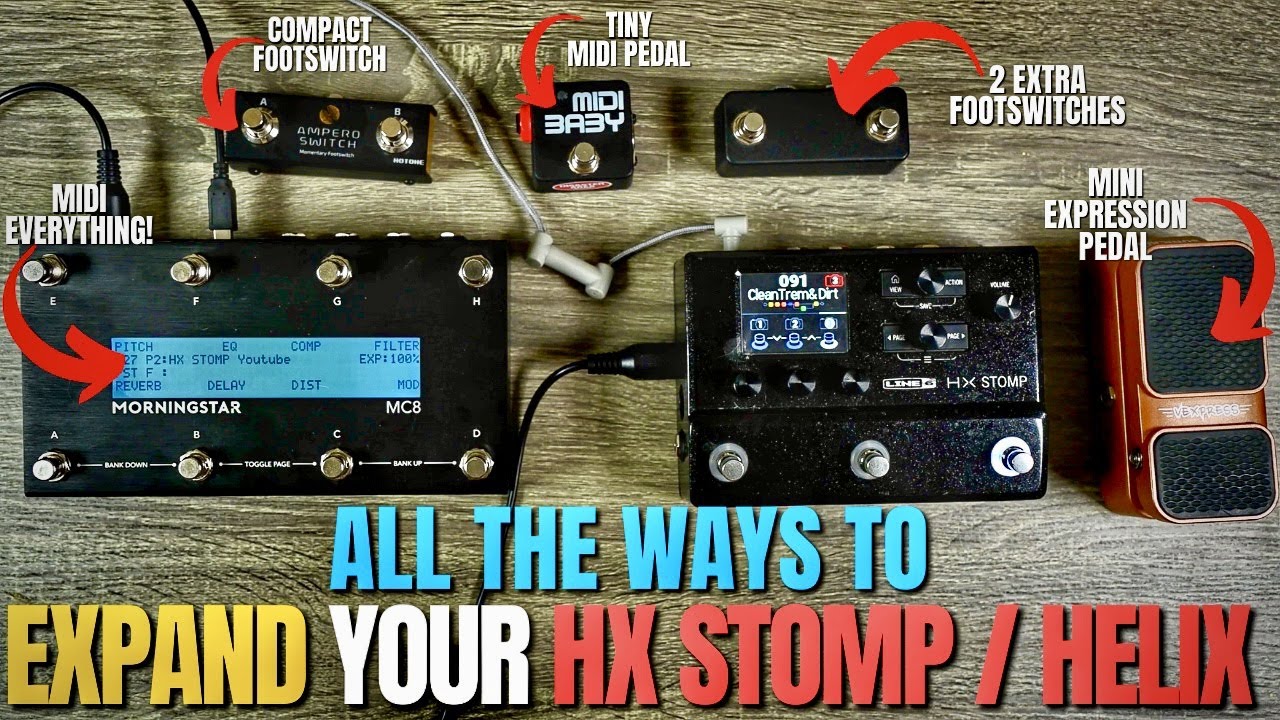
It’s designed to be used in a number of ways. Given its size, it’ll fit neatly onto any pedalboard – a feature-packed multi-FX unit. Combine it with other modelling or FX units to reach new tonal heights. Or go all-in and use it as an all-encompassing guitar or bass rig – yes, it can handle it!
With stereo inputs and outputs, USB connectivity and expression pedal compatibility, the HX Stomp has the capacity to become the centrepiece of your setup. You’ve also got an industry-leading 123dB of dynamic range for ultimate depth and responsiveness – it’ll handle any gig or session you throw at it.
To top it off, it’s super easy to use. Its straightforward interface combines clearly-labelled knobs, buttons, LED-lit footswitches and a 320 x 240 colour LCD screen. All in all, the HX Stomp is going to change the way you see your rig!
Specifications
Utilizes the same HX Modelling as Helix
Over 300 effects and models from Helix, M-Series, and legacy Line 6 products
Up to 6 simultaneous amp, cab, and effect blocks (including a looper and IR loading)
3 capacitive-sensing footswitches with color-coded LED rings facilitate fast editing
TRS dual expression pedal/footswitch input extends creative control capabilities
Stereo inputs & outputs
Доступные форматы для скачивания:
Скачать видео mp4
-
Информация по загрузке: