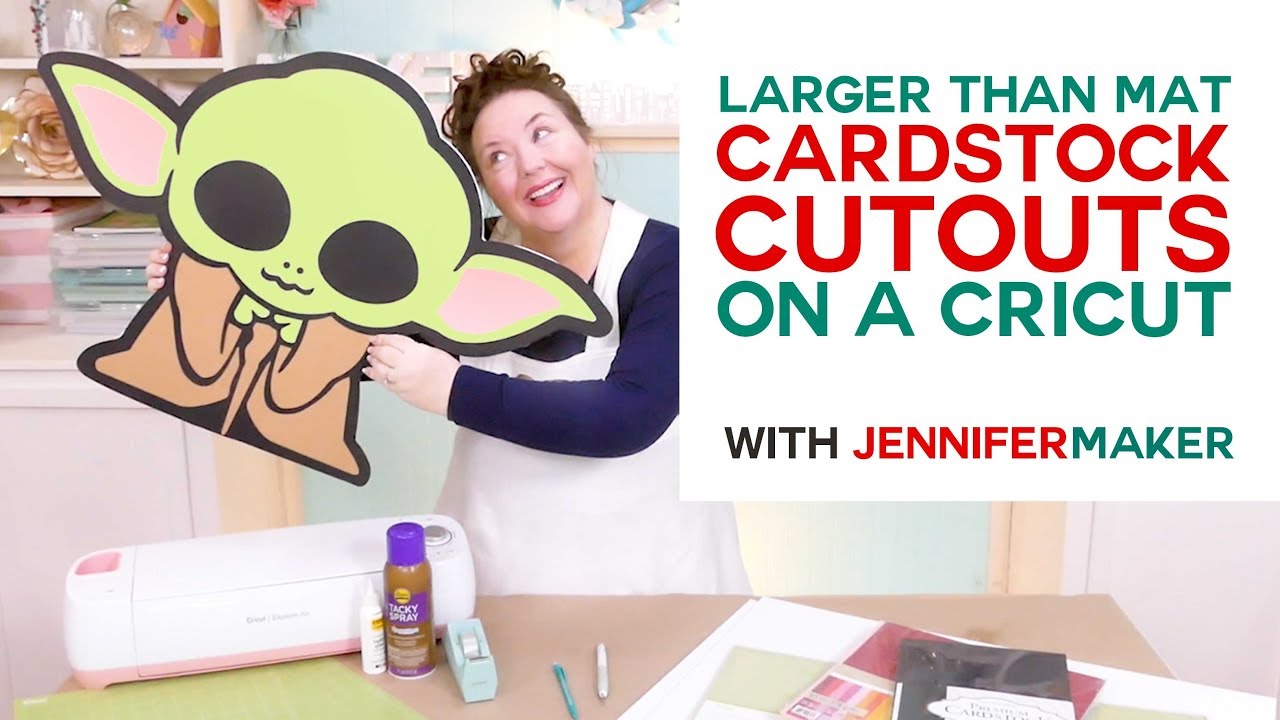
DIY Cardstock Cutouts Larger Than Mat: Baby Yoda is Off the Mat!
Автор: Jennifer Maker
Загружено: 2019-12-08
Просмотров: 506919
Learn how to cut an image larger than 12" x 24" on Cricut and make a large cardstock cutout of a favorite character or image, such as Baby Yoda! Get the licensed design on Cricut Design Space at my affiliate link: http://cricut.pxf.io/QOoDbz
Use my larger than mat technique to cut any image on your Cricut, regardless of how big it is.
You can find the written tutorial at https://jennifermaker.com/cardstock-c...
I appreciate every subscriber. It's free and easy to subscribe -- just click here: http://bit.ly/sub2jennifer
MATERIALS LIST (contains my affiliate links):
Cardstock in sizes from 8.5" x 11" up to 12" x 24" (I used this 12" x 24" cardstock, and this 12" x 12" cardstock): https://amzn.to/351vqMV
Tape
Tacky Glue
Adhesive spray
(Optional) Foam core (to make a rigid back and stand): https://amzn.to/2RxKpua
(Optional) Craft knife (to make a rigid back and stand): https://amzn.to/2P23DpP
StandardGrip cutting mat (either the 12" x 12" size or the 12" x 24" size)
A way to cut the project (I used the amazing Cricut -- see https://jennifermaker.com/which-cricu... )
The licensed image from Disney, which you can get via Cricut Design Space at http://cricut.pxf.io/QOoDbz
Still mystified by how this works? You can totally cut this Disney character or any other large character or other image, on your Cricut cutting machine, even though the largest cutting mat you can use with a Cricut is 12" x 24". You even do it with a standard 12" x 12" cutting mat. And I'm going to show you the secret to doing it and cutting "off the mat" in this tutorial.
For this larger than mat project, you'll need some cardstock -- any size from 8.5 by 11 inches all the way up to 12 by 24 inches will work, though the bigger the paper, the less work for you. Weight doesn't matter a lot -- you can use 65 lb, 80 lb, or 110 lb, though the heavier the cardstock, the sturdier it will be. You also need a cutting mat, ether the 12 by 12 inch size or the bigger 12 by 24 inch size. And you need some tape, glue, and spray adhesive. If you want to make your cardstock cutout lean against a wall or even stand entirely on its own, you'll also want a couple of sheets of foam core and a craft knife to cut it with (you can't cut foam core on your Cricut because it's much too thick).
You also need a design that's appropriate for this technique, so one that is all or mostly solid with extra layers on top will work best. There's a lot of character designs over in Cricut Design Space that are ideal. Buying them through Cricut Design Space means you're using properly licensed images.
In this tutorial, I will show you where to find great designs for cardstock cutouts in Cricut Design Space, and then how to prepare the design for larger than mat cutting!
Step 1: Find an Image for a Large Cardstock Cutout
Find an image you want to make of a large cardstock cutout, such as the Disney design in Cricut Design Space, which is part of a Star Wars cartridge you can buy at http://shrsl.com/204gm
There are many other great options ideal for large cardstock cutouts in Cricut Design Space, too! You can also upload SVG cut files.
Step 2: Prepare Your Image for Cutting
First, resize your image to the desired size. Be mindful of the size of your mat (either 12" x 12" or 12" x 24") and try to keep your image sizes in those increments. I enlarged my baby Yoda to be about 22" tall by 33" wide so it would fit within the 12" increments.
Topics covered in this video on making larger than mat projects with Cricut:
00:00 - Cardstock Cutouts Larger Than Mat - Baby Yoda!
01:15 - Supplies & Tools
02:39 - Find an Image for Large Cut-Out
05:05 - Get Baby Yoda Design File
07:23 - Prepare Your Image for Cutting
08:07 - How to Choose the Size of Your Cutout
11:31 - Create Mat Size Templates
14:53 - Move Ears and Face Aside
15:21 - Put Large Pieces on Templates in Design Space
15:52 - Slice the Large Baby Yoda Pieces
19:02 - Prepare Baby Yoda to Cut on Your Cricut Machine
19:39 - Slicing Smaller for Smaller Paper
24:55 - Cut Out Your Cardstock
25:52 - Piece Your Cutouts Back Together
26:49 - Attach Your Layers
27:35 - Optional: Add Foam Core and a Stand
30:33 - Closing Notes and Link to More Information
#cricut #cricutmade #designspace
============
Follow me at:
Blog: https://jennifermaker.com
Facebook Page: / jennifermakercrafts
Facebook Group: / cricutcraftersandmakers
Instagram: / jennifer.maker
Pinterest: / jenuinemom
Please subscribe to my channel at / jennifermaker for more video tutorials to craft a life you love!
Credits:
Introduction: PixelBytes (my child!)
Music: Cute by Bensound (licensed, royalty and copyright free)
Videography: Jennifer Marx on a Panasonic Lumix FZ-1000 DSLR 4K camera
Design: A Jennifer Maker original!
Доступные форматы для скачивания:
Скачать видео mp4
-
Информация по загрузке:


