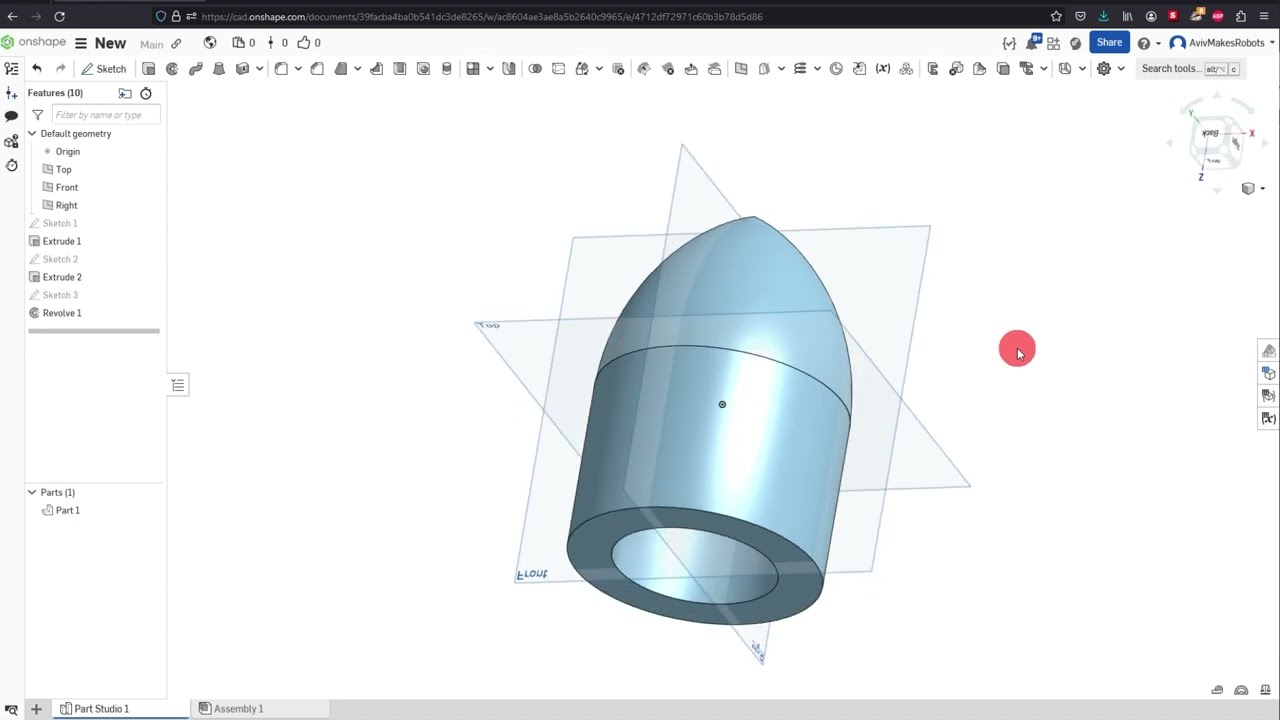
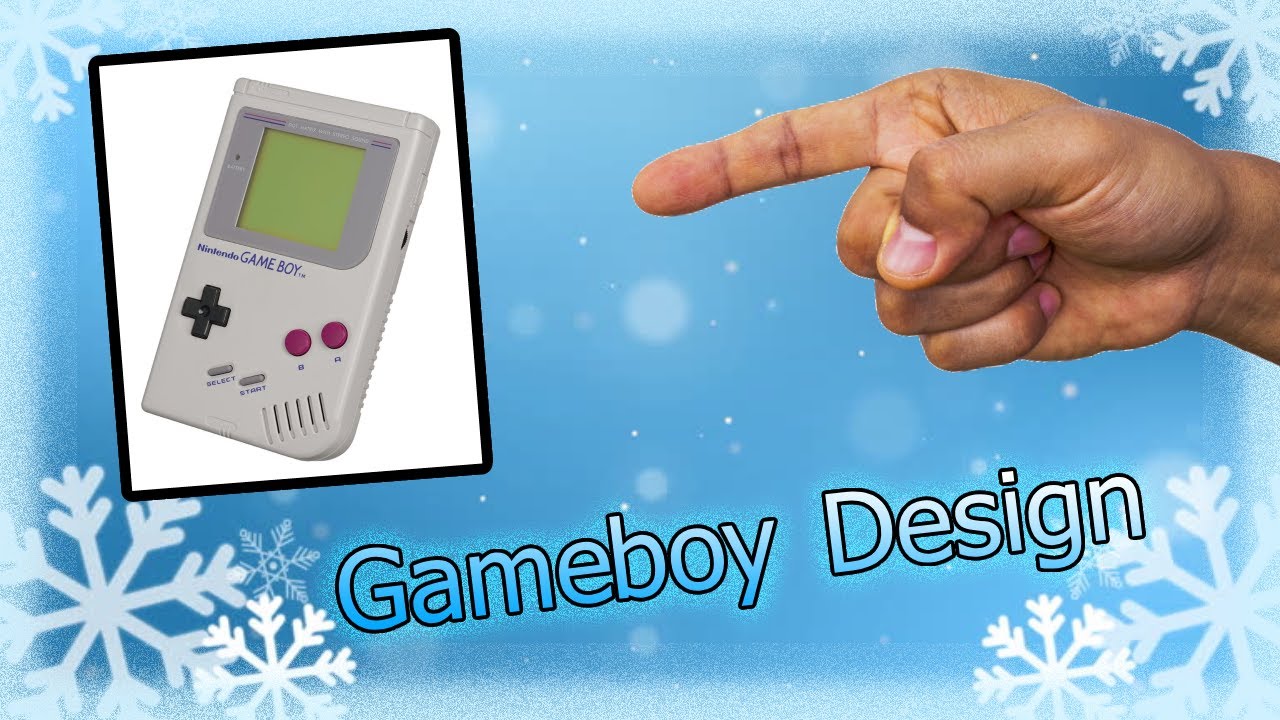
Onshape 10 -- Gameboy Design
Автор: Mr. Santos & STEM
Загружено: 2026-01-15
Просмотров: 25
Hello guys, Mr. Santos here! 👋
In today’s video, you’ll learn how to design a Game Boy–style model in Onshape using clean sketches, constraints, fillets, and smart extrusions.
⚠️ Note: This is a simple, non-functional model — no working buttons or screen.
Perfect for a keychain, desk decoration, or small gift, and an excellent project to practice real CAD workflows. 🖨️✨
📌 IN THIS VIDEO, YOU WILL LEARN HOW TO:
🔹 Set up your workspace (View Normal, hide planes, fit view)
🔹 Create the main body using Center Point Rectangle
🔹 Adjust dimensions for a sleek, balanced design
🔹 Extrude the body to your preferred thickness
🔹 Add buttons, D-pad, screen, and labels using sketches
🔹 Use constraints (Parallel, Equal) for symmetry
🔹 Find tools quickly with Search Tools (Slot tool)
🔹 Create slots for speaker/details
🔹 Add and rotate text using Transform → Rotate
🔹 Keep text consistent with Equal constraints
🔹 Round corners with Sketch Fillet
🔹 Extrude features at different heights for depth
🔹 Create a clean screen border using Copy, Scale, and Offset
🔹 Apply Fillets to buttons, screen, border, and body edges
🧠 DESIGN TIP
Simple models teach powerful lessons.
Focus on balance, spacing, symmetry, and consistency — these fundamentals make any design look professional. ⚙️📐
🛠️ TOOLS USED IN THIS PROJECT
• Sketch
• Center Point Rectangle
• Dimension Tool
• Constraints (Parallel, Equal)
• Slot Tool
• Text Tool + Transform (Rotate)
• Sketch Fillet
• Extrude (multiple heights)
• Offset
• Fillet (feature)
• View Controls (N, P, F shortcuts)
🎯 PERFECT FOR:
✅ Students learning Onshape
✅ Beginners in CAD design
✅ STEM & Engineering classes
✅ 3D printing practice projects
✅ Custom keychains & gifts
🎨 CUSTOMIZE IT YOUR WAY
Change the size, thickness, colors, labels, or layout in your slicer to make it unique. This model is a foundation — your creativity does the rest! 🚀
👍 ENJOYED THE VIDEO?
✔ Like the video
✔ Subscribe for more Onshape & STEM tutorials
✔ Share with friends or family who want to learn 3D design
✔ Turn on notifications 🔔 for upcoming projects
Thanks for watching — see you next time. God bless you! 👨🏫🎮
#️⃣ HASHTAGS
#Onshape #GameBoyDesign #CADTutorial #3DPrinting #STEMEducation #MrSantosSTEM #LearnCAD #KeychainDesign
Доступные форматы для скачивания:
Скачать видео mp4
-
Информация по загрузке: