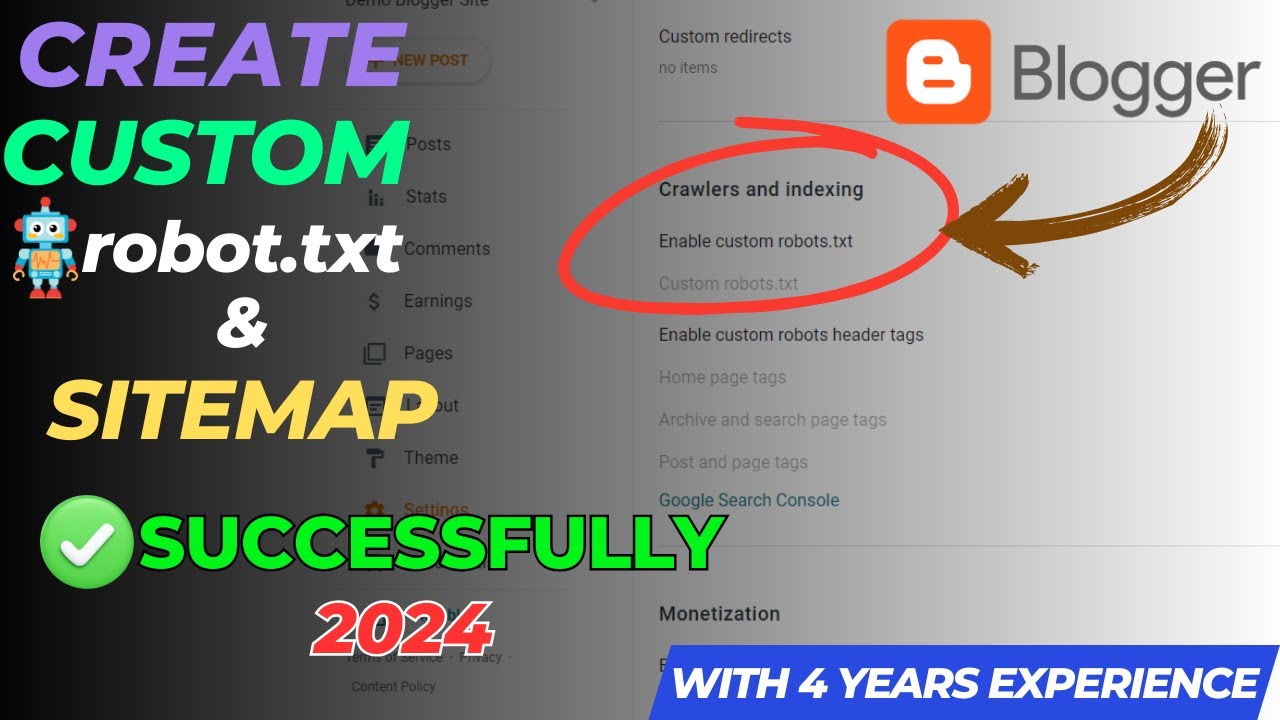
How to Create Custom robots.txt blogger 2024 | Create Sitemap for blogger 2024
Автор: Achieve with Abdullah
Загружено: 2023-09-26
Просмотров: 680
How to Create Custom robots.txt blogger 2024 | Create Sitemap for blogger 2024 | Custom Robots.txt Blogger 2024
Welcome to our channel! In this video, we'll delve deep into the world of Robots.txt and its significance for bloggers in 2023.
WhatsApp Group: https://chat.whatsapp.com/ExOb5HQ7I5D...
Telegram Channel: https://t.me/AchieveWith
What is Robots.txt?
Robots.txt is a vital text file that resides in your website's root directory, serving as a guiding beacon for search engine crawlers. It tells these digital scouts, such as Googlebot and Bingbot, which parts of your site to explore and which to steer clear of. Think of it as your conversation with search engines, ensuring your website gets indexed optimally.
How Does Robots.txt Work?
When search engine bots come knocking on your website's virtual door, they seek out your robots.txt file. By adhering to its directives, bloggers gain the power to influence what these bots can or cannot index. This influence, in turn, shapes your website's position in search engine rankings.
Importance of Robots.txt for Bloggers
For bloggers, a finely-tuned robots.txt file can be a game-changer. It keeps sensitive or irrelevant content hidden from search engine indexes, giving prominence to your most valuable pages. Moreover, it conserves server resources, enhancing your site's performance through controlled crawling.
Creating a Custom Robots.txt File
To craft a tailored robots.txt file for your Blogger platform, follow these precise steps:
Step 1: Identifying User-Agents
Begin by identifying the user-agents, which represent the search engine bots you want to address. Popular user-agents include "Googlebot" for Google and "Bingbot" for Bing. You can find a comprehensive list on official search engine websites.
Step 2: Defining Rules for Crawling
Next, carve out your rules for crawling. Decide what content gets the green light for indexing and what remains off-limits. For instance, if certain directories house private data, it's wise to disallow them from crawling.
Step 3: Allowing or Disallowing Web Pages
Harness the "Allow" and "Disallow" commands to dictate which pages or directories are open for indexing and which remain locked. For a broad allowance of your entire blog, simply use "Allow: /".
Step 4: Handling Sitemaps
If you have a sitemap for your blog, this is where you specify its location within the robots.txt file. It streamlines the bot's journey, making content discovery more efficient.
Step 5: Advanced Settings
For those seeking advanced configurations, robots.txt provides options like crawl delays or access to specific files. These settings should be approached with caution, as they wield the power to impact how search engines navigate and index your content.
................................................................
What is a Sitemap?
A sitemap is like a GPS for search engines. It's a structured file that lays out the blueprint of your website's content organization. Think of it as a roadmap that guides search engine crawlers to every nook and cranny of your blog.
Why is a Custom Sitemap Important?
While Blogger automatically generates a basic sitemap for your blog, crafting a custom sitemap offers you more control. You get to decide which pages should be indexed and how frequently they're crawled.
Steps to Create a Custom Sitemap for Blogger
Step 1: Understand Sitemap Formats
Sitemaps come in two flavors: XML and HTML. XML is the preferred format for search engines, and luckily, Blogger automatically generates an XML sitemap for you. Access it by adding "/sitemap.xml" to your blog's URL.
Step 2: Verify Sitemap Availability
Before diving into creating your custom sitemap, make sure Blogger's default sitemap is active and accessible. Simply enter your blog's URL followed by "/sitemap.xml" in your browser to verify its presence.
Step 3: Identify Pages to Include
Decide which pages should be part of your custom sitemap. Typically, this includes all your blog posts and essential pages like the homepage, About, and Contact.
Step 4: Create the Custom Sitemap XML File
Using a text editor or an XML sitemap generator tool, craft your custom sitemap XML file. You can also add optional parameters like the last modified date, change frequency, and priority for each page.
Step 5: Upload the Custom Sitemap
Save your custom sitemap XML file as "sitemap_custom.xml" and upload it to the root directory of your Blogger platform.
Step 6: Register the Custom Sitemap
To let search engines know about your custom sitemap, log in to your Google Search Console (formerly known as Google Webmaster Tools). Add your blog's URL property if you haven't already, and then submit the URL of your custom sitemap.
Доступные форматы для скачивания:
Скачать видео mp4
-
Информация по загрузке:


