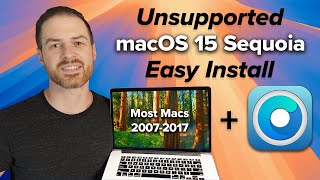
Don't Buy a New Mac Yet—Install Sequoia This Way
Автор: Russell Carson
Загружено: 2025-12-07
Просмотров: 282
Learn how to create a macOS Sequoia installer on a USB drive with this step-by-step guide. macOS Sequoia is the latest operating system from Apple, offering a range of new features and improvements. To install macOS Sequoia on your Mac, you'll need to create a bootable USB installer. This video will walk you through the process of preparing your USB drive and creating a macOS Sequoia installer, allowing you to easily install the new operating system on your Mac. With this guide, you'll be able to create a bootable USB installer and get started with macOS Sequoia right away. Whether you're looking to upgrade from an older version of macOS or install macOS Sequoia on a new Mac, this video has got you covered. Follow along with our easy-to-follow instructions and get ready to experience the latest and greatest from Apple.
⚠️ DISCLAIMER: This video is for educational purposes only. Installing macOS on unsupported hardware involves modifying system files and carries risks. I am not responsible for any data loss, hardware damage, or issues that may arise from following this guide. Always back up your data before attempting any upgrade. This process is not officially supported by Apple.

Доступные форматы для скачивания:
Скачать видео mp4
-
Информация по загрузке:

![4 QUICK WAYS TO GET macOS SEQUOIA [Unsupported Macs Guide]](https://ricktube.ru/thumbnail/sVJ1aoAkLWo/mqdefault.jpg)