How to Upload an Image from React-Native (Expo) to a PHP Laravel Server
Автор: vlogize
Загружено: 2025-10-04
Просмотров: 9
A complete guide on uploading images from a React-Native Expo app to a PHP Laravel server using base64 encoding. Get step-by-step instructions and code examples!
---
This video is based on the question https://stackoverflow.com/q/63792316/ asked by the user '0day.1337' ( https://stackoverflow.com/u/10066070/ ) and on the answer https://stackoverflow.com/a/63794360/ provided by the user 'red' ( https://stackoverflow.com/u/11368483/ ) at 'Stack Overflow' website. Thanks to these great users and Stackexchange community for their contributions.
Visit these links for original content and any more details, such as alternate solutions, latest updates/developments on topic, comments, revision history etc. For example, the original title of the Question was: Upload a file from react-native (expo) project to a php server (laravel)
Also, Content (except music) licensed under CC BY-SA https://meta.stackexchange.com/help/l...
The original Question post is licensed under the 'CC BY-SA 4.0' ( https://creativecommons.org/licenses/... ) license, and the original Answer post is licensed under the 'CC BY-SA 4.0' ( https://creativecommons.org/licenses/... ) license.
If anything seems off to you, please feel free to write me at vlogize [AT] gmail [DOT] com.
---
How to Upload an Image from React-Native (Expo) to a PHP Laravel Server
Are you struggling to upload images from your React-Native app built on Expo to a PHP Laravel server? You’re not alone. Many developers, like yourself, face challenges when trying to send files, especially images, from their mobile applications. In this guide, we’ll break down the solution for successfully uploading an image using ImagePicker in a React-Native Expo project and decoding it on a Laravel server.
Understanding the Challenge
The common difficulties include:
File Compatibility: Files may not be recognized by the server when using libraries like Axios or Fetch.
Data Format Issues: Sending images often require special handling, especially when transitioning between formats.
Server-Side Decoding: Your server needs to correctly interpret the data sent from the client.
In this post, we’ll show you how to avoid these pitfalls using base64 encoding for seamless file uploads.
The Solution
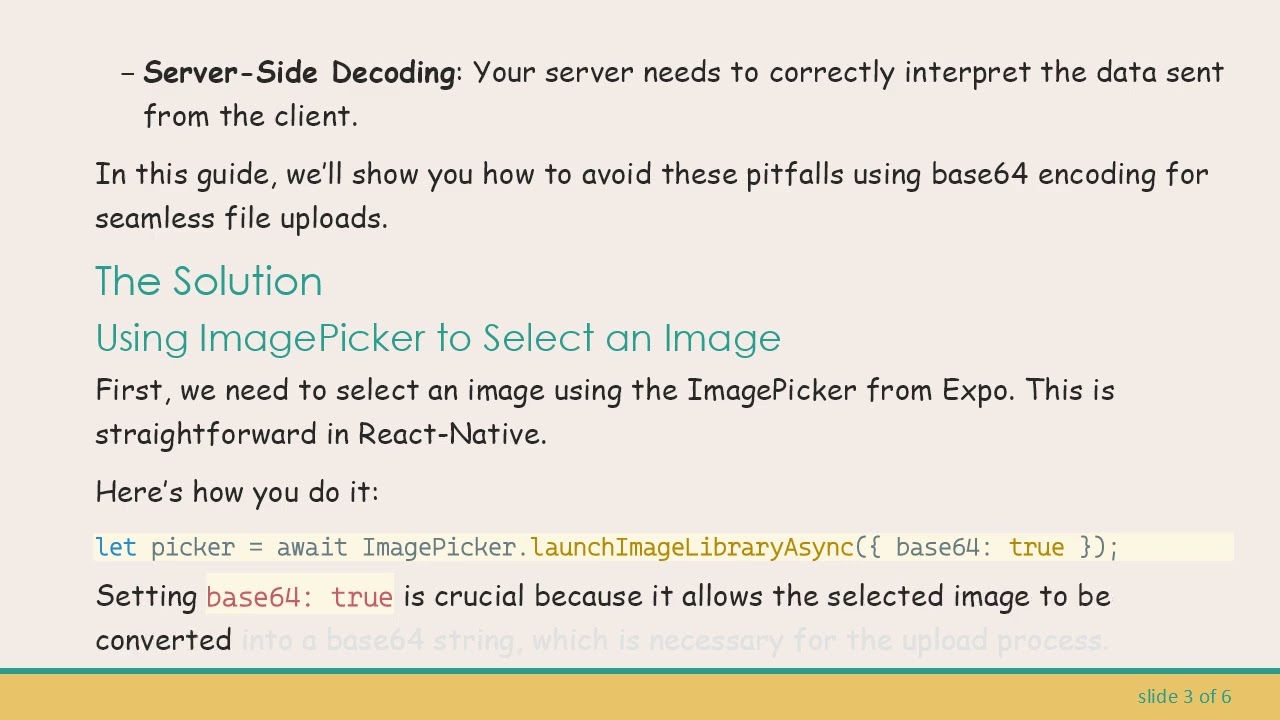
Using ImagePicker to Select an Image
First, we need to select an image using the ImagePicker from Expo. This is straightforward in React-Native.
Here’s how you do it:
[[See Video to Reveal this Text or Code Snippet]]
Setting base64: true is crucial because it allows the selected image to be converted into a base64 string, which is necessary for the upload process.
Sending the Image to the PHP Server
Once you’ve selected an image and obtained its base64 representation, the next step is to send this data to your PHP server. Instead of using multipart/form-data, you can append the base64 string directly into a JSON object.
Here’s an example of how to format your request:
[[See Video to Reveal this Text or Code Snippet]]
Handling the Image on the PHP Server
On your Laravel server, you need to decode the base64 string and save it as a file. Here’s how you can do that using PHP:
[[See Video to Reveal this Text or Code Snippet]]
Key Points to Remember
Always validate and sanitize inputs on the server to prevent security vulnerabilities.
Handle errors gracefully both on the client-side and server-side to improve user experience.
Be mindful of file size when dealing with images; large files can lead to performance issues.
Conclusion
By leveraging base64 encoding, you can bypass many common upload issues faced when transferring files from a React-Native (Expo) app to a PHP Laravel server. This method is effective if you stick to the necessary steps outlined above.
With this approach, you can now successfully upload images and take your project to the next level! If you have further questions or solutions of your own, feel free to share them in the comments below. Happy coding!
Доступные форматы для скачивания:
Скачать видео mp4
-
Информация по загрузке: