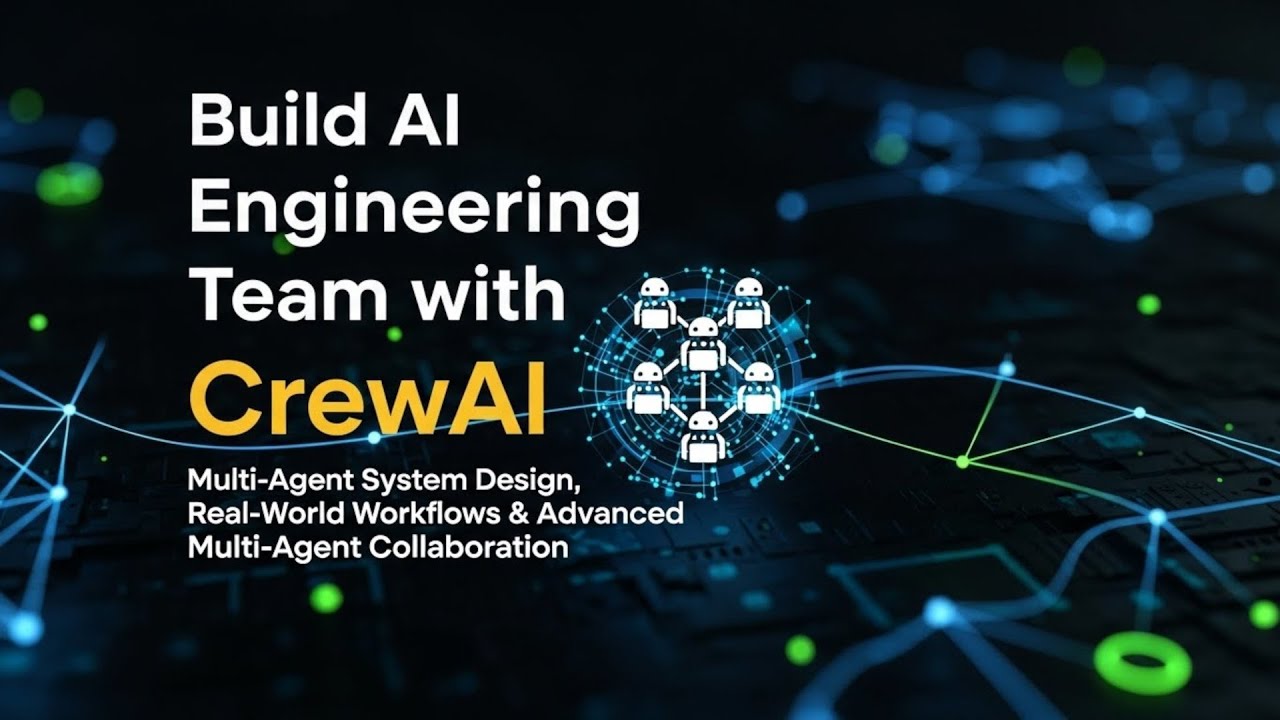
Ep6 Build an AI Engineering Team with CrewAI | Multi-Agent System in Python
Автор: Play Own Ai
Загружено: 2026-01-17
Просмотров: 25
Build a real-world AI Engineering Team using CrewAI
In this tutorial, you’ll learn how to design and run a multi-agent AI system that mirrors a real software engineering workflow — from architecture design to backend development, frontend UI, and automated testing.
We’ll create an EngineeringTeam using CrewAI where each AI agent has a clearly defined role:
Engineering Lead
Backend Engineer
Frontend Engineer (Gradio UI)
QA Test Engineer
This is a zero-to-production workflow showing how multiple LLM-powered agents collaborate to build a complete Python application — fully automated.
If you want to master CrewAI multi-agent system design, this video is for you.
🧠 What You’ll Learn
How CrewAI multi-agent systems work
Designing AI agents with real engineering roles
Automating system design, coding, UI creation, and testing
YAML-based agent & task orchestration
Running CrewAI locally with multiple LLM providers
Building an end-to-end AI engineering pipeline
🛠 Tech Stack Used
CrewAI
Python
Gradio (Frontend UI)
OpenAI / Anthropic / Google GenAI
LiteLLM
UV package manager
🔗 Source Code & Video
📂 Code Repository
👉 [https://github.com/matinict/MyCrewAi/...](https://github.com/matinict/MyCrewAi/...)
🎥 Video Link
👉 [ • Ep6 Build an AI Engineering Team with Crew... ]( • Ep6 Build an AI Engineering Team with Crew... )
⏱ Chapters (12-Min Video)
00:00 – Intro
Welcome to PlayOwnAI & overview of the AI Engineering Team
00:30 – What We’re Building
Real-world AI engineering workflow using CrewAI
01:15 – Engineering Team Roles Explained
Engineering Lead, Backend Engineer, Frontend Engineer, QA Engineer
02:10 – Creating a CrewAI Project
Using `crewai create crew EngineeringTeam`
03:20 – Project Structure Overview
Folders, configs, and outputs
04:10 – Environment Variables Setup
Setting API keys with `.env`
05:10 – Agents Configuration (agents.yaml)
Roles, goals, backstories, and LLM selection
06:30 – Task Pipeline (tasks.yaml)
Design → Code → Frontend → Tests
07:50 – EngineeringTeam Crew Class
How agents and tasks are orchestrated
09:00 – Running the AI Engineering Pipeline
Installing dependencies & running `crewai run`
10:20 – Output Review
Backend code, Gradio UI, and unit tests
11:20 – Final Thoughts & Use Cases
Extending this system for real-world products
🔥 Why This Matters
This tutorial demonstrates how AI agents can collaborate like a real engineering team, dramatically speeding up development while maintaining structure and quality.
Perfect for:
AI Engineers
Automation Builders
Startup Founders
CrewAI Learners
Multi-Agent System Designers
👍 If you found this helpful, like, subscribe, and turn on notifications for more advanced AI engineering content from PlayOwnAI.
🔍 SEO Keywords
CrewAI tutorial, AI engineering team, multi-agent AI system, CrewAI Python, AI automation workflow, Gradio UI, LLM agents, PlayOwnAI, AI software development
Доступные форматы для скачивания:
Скачать видео mp4
-
Информация по загрузке: