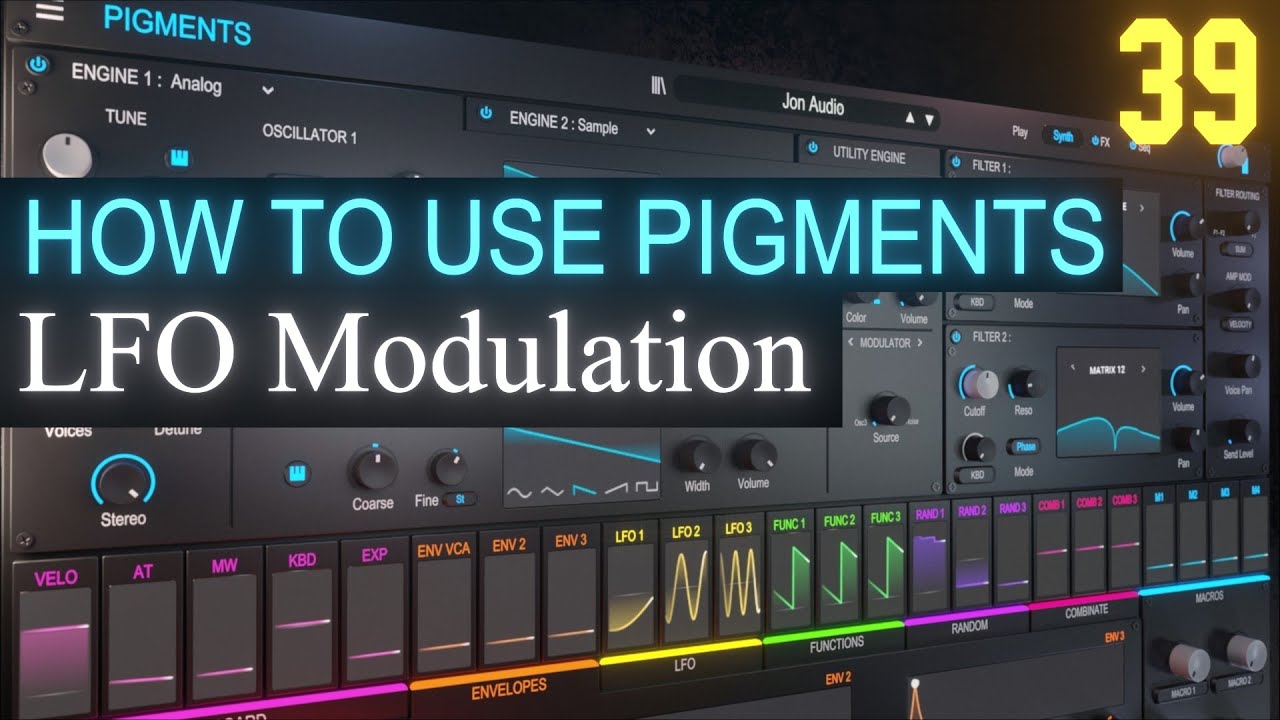
Combinate Modulation PART 42 | Arturia Pigments 4 Tutorial
Автор: Jon Audio
Загружено: 2023-01-26
Просмотров: 2544
This is part fourty-two of the tutorial series 'How to use Arturia Pigments 4'.
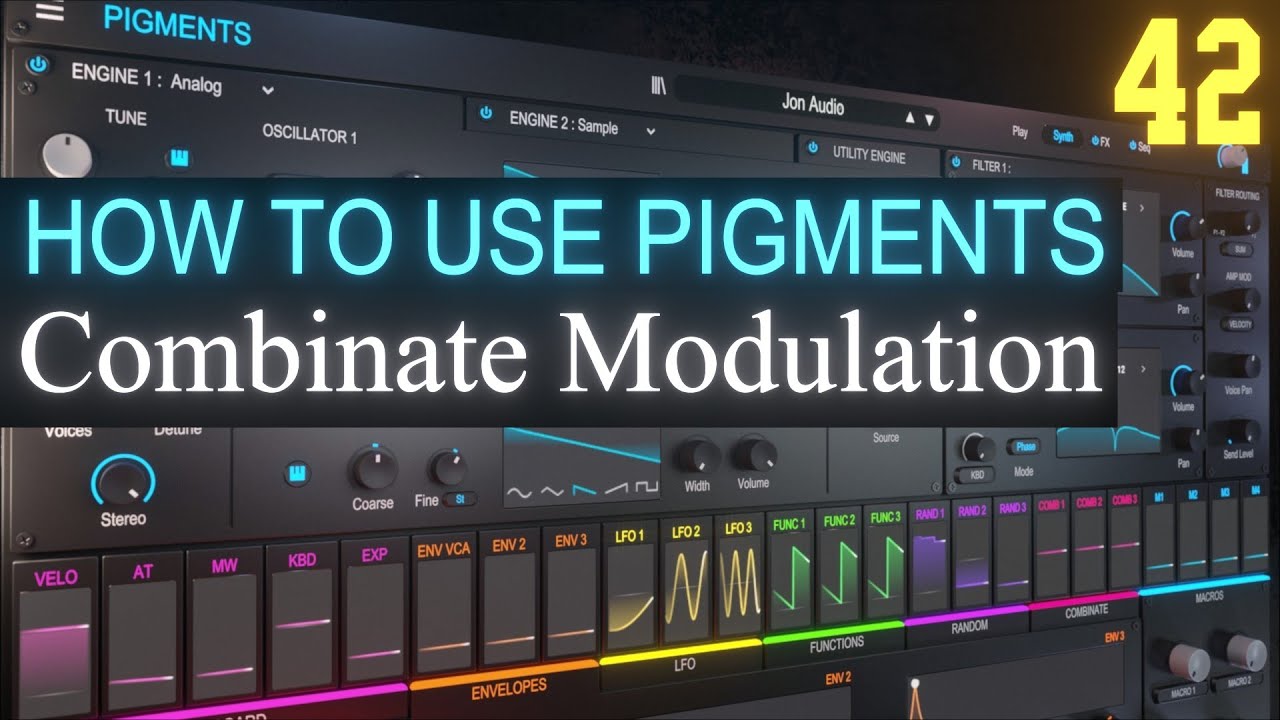
In this video we discuss and learn how to use the Combinate Tab.
The Combinate Tab is by far the most intimidating modulation tab inside pigments, but don't let that deter you from using it. Lots of different modulation shapes can be made with the combinate tab.
Think of it at the combination tab, where one or two different modulation sources are combined into a new shape. What would a slow sine wave LFO look like, if it was combined with a fast sawtooth LFO?
From the manual:
"Here are some details to keep in mind about the Lag process:
When input is received from a source and the Amount value is 0.00, all changes
of the input are instant.
• If the Amount value is 0.500 (50%) it takes 500ms to reach 99% of the source’s
amplitude.
• If the Amount value is 1.00 (100%) it takes 5 seconds to reach 99% of the
source’s amplitude.
Sum = Source + (Mod * Amount)
Diff = Source - (Mod * Amount)
Multiply = Source * Mod * Amount + Source * (1 - Amount)
Divide = Source / (Amount + Mod)
Crossfade = Amount crossfades Source and Mod
Lag = Source is LP filtered; Amount is the filter amount
Threshold = Source if greater than threshold, otherwise = threshold
Offset = Offsets Source by Amount
Remap = Remaps source to output through a function table."
If you enjoyed the video, give it a thumbs up and leave a comment!
Thank you for watching!
If you would like to support the channel so I can continue producing content, please consider picking up a preset pack, click the Super Thanks button below the video, or use any of my affiliate links below to get some new software.
Preset Packs:
https://jonaudio.gumroad.com/
Discord Server:
/ discord
Buy Me A Coffee:
https://www.buymeacoffee.com/jonaudio
AFFILIATE LINKS:
My favorite vst plugins:
Synths:
Arturia Pigments 4
https://www.adsrsounds.com/product/so...
Arturia V Collection 9
https://www.adsrsounds.com/product/so...
u-he Diva:
https://www.adsrsounds.com/product/so...
u-he Hive 2:
https://www.adsrsounds.com/product/so...
Effects:
Arturia FX Collection 3
https://www.adsrsounds.com/product/so...
Anything else on ADSR:
http://www.adsrsounds.com/#a_aid=JonA...
This channel focuses on Sound Design with synthesizers using the music software FL Studio from Image-Line and various Pro Musician Equipment targeting various genres of Electronic Dance Music (EDM) as well as Ambient Sound Scapes and effects.
Take a look in the playlist section of the channel to find detailed tutorials on other various synthesizers such as: u-he Diva, u-he Zebra Arturia Pigments 4, UVI Falcon, Kilohearts Phase Plant, Harmor, Sytrus, Toxic Biohazard, xfer Serum, Vital, Poizone, Harmless, Sawer, 3xOSC, GMS, as well as general music, mixing, mastering and workflow tutorials.
DISCLAIMER: I will receive a commission on any sales from my affiliate links above that will help keep the channel going.
Доступные форматы для скачивания:
Скачать видео mp4
-
Информация по загрузке:






![Анонс обновления Logic Pro 12 [Logic Pro Help]](https://imager.clipsaver.ru/oMBNsWsvKfw/max.jpg)